Python Programming - Project B para PC
Krisht Tech.
Descarga Python Programming - Project B en PC con GameLoop Emulator
Python Programming - Project B en PC
Python Programming - Project B, proveniente del desarrollador Krisht Tech., se ejecuta en el sistema Android en el pasado.
Ahora, puedes jugar Python Programming - Project B en PC con GameLoop sin problemas.
Descárgalo en la biblioteca de GameLoop o en los resultados de búsqueda. No más mirar la batería o llamadas frustrantes en el momento equivocado nunca más.
Simplemente disfrute de Python Programming - Project B PC en la pantalla grande de forma gratuita!
Python Programming - Project B Introducción
I designed this Python programming App to be easily understood by absolute beginners and young people. We start with basic Python programming concepts.
Reinforce the same by developing games, graphics and GUIs. And finally we will develop a practical temperature converter app using Python.
How Can You Use Python?
Once you gain a basic knowledge of Python through this course, you can explore a diverse range of programming specialties:
- Build Desktop/Laptop GUIs
- Design Exciting and Immersive Games
- Develop Websites and Apps
- Analyze Scientific and Statistical Data
- Create Educational Software
- Access and Organize Databases
- Manage Networks
You Can Start Right Away, Without Prior Programming Experience
Detailed instructions have been provided with regards to Python installation and getting started with Microsoft Visual Code, a powerful programming IDLE that will be a valuable tool for your programming journey. Hands-on coding instructions have been provided in the lecture videos to enable you to follow along.
Additionally, working code examples have been provided for you to try and modify. Each video will teach you a new practical programming concept that you can apply in real time and quizzes will reinforce your learning.
Python Programming.
- Anyone who wants to learn to code
- People wanting to program in Python
- People interested in building games and GUIs
- Anyone looking to start with Python GUI development
- Programming beginners and children who want to create practical applications
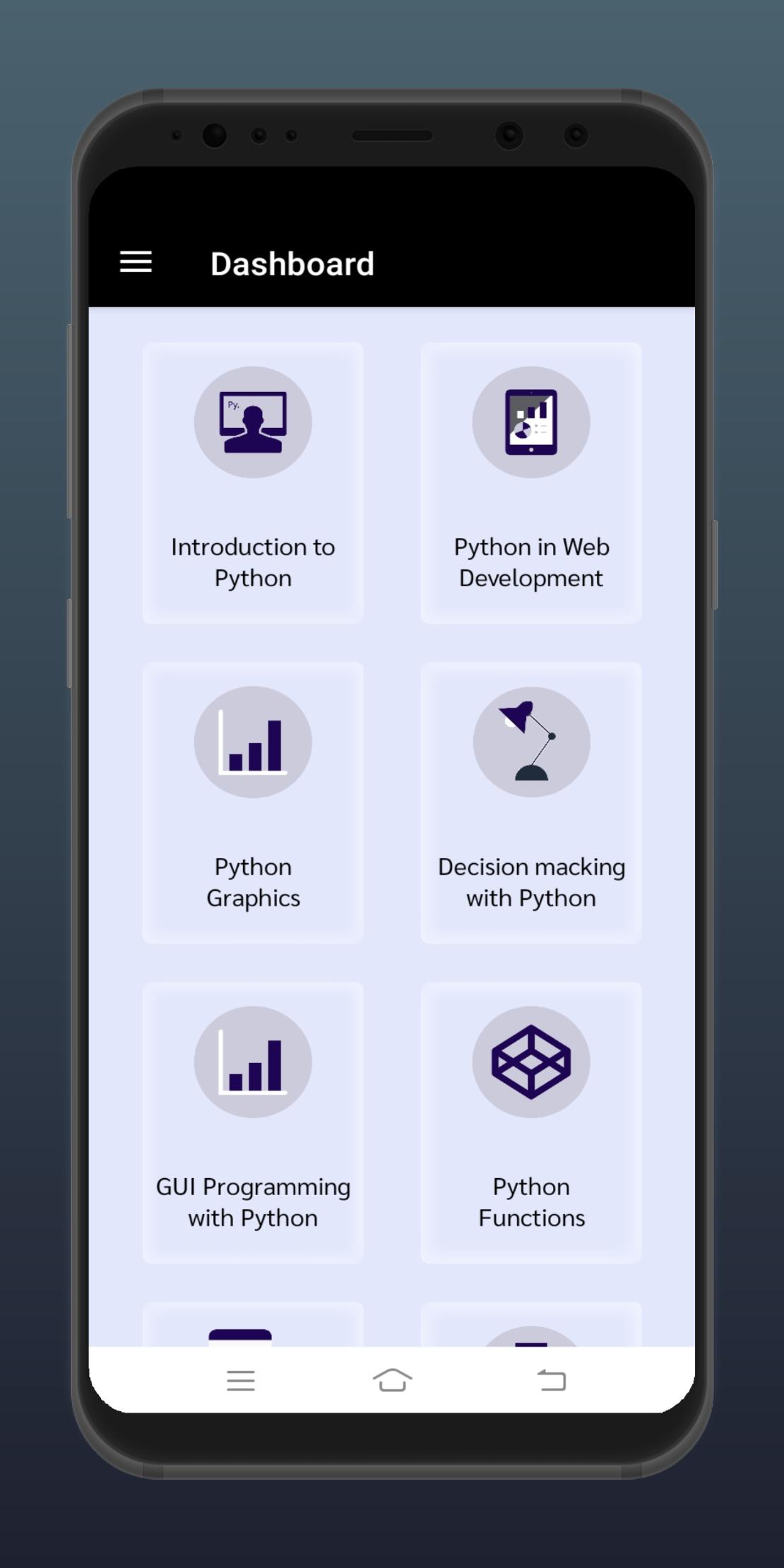
Python Programming Application Include Categories :-
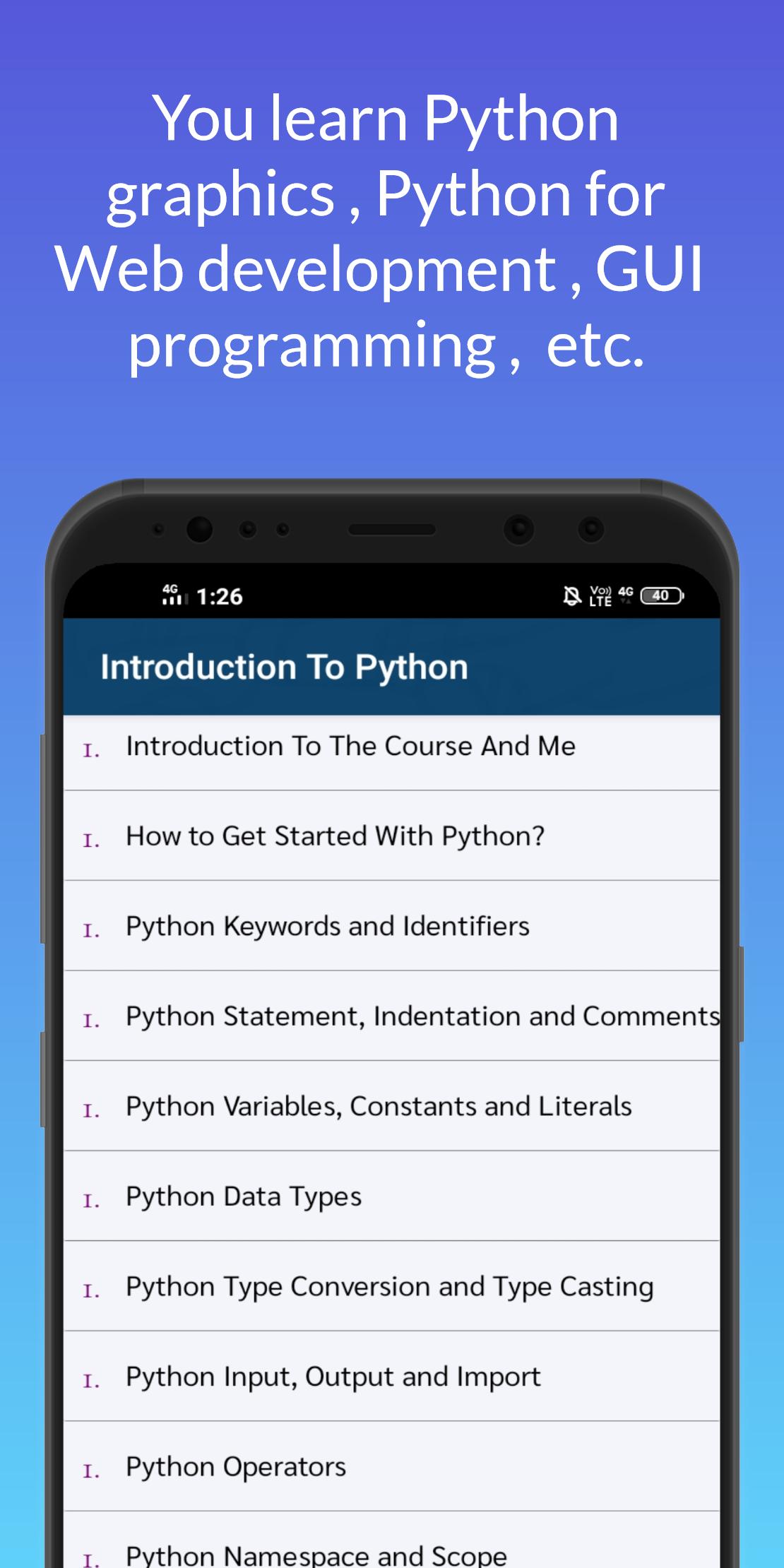
Introduction To Python.
- Introduction To The Course And Me
- Scripts Used In The Course
- Python Installation For Windows
- Python Installation For Other OS
- Online Python IDLE
- Hello World In Python
- Python Coding With Visual Studio
- Some Common Python Terms
What Is Python Used For In Web Development
- Basic Arithmetic In Python
- Welcome To The World Of Data Types
- Random Number Generation
- Working With Strings
- Defining Functions In Python-Basic
Python Graphics.
- Working With Graphics In Python
- Draw A Square
- The Idea Behind Angles
- Draw A Rectangle Using Loops
- Create A Rectangle Function
- Draw An Equilateral Triangle
- Draw An Equilateral Triangle With Loops
- Code An Irregular Shape: Start A Snowflakes
- Snowflakes
Decision Making With Python.
- If-Else Loops
- Else In If-Else Loops
- While Loops
- For Loops
- More On Loops
- Nested For Loop
- Build A Number Guessing Game-Advanced
GUI Programming With Python.
- What Is A GUI
- Start With GUIs In Python
- Create A Simple Button With Tkinter
- Add Functionality To the Button
- The Tkinter Grid
- Common Tkinter GUI Widgets
- Simple Expression Evaluator
- Start With The Temperature Conversion App
App Features :-
its Completely Free.
Easy To Understand.
Very Small Size App.
Avance
Etiquetas
EducaciónInformación
Desarrollador
Krisht Tech.
La última versión
2.23
Última actualización
2022-04-13
Categoría
Educación
Disponible en
Google Play
Mostrar más
Cómo jugar Python Programming - Project B con GameLoop en PC
1. Descargue GameLoop desde el sitio web oficial, luego ejecute el archivo exe para instalar GameLoop.
2. Abra GameLoop y busque "Python Programming - Project B", busque Python Programming - Project B en los resultados de búsqueda y haga clic en "Instalar".
3. Disfruta jugando Python Programming - Project B en GameLoop.
Minimum requirements
OS
Windows 8.1 64-bit or Windows 10 64-bit
GPU
GTX 1050
CPU
i3-8300
Memory
8GB RAM
Storage
1GB available space
Recommended requirements
OS
Windows 8.1 64-bit or Windows 10 64-bit
GPU
GTX 1050
CPU
i3-9320
Memory
16GB RAM
Storage
1GB available space