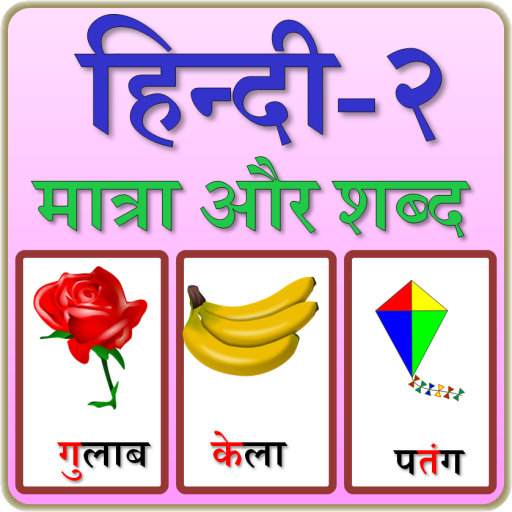
Hindi Matra and writing para PC
Genius Games
Descarga Hindi Matra and writing en PC con GameLoop Emulator
Hindi Matra and writing en PC
Hindi Matra and writing, proveniente del desarrollador Genius Games, se ejecuta en el sistema Android en el pasado.
Ahora, puedes jugar Hindi Matra and writing en PC con GameLoop sin problemas.
Descárgalo en la biblioteca de GameLoop o en los resultados de búsqueda. No más mirar la batería o llamadas frustrantes en el momento equivocado nunca más.
Simplemente disfrute de Hindi Matra and writing PC en la pantalla grande de forma gratuita!
Hindi Matra and writing Introducción
Hindi is an Indo-Aryan language spoken all over India.
This contains the introduction to Vowels (Swar) and Consonants (Vyanjan). These are just like English alphabets consists of Vowels and Consonants.
In Hindi, the letters is formed with arrangement of Consonants and Vowels. While using combination vowels are shown with signs, these signs (Matra) are placed with Consonant. This formatted combination is known as Barakhadi or Dasakhadi (Vowel chart).
App contains:
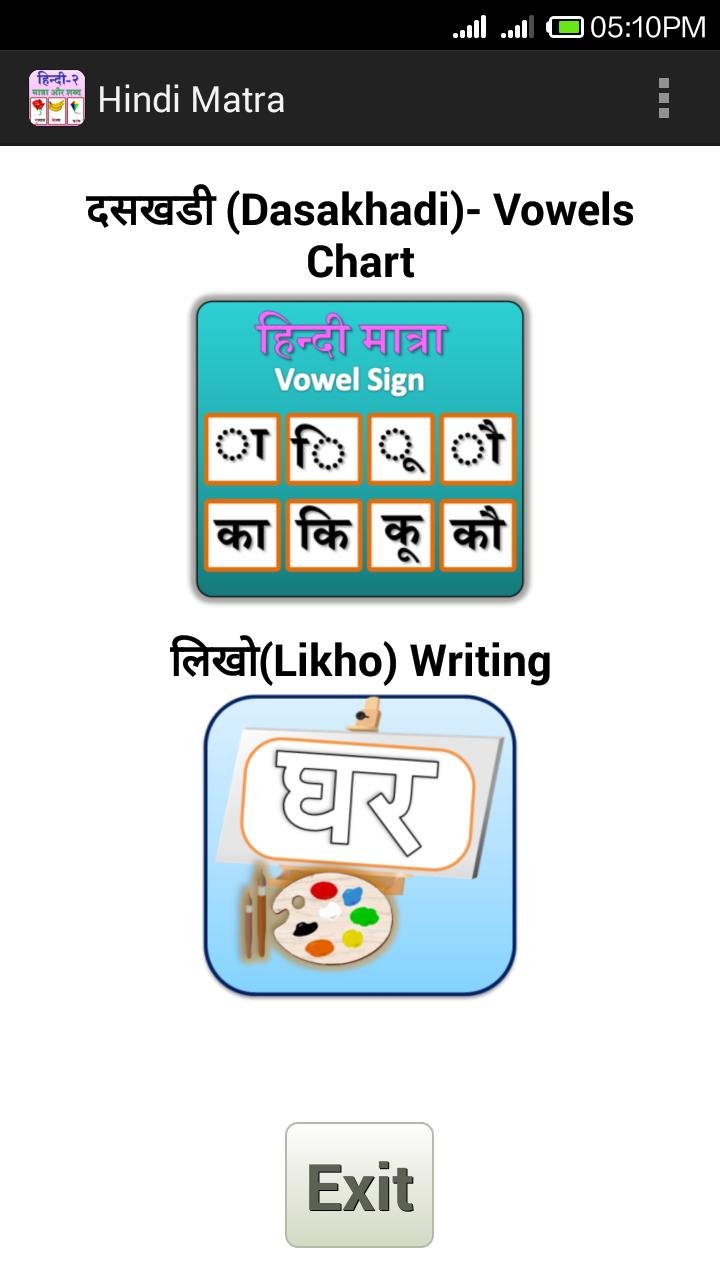
Matra (Vowels sign) chart with Consonants.
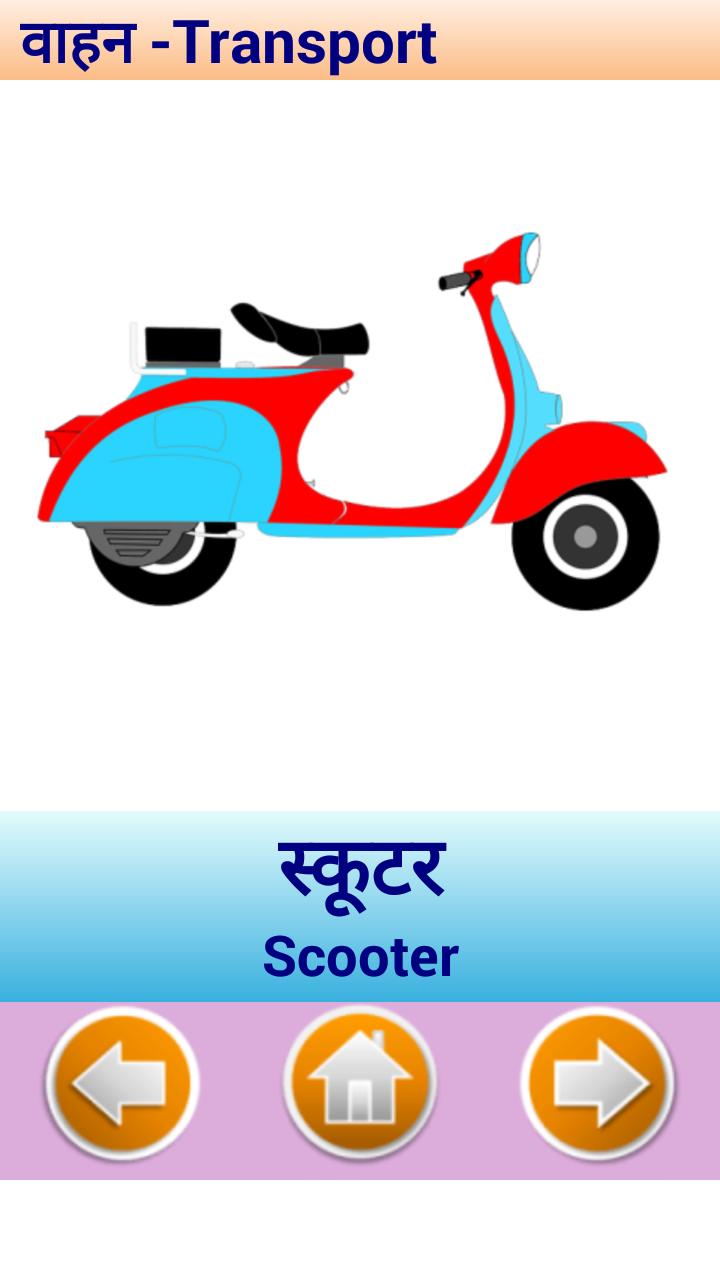
Images are shown with use of words, where letter is displayed with red color.
All Consonants are listed, on clicking on it, it will show with
Consonants and Vowel Signs gives us letter formed.
Practice writing of each vowels within the words. Click of Vowels icon to write word.
Hindi alphabets are complicated to draw, so added writing for each alphabets.
User can change the size as per phone sizes.
You can use different color, brush for painting.
Avance
Etiquetas
EducaciónInformación
Desarrollador
Genius Games
La última versión
2.1
Última actualización
2019-10-21
Categoría
Educación
Disponible en
Google Play
Mostrar más
Cómo jugar Hindi Matra and writing con GameLoop en PC
1. Descargue GameLoop desde el sitio web oficial, luego ejecute el archivo exe para instalar GameLoop.
2. Abra GameLoop y busque "Hindi Matra and writing", busque Hindi Matra and writing en los resultados de búsqueda y haga clic en "Instalar".
3. Disfruta jugando Hindi Matra and writing en GameLoop.
Minimum requirements
OS
Windows 8.1 64-bit or Windows 10 64-bit
GPU
GTX 1050
CPU
i3-8300
Memory
8GB RAM
Storage
1GB available space
Recommended requirements
OS
Windows 8.1 64-bit or Windows 10 64-bit
GPU
GTX 1050
CPU
i3-9320
Memory
16GB RAM
Storage
1GB available space