
Extramarks-Online Teaching App para PC
Extramarks Education
Descarga Extramarks-Online Teaching App en PC con GameLoop Emulator
Extramarks-Online Teaching App en PC
Extramarks-Online Teaching App, proveniente del desarrollador Extramarks Education, se ejecuta en el sistema Android en el pasado.
Ahora, puedes jugar Extramarks-Online Teaching App en PC con GameLoop sin problemas.
Descárgalo en la biblioteca de GameLoop o en los resultados de búsqueda. No más mirar la batería o llamadas frustrantes en el momento equivocado nunca más.
Simplemente disfrute de Extramarks-Online Teaching App PC en la pantalla grande de forma gratuita!
Extramarks-Online Teaching App Introducción
Extramarks Teaching App – Empowering Online Education for Tutors, Schools, and Institutes
Simplify your teaching with the Extramarks Teaching App! - Manage live classrooms, create tests, assign homework, access and share study materials—all in one place. Our content is designed for CBSE, ICSE, and many state boards and is fully aligned with the NEP to ensure the highest education standards. Get FREE access today!
What Makes the Extramarks Teaching App Stand Out:
✔️ FREE for Home Tutors for the First 7 Days
Enjoy complete access to all features for free during the trial period.
.✔️ Comprehensive Content Repository
Gain unlimited access to ready-made 2D and 3D animated content, created by industry experts, designed for CBSE, ICSE, and state boards, for all classes.
✔️ New Education Policy (NEP) Aligned
Our content is fully aligned with the New Education Policy (NEP), ensuring modern, holistic learning for students across various educational boards.
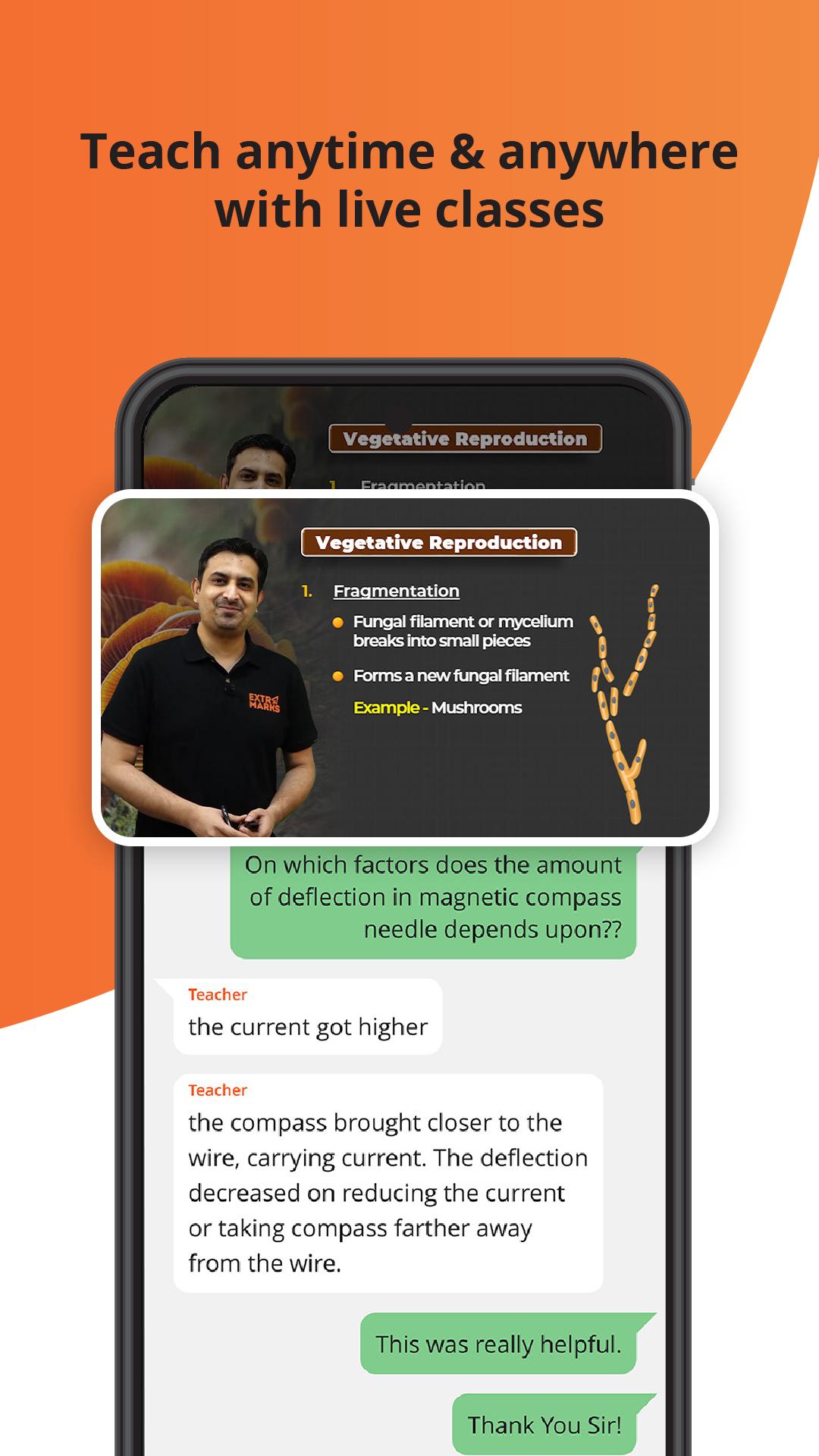
✔️ Conduct Live Classes & Record Lectures
Teach live and record unlimited sessions for your students to access anytime.
✔️ Create and Manage Tests with Ease
Design Mock Tests, Chapter Tests, Surprise Tests, Homework, and more with seamless integration of the Extramarks question bank. Benefit from automated assessments to save time and streamline your evaluation process.
✔️ AI-powered Reporting and Evaluation
Save time with AI-powered automated evaluations and detailed performance reports for both individual students and the entire class.
✔️ Automated Attendance Management
Effortlessly track attendance in real-time during live sessions.
✔️ Share Study Materials & Announcements
Upload important notices, circulars, learnlist, timetables, and events, and share them with your students instantly.
Why Choose the Extramarks Online Teaching App?
🔧 Effortless Sign-Up & Seamless Interface
With an intuitive, easy-to-use interface, signing up and setting up your account is quick and hassle-free.
📖 NEP-Ready Curriculum
Stay up-to-date with a curriculum tailored to the New Education Policy, ensuring you meet the latest educational standards.
💬 Real-Time Two-Way Communication
Engage with students in real-time through live chats, resolve doubts, and foster interactive learning.
📚 Interactive Learning Resources
Leverage our rich library of 2D and 3D animated videos to empower experiential learning, making complex concepts easier and more engaging for students..
🔐 Secure & Ads-Free
Your data is safe with Extramarks. We provide a completely secure and ad-free environment for seamless learning experiences.
Ready to Get Started?
For more information or to contact us:
📞 Customer Support: 1800 102 5301
📧 Email: customersupport@extramarks.com
Avance

Etiquetas
EducaciónInformación
Desarrollador
Extramarks Education
La última versión
1.0.3.5
Última actualización
2024-11-13
Categoría
Educación
Disponible en
Google Play
Mostrar más
Cómo jugar Extramarks-Online Teaching App con GameLoop en PC
1. Descargue GameLoop desde el sitio web oficial, luego ejecute el archivo exe para instalar GameLoop.
2. Abra GameLoop y busque "Extramarks-Online Teaching App", busque Extramarks-Online Teaching App en los resultados de búsqueda y haga clic en "Instalar".
3. Disfruta jugando Extramarks-Online Teaching App en GameLoop.
Minimum requirements
OS
Windows 8.1 64-bit or Windows 10 64-bit
GPU
GTX 1050
CPU
i3-8300
Memory
8GB RAM
Storage
1GB available space
Recommended requirements
OS
Windows 8.1 64-bit or Windows 10 64-bit
GPU
GTX 1050
CPU
i3-9320
Memory
16GB RAM
Storage
1GB available space