
SAFE para PC
Synerg.cse.iitb
Descarga SAFE en PC con GameLoop Emulator
SAFE en PC
SAFE, proveniente del desarrollador Synerg.cse.iitb, se ejecuta en el sistema Android en el pasado.
Ahora, puedes jugar SAFE en PC con GameLoop sin problemas.
Descárgalo en la biblioteca de GameLoop o en los resultados de búsqueda. No más mirar la batería o llamadas frustrantes en el momento equivocado nunca más.
Simplemente disfrute de SAFE PC en la pantalla grande de forma gratuita!
SAFE Introducción
SAFE can transform your exams and classes in several ways:
* Continuous assessment through short quizzes: You can conduct short quizzes, as easy as asking a verbal question in class. These help in instant feedback to the student as well as teacher.
* Easy, paper-free objective exams: Get rid of the hassle of printing and manual evaluation. With SAFE, conducting objective exams is paper-free and cheating-free.
* Check mental presence: Are your students mentally present? Have they grasped what you just taught? With a short SAFE-quiz in the class, get instant feedback; you don't need sophisticated hardware clicker devices!
* Surveys and polls: SAFE eases the conduct of surveys or polls, with configurable anonymity for those answering.
Simple steps to use SAFE:
Authority (teacher) uploads exam on server
Authority shares quiz-id at venue
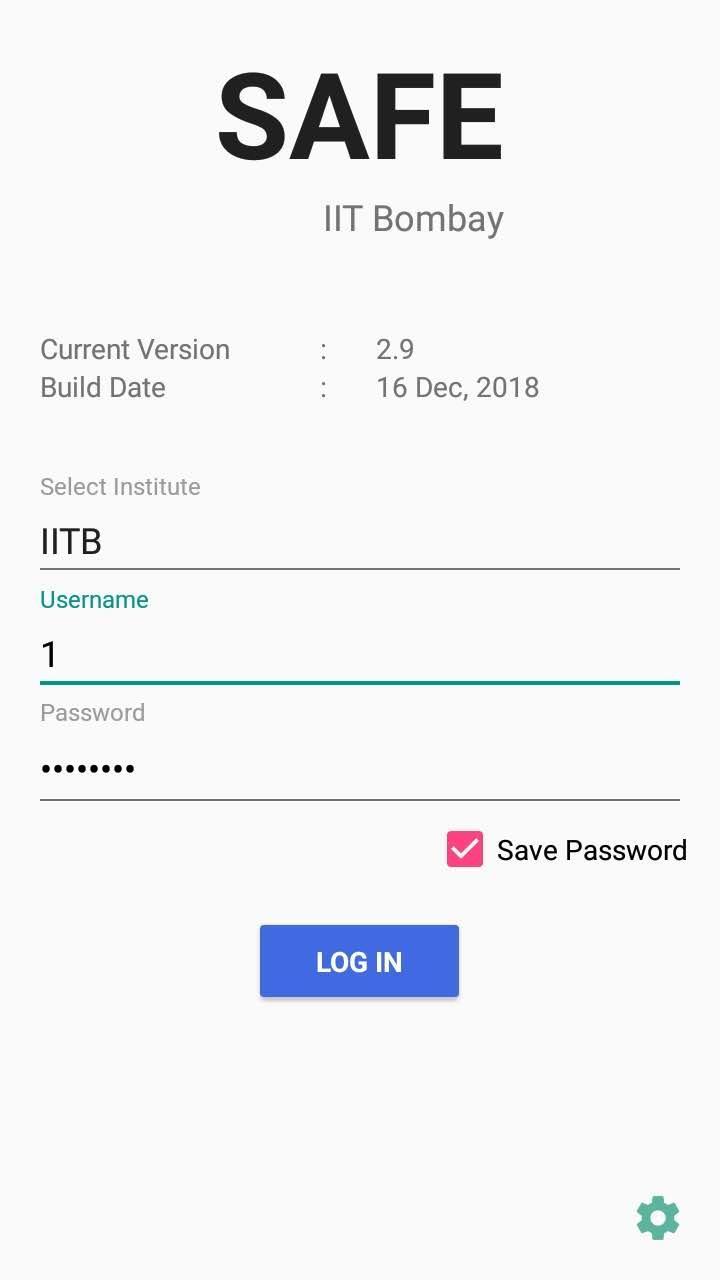
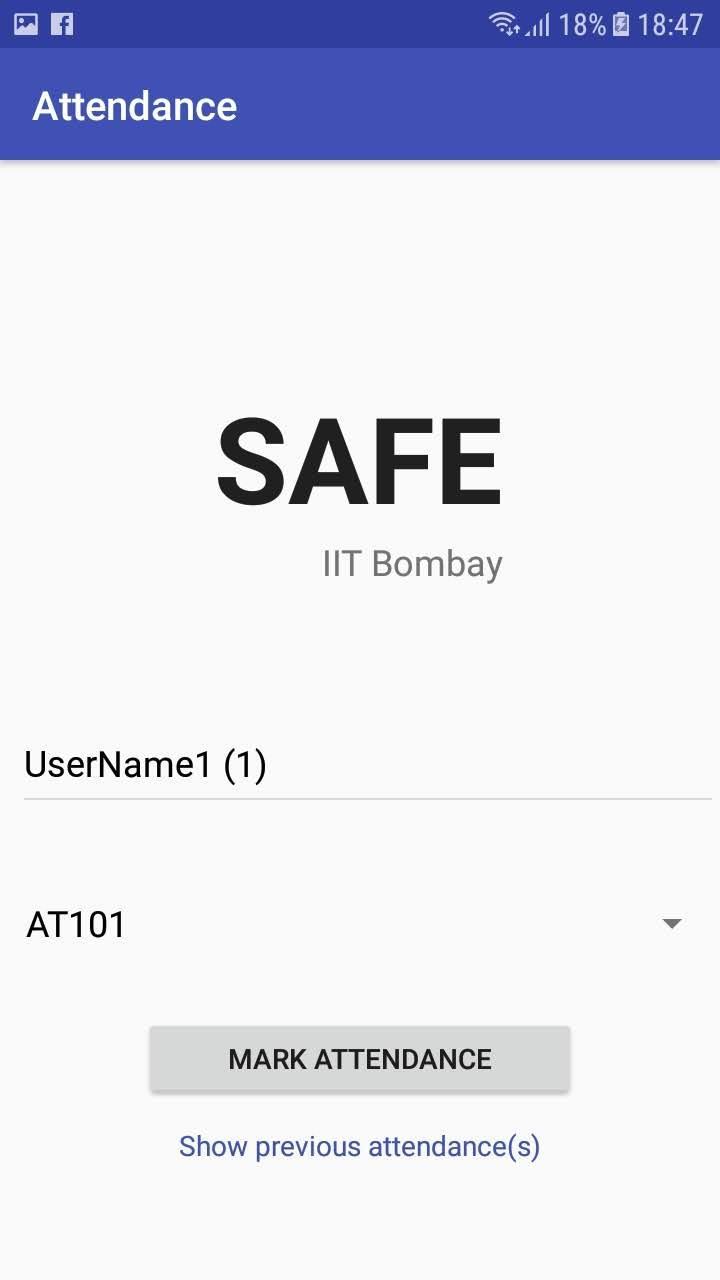
Candidates (students) authenticate through SAFE smart-phone app, download exam
Candidates attempt exam and submit
Instant consolidated mark list, feedback
VpnService Usage Policy:
* We are using VPN service during the quiz or examination in order to create a secure device-level tunnel to our server and disallow any notifications during the examination. This is a feature required for our app’s functionality of secure e-exams.
* We are not collecting any personal and sensitive user data.
* We are not redirecting or manipulating user traffic from other apps on a device for monetization purposes.
Link to the privacy policy: https://safe.cse.iitb.ac.in/privacy_policy.html
Avance
Etiquetas
EducaciónInformación
Desarrollador
Synerg.cse.iitb
La última versión
a3.0.19
Última actualización
2025-08-13
Categoría
Educación
Disponible en
Google Play
Mostrar más
Cómo jugar SAFE con GameLoop en PC
1. Descargue GameLoop desde el sitio web oficial, luego ejecute el archivo exe para instalar GameLoop.
2. Abra GameLoop y busque "SAFE", busque SAFE en los resultados de búsqueda y haga clic en "Instalar".
3. Disfruta jugando SAFE en GameLoop.
Minimum requirements
OS
Windows 8.1 64-bit or Windows 10 64-bit
GPU
GTX 1050
CPU
i3-8300
Memory
8GB RAM
Storage
1GB available space
Recommended requirements
OS
Windows 8.1 64-bit or Windows 10 64-bit
GPU
GTX 1050
CPU
i3-9320
Memory
16GB RAM
Storage
1GB available space