
Biblioteca Digital Senac para PC
Senac SP
Descarga Biblioteca Digital Senac en PC con GameLoop Emulator
Biblioteca Digital Senac en PC
Biblioteca Digital Senac, proveniente del desarrollador Senac SP, se ejecuta en el sistema Android en el pasado.
Ahora, puedes jugar Biblioteca Digital Senac en PC con GameLoop sin problemas.
Descárgalo en la biblioteca de GameLoop o en los resultados de búsqueda. No más mirar la batería o llamadas frustrantes en el momento equivocado nunca más.
Simplemente disfrute de Biblioteca Digital Senac PC en la pantalla grande de forma gratuita!
Biblioteca Digital Senac Introducción
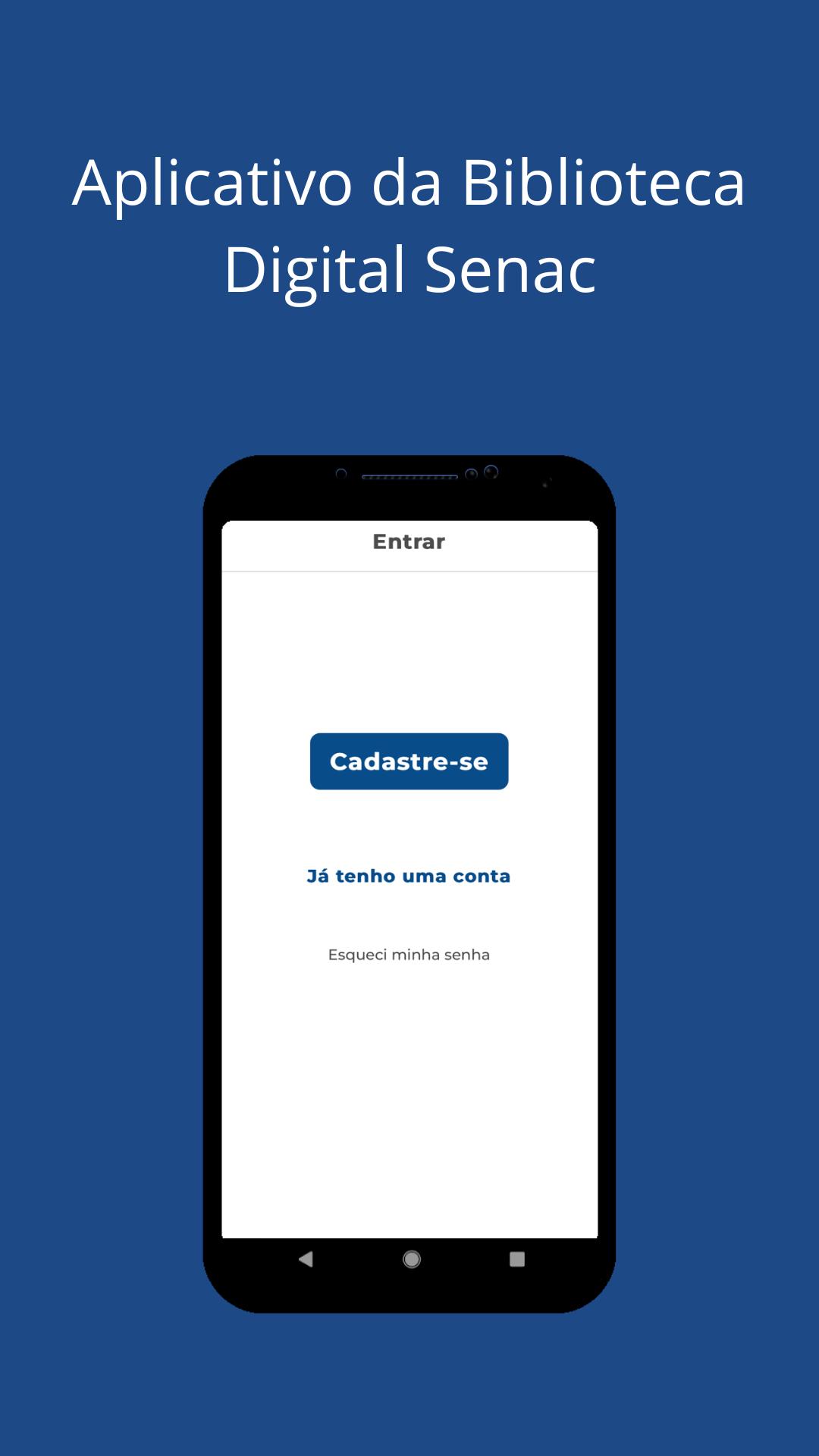
The Senac Digital Library offers free* access to the digital collection of Editora Senac São Paulo, a reference for 30 years in publications in the areas of gastronomy, hospitality, management, business, communication, design, environment, fashion, technology and much more.
Key Features:
- Offline reading - access your books without the internet
- Personalized library - organize your collections
- Bookmarks and notes - highlight important passages
- Smart search - quickly find the content you want
- List sharing - exchange suggestions with other readers
- Responsive design - comfortable reading on any device
- Accessibility features - interface adaptable to your needs
- Automatic sync - keep your readings up to date across all devices
Download now and have a complete professional library always with you!
*Free access available to students from partner institutions. Consult your institution.
Avance

Etiquetas
EducaciónInformación
Desarrollador
Senac SP
La última versión
1.0.9
Última actualización
2025-05-15
Categoría
Educación
Disponible en
Google Play
Mostrar más
Cómo jugar Biblioteca Digital Senac con GameLoop en PC
1. Descargue GameLoop desde el sitio web oficial, luego ejecute el archivo exe para instalar GameLoop.
2. Abra GameLoop y busque "Biblioteca Digital Senac", busque Biblioteca Digital Senac en los resultados de búsqueda y haga clic en "Instalar".
3. Disfruta jugando Biblioteca Digital Senac en GameLoop.
Minimum requirements
OS
Windows 8.1 64-bit or Windows 10 64-bit
GPU
GTX 1050
CPU
i3-8300
Memory
8GB RAM
Storage
1GB available space
Recommended requirements
OS
Windows 8.1 64-bit or Windows 10 64-bit
GPU
GTX 1050
CPU
i3-9320
Memory
16GB RAM
Storage
1GB available space