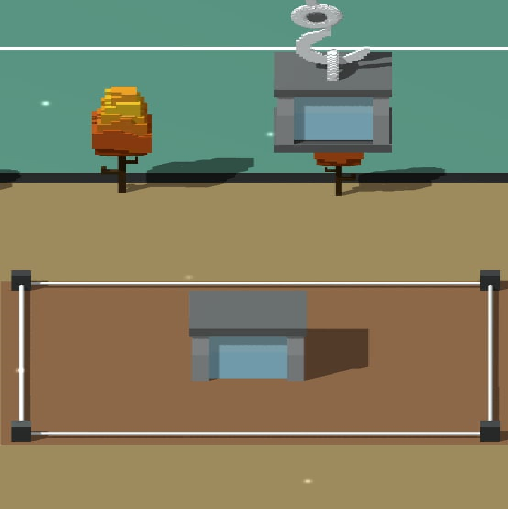
Drops-Towers game para PC
Usethebrains
Descarga Drops-Towers game en PC con GameLoop Emulator
Drops-Towers game en PC
Drops-Towers game, proveniente del desarrollador Usethebrains, se ejecuta en el sistema Android en el pasado.
Ahora, puedes jugar Drops-Towers game en PC con GameLoop sin problemas.
Descárgalo en la biblioteca de GameLoop o en los resultados de búsqueda. No más mirar la batería o llamadas frustrantes en el momento equivocado nunca más.
Simplemente disfrute de Drops-Towers game PC en la pantalla grande de forma gratuita!
Drops-Towers game Introducción
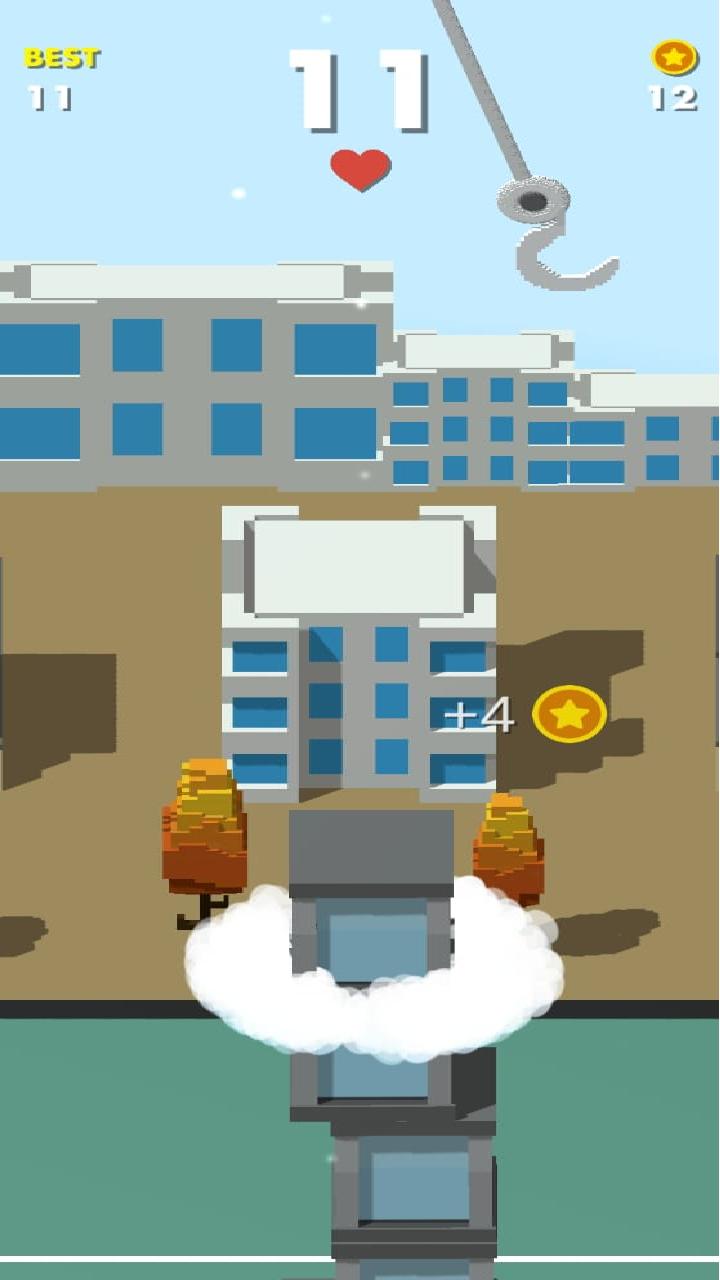
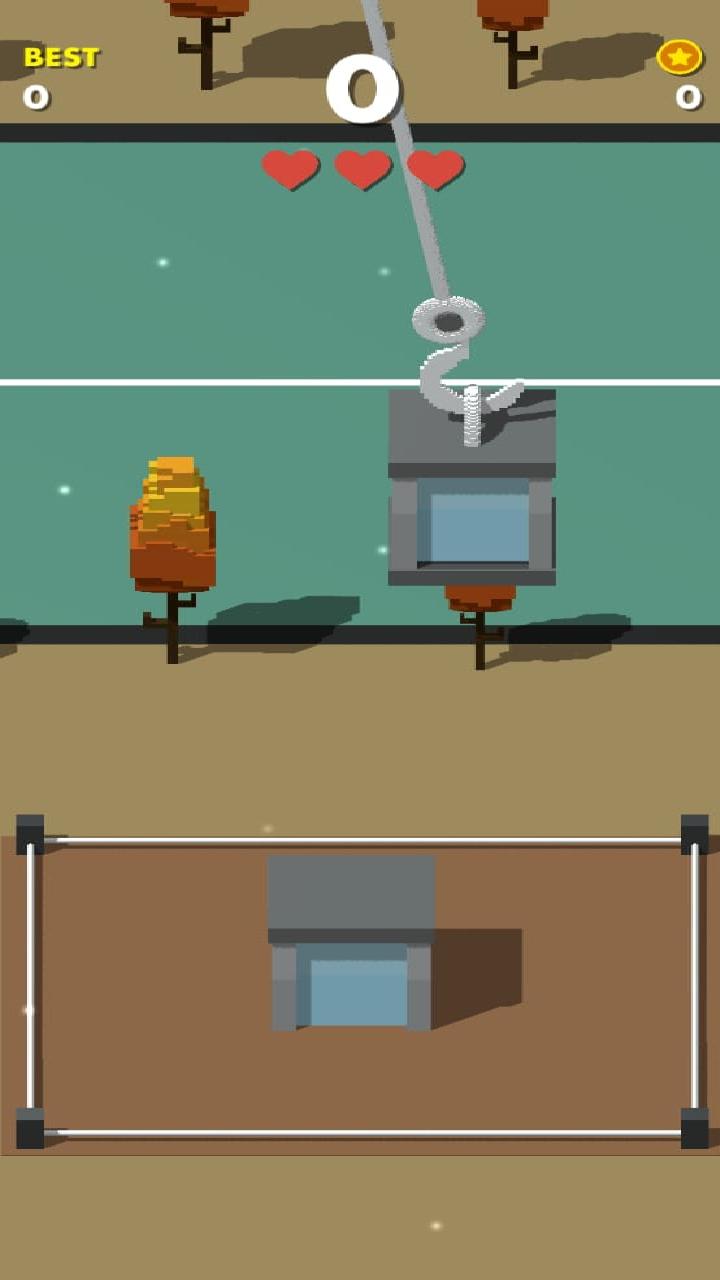
Your success in **Drops-Towers** is determined by timing and accuracy. In order to construct the highest, most sturdy tower possible, players drop vibrant blocks from above. Your job is to release each swaying brick as it drops such that it stacks evenly on top of the one before it. Your concentration and reaction time are put to the test as the tower rises in height due to the increased swinging speed and wind impacts. The building may become unbalanced and collapse due to a single misplaced drop. Compete for record heights, unlock new block designs, and get points for flawless placements. The gameplay blends dynamic motion, addicting stacking physics, and straightforward one-tap controls.
Avance
Etiquetas
EducaciónCasualInformación
Desarrollador
Usethebrains
La última versión
9.8.9
Última actualización
2025-10-30
Categoría
Educación
Disponible en
Google Play
Mostrar más
Cómo jugar Drops-Towers game con GameLoop en PC
1. Descargue GameLoop desde el sitio web oficial, luego ejecute el archivo exe para instalar GameLoop.
2. Abra GameLoop y busque "Drops-Towers game", busque Drops-Towers game en los resultados de búsqueda y haga clic en "Instalar".
3. Disfruta jugando Drops-Towers game en GameLoop.
Minimum requirements
OS
Windows 8.1 64-bit or Windows 10 64-bit
GPU
GTX 1050
CPU
i3-8300
Memory
8GB RAM
Storage
1GB available space
Recommended requirements
OS
Windows 8.1 64-bit or Windows 10 64-bit
GPU
GTX 1050
CPU
i3-9320
Memory
16GB RAM
Storage
1GB available space