
AOF-e para PC
AUM Vietnam
Descarga AOF-e en PC con GameLoop Emulator
AOF-e en PC
AOF-e, proveniente del desarrollador AUM Vietnam, se ejecuta en el sistema Android en el pasado.
Ahora, puedes jugar AOF-e en PC con GameLoop sin problemas.
Descárgalo en la biblioteca de GameLoop o en los resultados de búsqueda. No más mirar la batería o llamadas frustrantes en el momento equivocado nunca más.
Simplemente disfrute de AOF-e PC en la pantalla grande de forma gratuita!
AOF-e Introducción
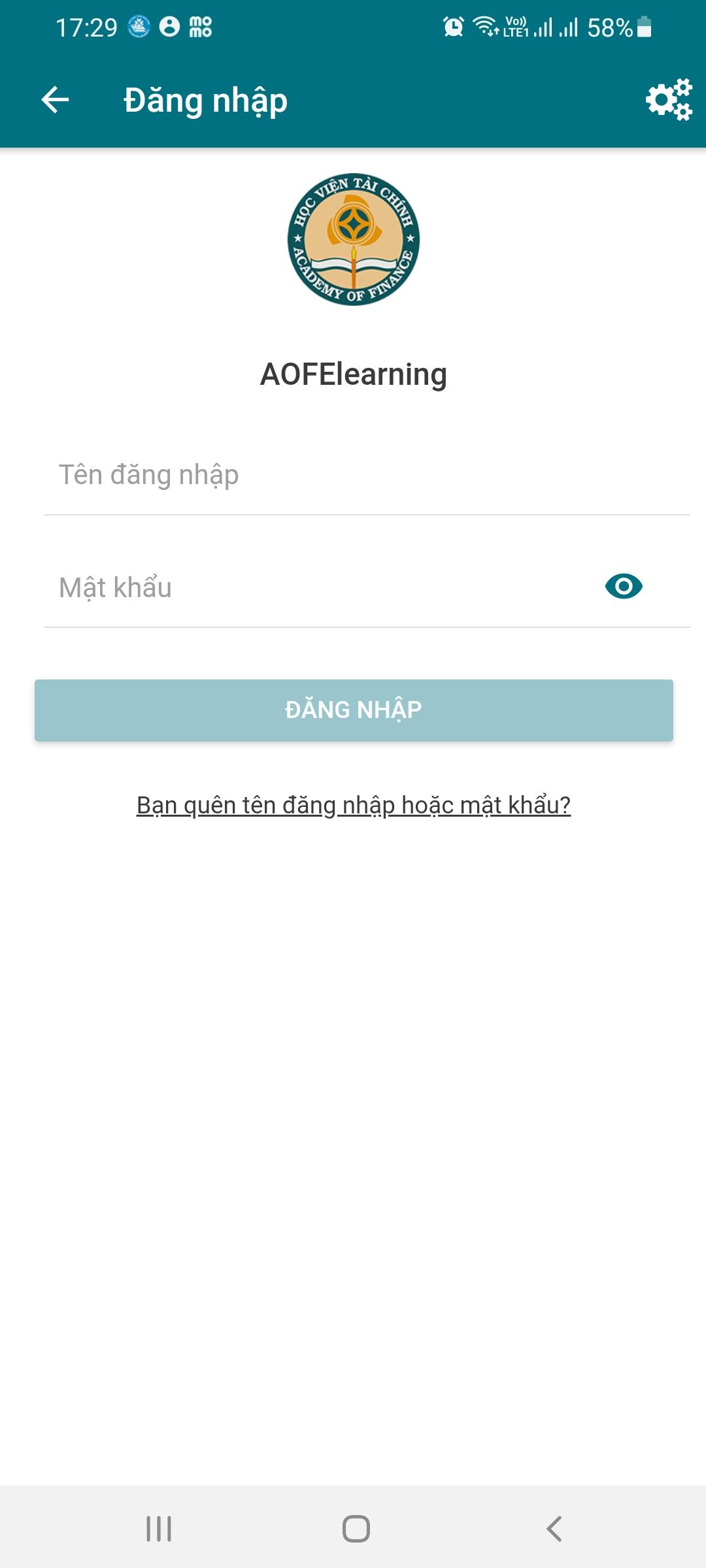
AOF-e is an online learning app that offers online college courses.
* Access anytime, anywhere:
To make learning more enjoyable, lessons are designed for everyday activities.
* On electronic devices:
Students continue their learning journey at any time, on phones in public, on computers.
* According to your capacity:
Control your learning pace on your learning path to fit your schedule and career goals.
* Only 15 minutes each lesson:
Taking advantage of students' attention, lessons are designed to be concise so as not to feel boring or burdensome.
Software manuals:
1. Open the downloaded app on your mobile device
2. Select the course you want to study
3. Access and start learning
Avance

Etiquetas
EducaciónInformación
Desarrollador
AUM Vietnam
La última versión
4.4.1
Última actualización
2024-08-24
Categoría
Educación
Disponible en
Google Play
Mostrar más
Cómo jugar AOF-e con GameLoop en PC
1. Descargue GameLoop desde el sitio web oficial, luego ejecute el archivo exe para instalar GameLoop.
2. Abra GameLoop y busque "AOF-e", busque AOF-e en los resultados de búsqueda y haga clic en "Instalar".
3. Disfruta jugando AOF-e en GameLoop.
Minimum requirements
OS
Windows 8.1 64-bit or Windows 10 64-bit
GPU
GTX 1050
CPU
i3-8300
Memory
8GB RAM
Storage
1GB available space
Recommended requirements
OS
Windows 8.1 64-bit or Windows 10 64-bit
GPU
GTX 1050
CPU
i3-9320
Memory
16GB RAM
Storage
1GB available space