
キャンパス手帳・学生版 para PC
DreamNet's, Inc.
Descarga キャンパス手帳・学生版 en PC con GameLoop Emulator
キャンパス手帳・学生版 en PC
キャンパス手帳・学生版, proveniente del desarrollador DreamNet's, Inc., se ejecuta en el sistema Android en el pasado.
Ahora, puedes jugar キャンパス手帳・学生版 en PC con GameLoop sin problemas.
Descárgalo en la biblioteca de GameLoop o en los resultados de búsqueda. No más mirar la batería o llamadas frustrantes en el momento equivocado nunca más.
Simplemente disfrute de キャンパス手帳・学生版 PC en la pantalla grande de forma gratuita!
キャンパス手帳・学生版 Introducción
Support communication between current students and the university.
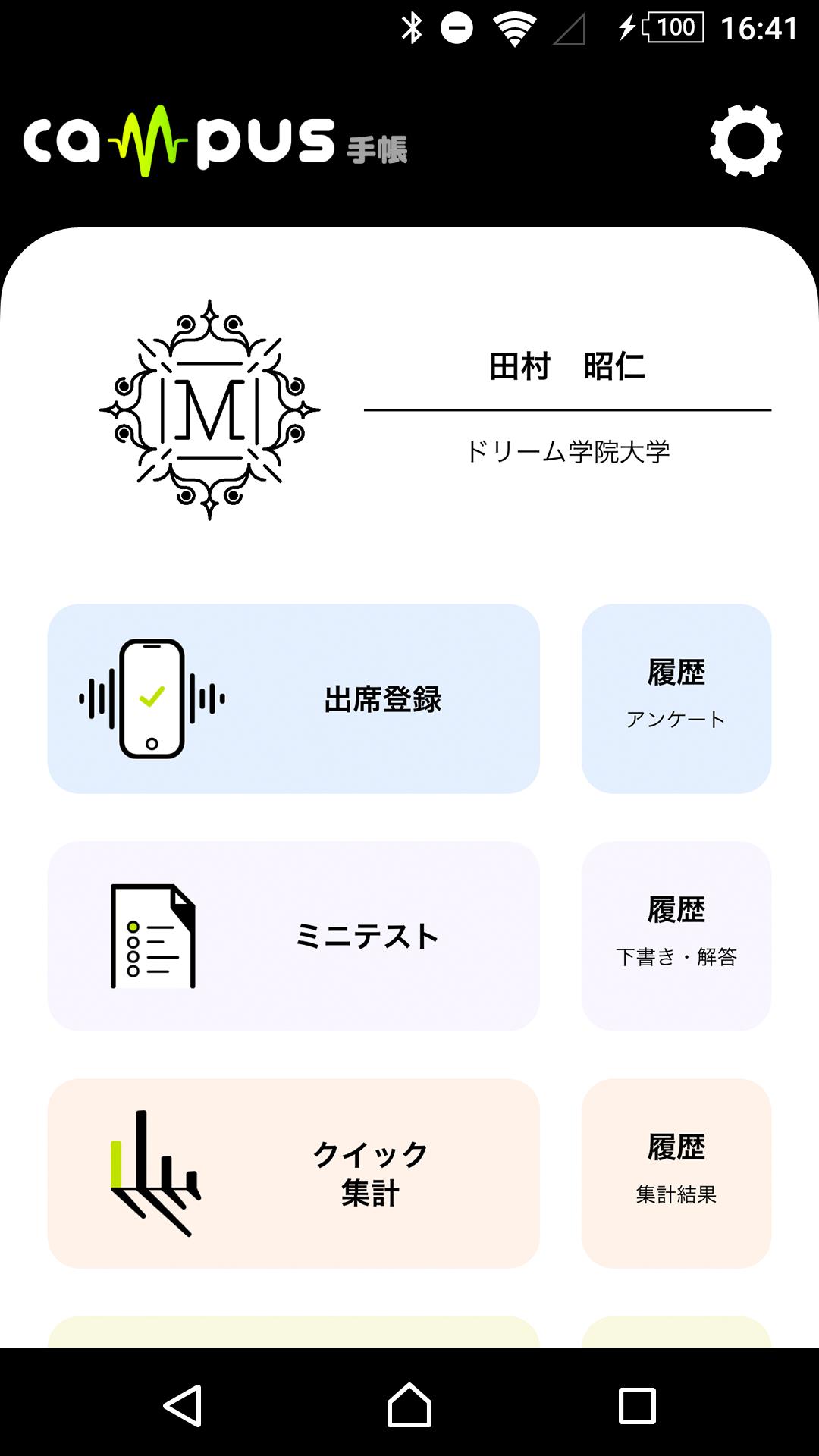
At universities that require interaction with hundreds of students, if classes do not go smoothly or information is delayed, motivation will be lost. This campus notebook is a support tool that shortens the distance between students and the university and motivates them to learn by speedy exchanges, such as confirmation of attendance by sound waves and submission of tests on your smartphone application, and automatic counting of information.
Connect teachers and students to deepen teaching and learning.
◆ Easy operation for anyone
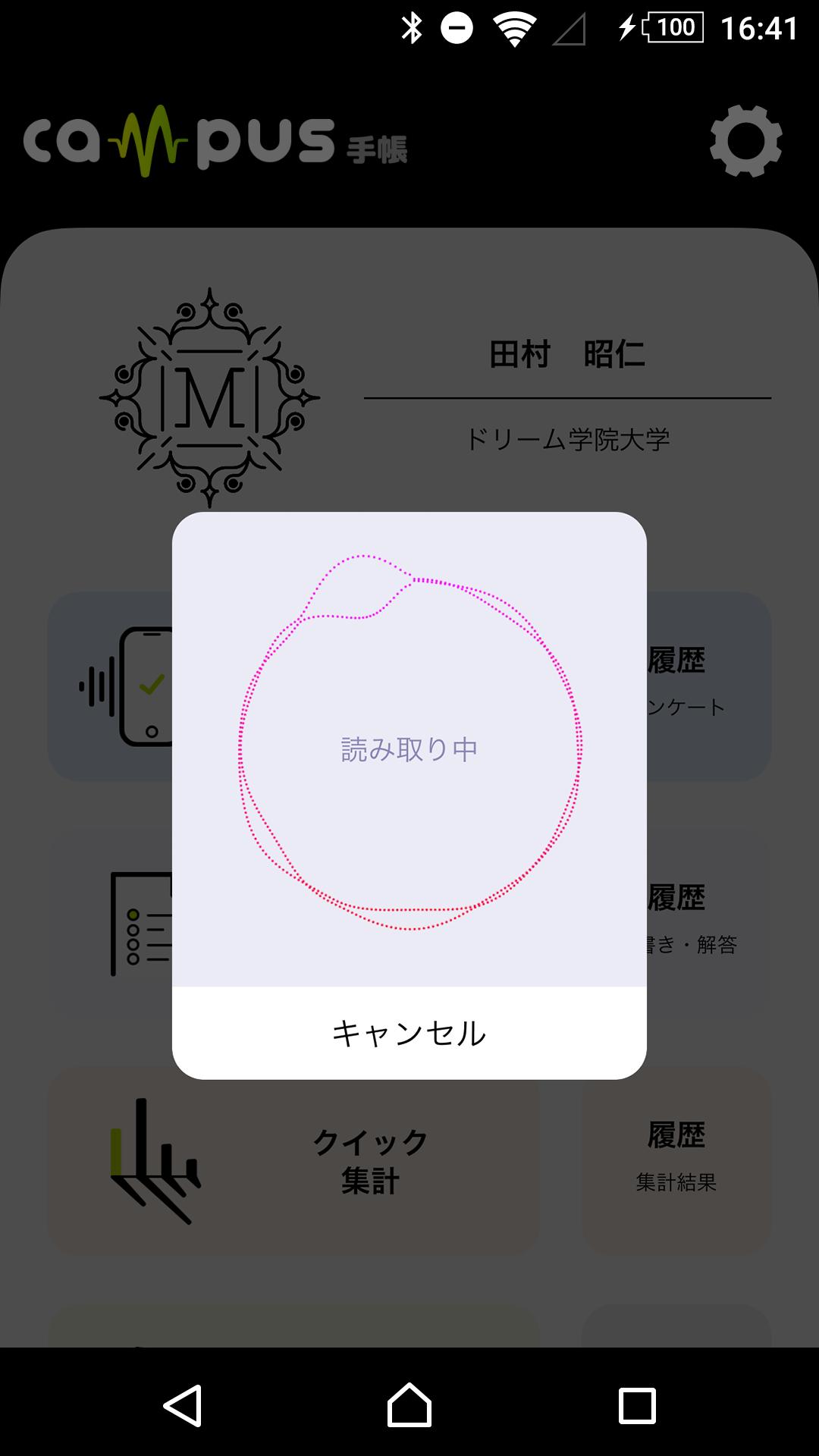
◆ Attendance confirmation using sound wave
◆ Mini test that can be done with the application
◆ Information that is automatically aggregated and stored
◆ Connect students to school
◆ Perfect security
※Notes
This application accesses information using a mobile network or Wi-Fi. If you cannot connect to the network when starting the application, the latest information may not be displayed.
Avance
Etiquetas
EducaciónInformación
Desarrollador
DreamNet's, Inc.
La última versión
1.1.15
Última actualización
2023-11-16
Categoría
Educación
Disponible en
Google Play
Mostrar más
Cómo jugar キャンパス手帳・学生版 con GameLoop en PC
1. Descargue GameLoop desde el sitio web oficial, luego ejecute el archivo exe para instalar GameLoop.
2. Abra GameLoop y busque "キャンパス手帳・学生版", busque キャンパス手帳・学生版 en los resultados de búsqueda y haga clic en "Instalar".
3. Disfruta jugando キャンパス手帳・学生版 en GameLoop.
Minimum requirements
OS
Windows 8.1 64-bit or Windows 10 64-bit
GPU
GTX 1050
CPU
i3-8300
Memory
8GB RAM
Storage
1GB available space
Recommended requirements
OS
Windows 8.1 64-bit or Windows 10 64-bit
GPU
GTX 1050
CPU
i3-9320
Memory
16GB RAM
Storage
1GB available space