
ThaiMatch para PC
Geekee Company Limited
Descarga ThaiMatch en PC con GameLoop Emulator
ThaiMatch en PC
ThaiMatch, proveniente del desarrollador Geekee Company Limited, se ejecuta en el sistema Android en el pasado.
Ahora, puedes jugar ThaiMatch en PC con GameLoop sin problemas.
Descárgalo en la biblioteca de GameLoop o en los resultados de búsqueda. No más mirar la batería o llamadas frustrantes en el momento equivocado nunca más.
Simplemente disfrute de ThaiMatch PC en la pantalla grande de forma gratuita!
ThaiMatch Introducción
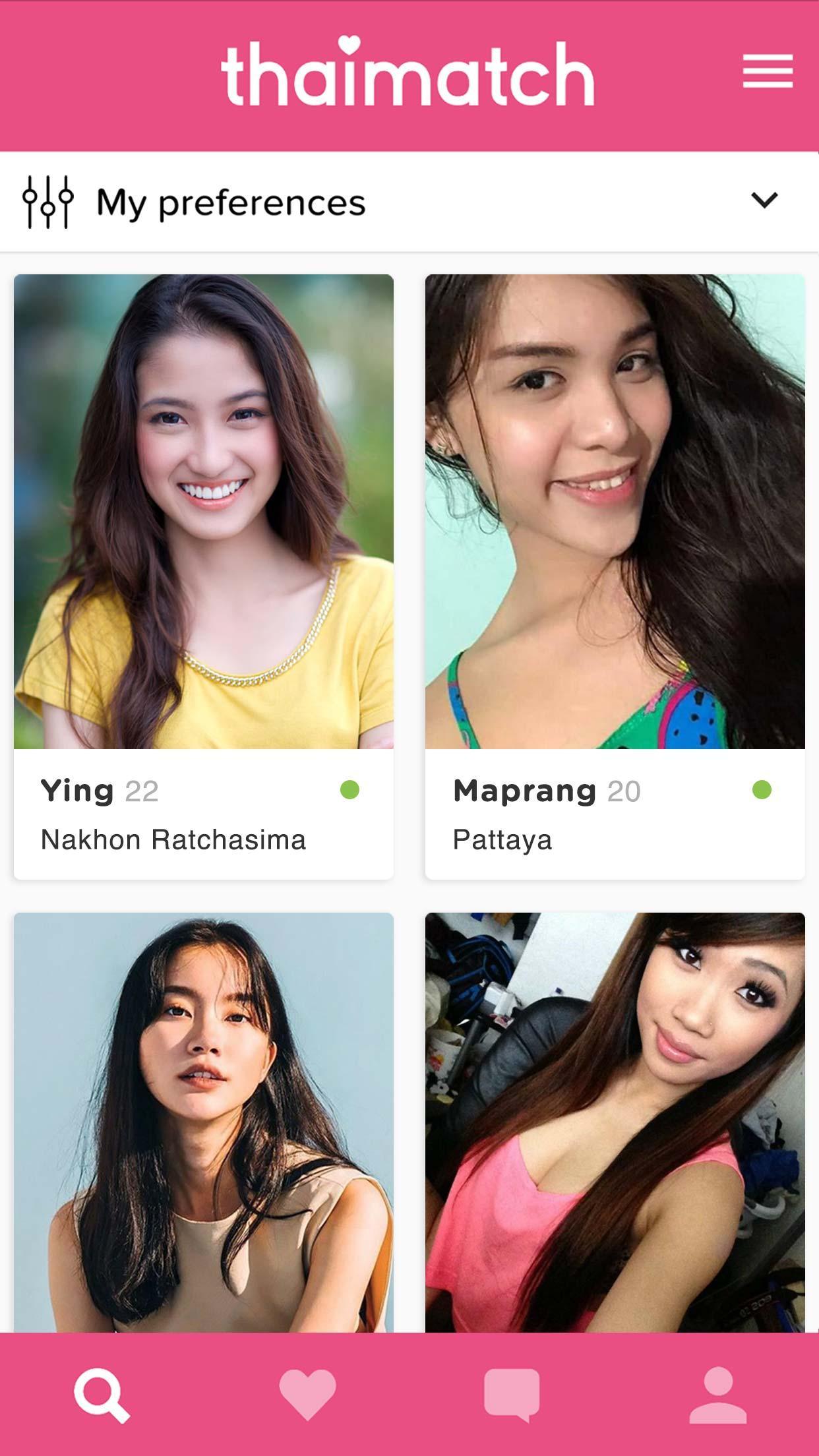
Thai Match is Thailand's fastest growing free dating platform. With over 350.000 verified members, we offer you the best results possible. Whether you’re a local to Thailand, a foreign ex-pat, or a tourist simply wishing to meet someone new, Thai Match is the perfect way to find your ideal match. You can use your existing Thai Match account or sign up now.
Our Thai dating services are mostly FREE and consists of the following amazing features:
1. Receive unlimited messages
2. Browse and search through 350.000+ verified members
3. Filter your matches by gender, age, location and more
4. Show interest by liking profiles or send a sticker
5. Exchange photos with members
6. Match with members using the swiping feature
7. Receive instant notifications
Signing up is quick and easy and you can log in by using your Facebook account or phone number. Download the app and meet new people in Thailand today!
Avance

Etiquetas
CitasInformación
Desarrollador
Geekee Company Limited
La última versión
1.1.10
Última actualización
2021-03-07
Categoría
Citas
Disponible en
Google Play
Mostrar más
Cómo jugar ThaiMatch con GameLoop en PC
1. Descargue GameLoop desde el sitio web oficial, luego ejecute el archivo exe para instalar GameLoop.
2. Abra GameLoop y busque "ThaiMatch", busque ThaiMatch en los resultados de búsqueda y haga clic en "Instalar".
3. Disfruta jugando ThaiMatch en GameLoop.
Minimum requirements
OS
Windows 8.1 64-bit or Windows 10 64-bit
GPU
GTX 1050
CPU
i3-8300
Memory
8GB RAM
Storage
1GB available space
Recommended requirements
OS
Windows 8.1 64-bit or Windows 10 64-bit
GPU
GTX 1050
CPU
i3-9320
Memory
16GB RAM
Storage
1GB available space