iMail: Sync Cloud mail para PC
io.mt
Descarga iMail: Sync Cloud mail en PC con GameLoop Emulator
iMail: Sync Cloud mail en PC
iMail: Sync Cloud mail, proveniente del desarrollador io.mt, se ejecuta en el sistema Android en el pasado.
Ahora, puedes jugar iMail: Sync Cloud mail en PC con GameLoop sin problemas.
Descárgalo en la biblioteca de GameLoop o en los resultados de búsqueda. No más mirar la batería o llamadas frustrantes en el momento equivocado nunca más.
Simplemente disfrute de iMail: Sync Cloud mail PC en la pantalla grande de forma gratuita!
iMail: Sync Cloud mail Introducción
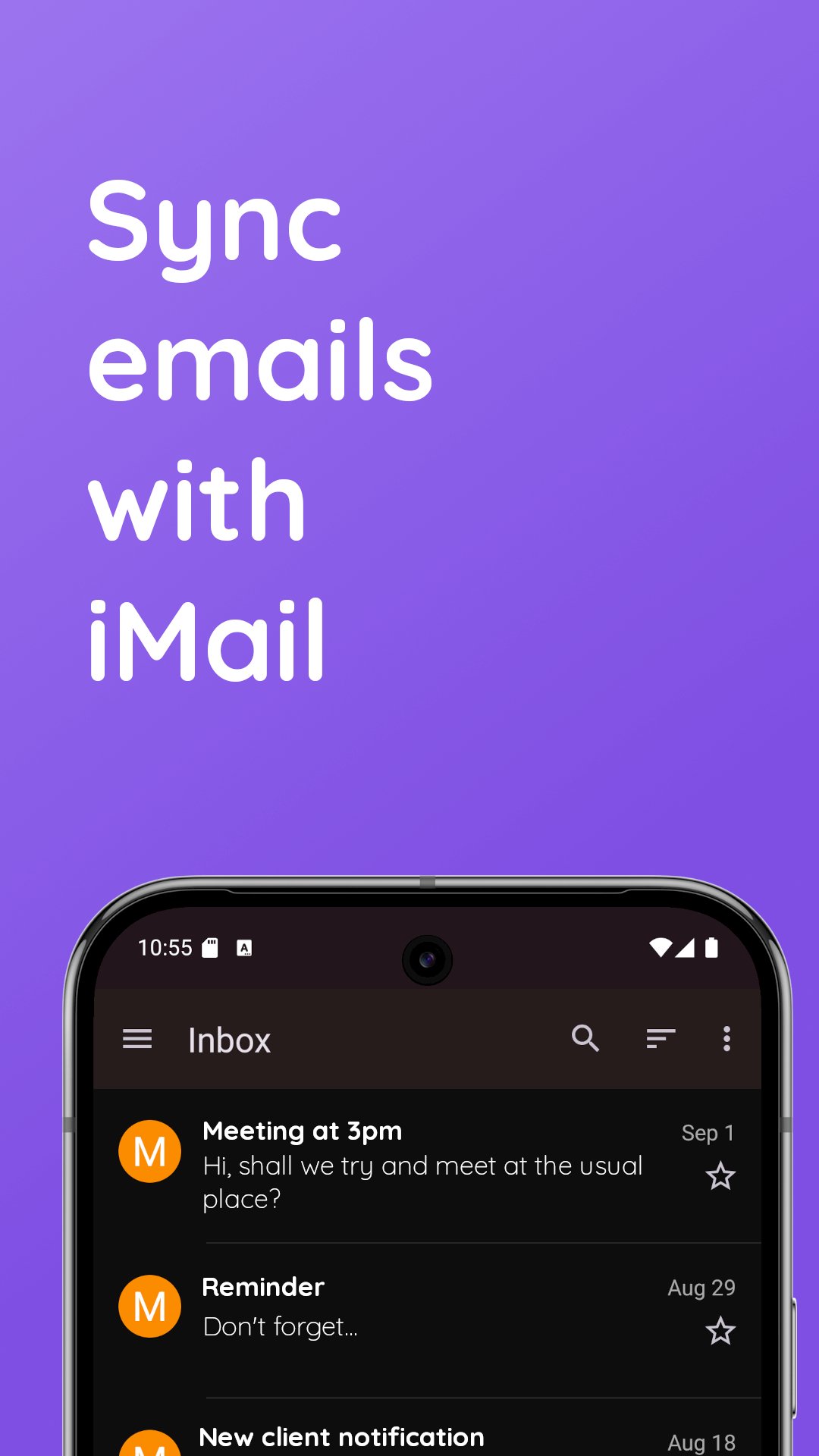
iMail lets you sync email accounts on your Android device.
iMail supports iCloud and Me.com accounts. You can log in without an iCloud app specific password.
Features:
* Add and manage multiple iCloud accounts
* Aggregated or split inbox
* Unlimited accounts
* Integrated contacts manager - access your Contacts stored on iCloud right within iMail. View, create and edit your contacts easily.
* On-the-fly web browser: You can access cloud services and websites directly from the app
* Login in with normal password or app-specific password
* Search functionality
* Low-data mode - download email images on demand
Best Privacy Around
iMail connects directly to email servers through an encrypted connection. This means your username and password are safe and secure. Your account information is never collected by us. We do not collect email subject headers and no data from your inbox is collected by us. Notifications are strictly handled on your device.
iMail works on phones and tablets. If using a tablet, or a phone with a large screen, you can enable split-viewing from the settings.
This application connects directly to email servers, and does not connect through any third party servers or proxies.
Avance
Etiquetas
ComunicacionesInformación
Desarrollador
io.mt
La última versión
14.47
Última actualización
2025-12-09
Categoría
Comunicaciones
Disponible en
Google Play
Mostrar más
Cómo jugar iMail: Sync Cloud mail con GameLoop en PC
1. Descargue GameLoop desde el sitio web oficial, luego ejecute el archivo exe para instalar GameLoop.
2. Abra GameLoop y busque "iMail: Sync Cloud mail", busque iMail: Sync Cloud mail en los resultados de búsqueda y haga clic en "Instalar".
3. Disfruta jugando iMail: Sync Cloud mail en GameLoop.
Minimum requirements
OS
Windows 8.1 64-bit or Windows 10 64-bit
GPU
GTX 1050
CPU
i3-8300
Memory
8GB RAM
Storage
1GB available space
Recommended requirements
OS
Windows 8.1 64-bit or Windows 10 64-bit
GPU
GTX 1050
CPU
i3-9320
Memory
16GB RAM
Storage
1GB available space