
Logitech G para PC
Logitech Europe S.A.
Descarga Logitech G en PC con GameLoop Emulator
Logitech G en PC
Logitech G, proveniente del desarrollador Logitech Europe S.A., se ejecuta en el sistema Android en el pasado.
Ahora, puedes jugar Logitech G en PC con GameLoop sin problemas.
Descárgalo en la biblioteca de GameLoop o en los resultados de búsqueda. No más mirar la batería o llamadas frustrantes en el momento equivocado nunca más.
Simplemente disfrute de Logitech G PC en la pantalla grande de forma gratuita!
Logitech G Introducción
Logitech G Mobile currently supports the following products:
G325 Wireless Gaming Headset
A30 Wireless Gaming Headset
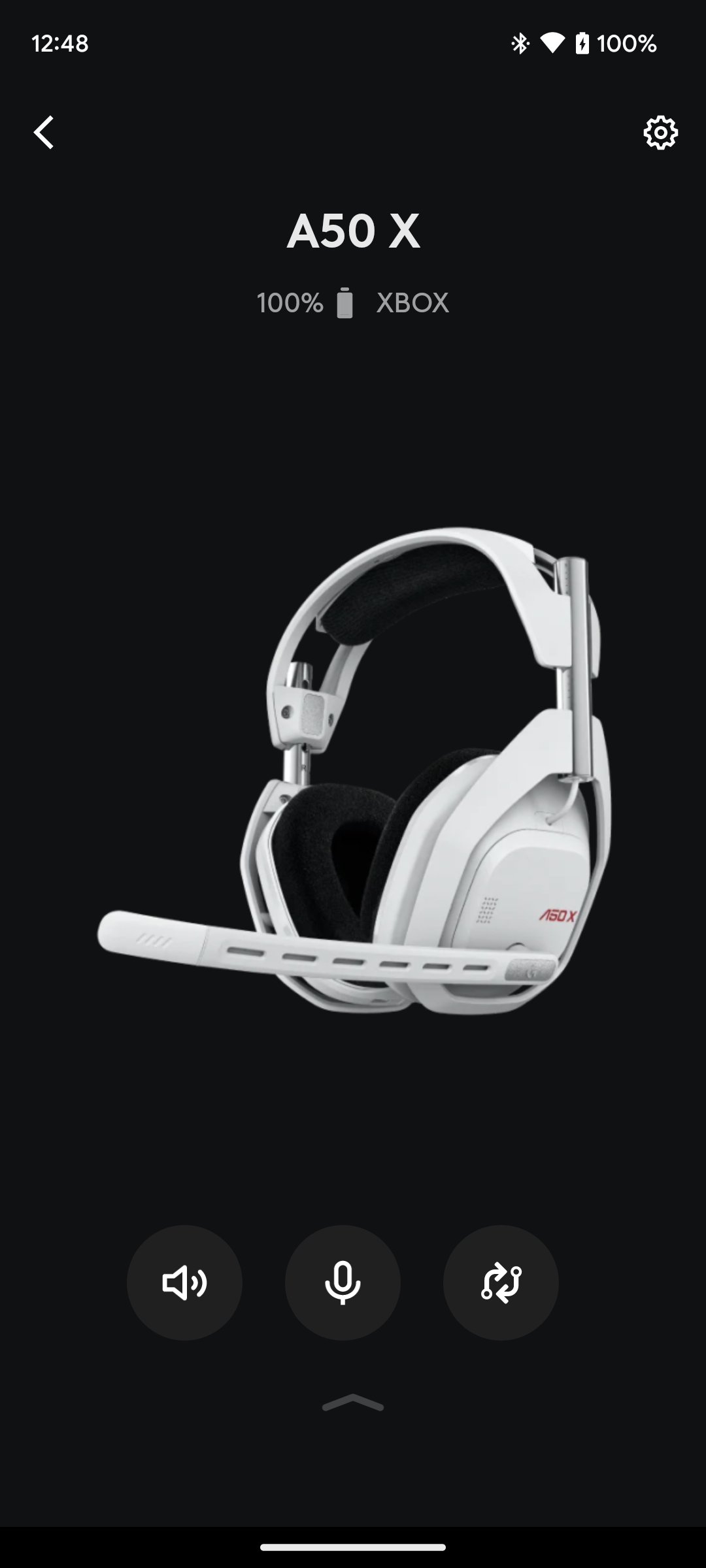
A50 X Wireless Gaming Headset
A50 Wireless Gaming Headset
A20 X Wireless Gaming Headset
G522 Wireless Gaming Headset
G Mobile Features:
• Volume Control - Never miss a beat. Use the volume controls to quickly adjust your headset volume with precision, on-the-fly. Set a volume limiter to protect your hearing, or the hearing of a loved one quickly and easily (G325 only).
• Equalizer - Customize your audio with a 10-band graphic EQ, with an advanced parametric EQ (A50 X/A50/G522/G325), or a 5-band graphic EQ (A30), allowing you complete control of your sound. Save multiple EQ presets and switch on the fly based on what device you are connected to or game you are playing. It’s your headset, now pick your sound.
• Save directly to your device's memory - your most recent settings will always be retained on your headsets memory, until you decide to change them..
• Microphone - Quickly adjust various microphone settings. Make sure each mic is tuned exactly the way you want it. Now with 10-band graphic EQ (A50 X/A50/G522/A20 X) to make sure you sound the way you like.
• PLAYSYNC - (A50 X/A50/A20 X) Switch between Xbox, Playstation and PC at the touch of a button. Enter a whole new world without moving from the comfort of your couch.
• Mixer - Adjust the mix between your Game/Voice balance on Microsoft Xbox, Sony PlayStation and PC. Make sure you hear what you want to hear.
• User Profiles - Save multiple profiles that link together your Mic settings, EQ profile, and default Mix preferences. Load profiles on the fly so you don’t have to take your attention away from your game.
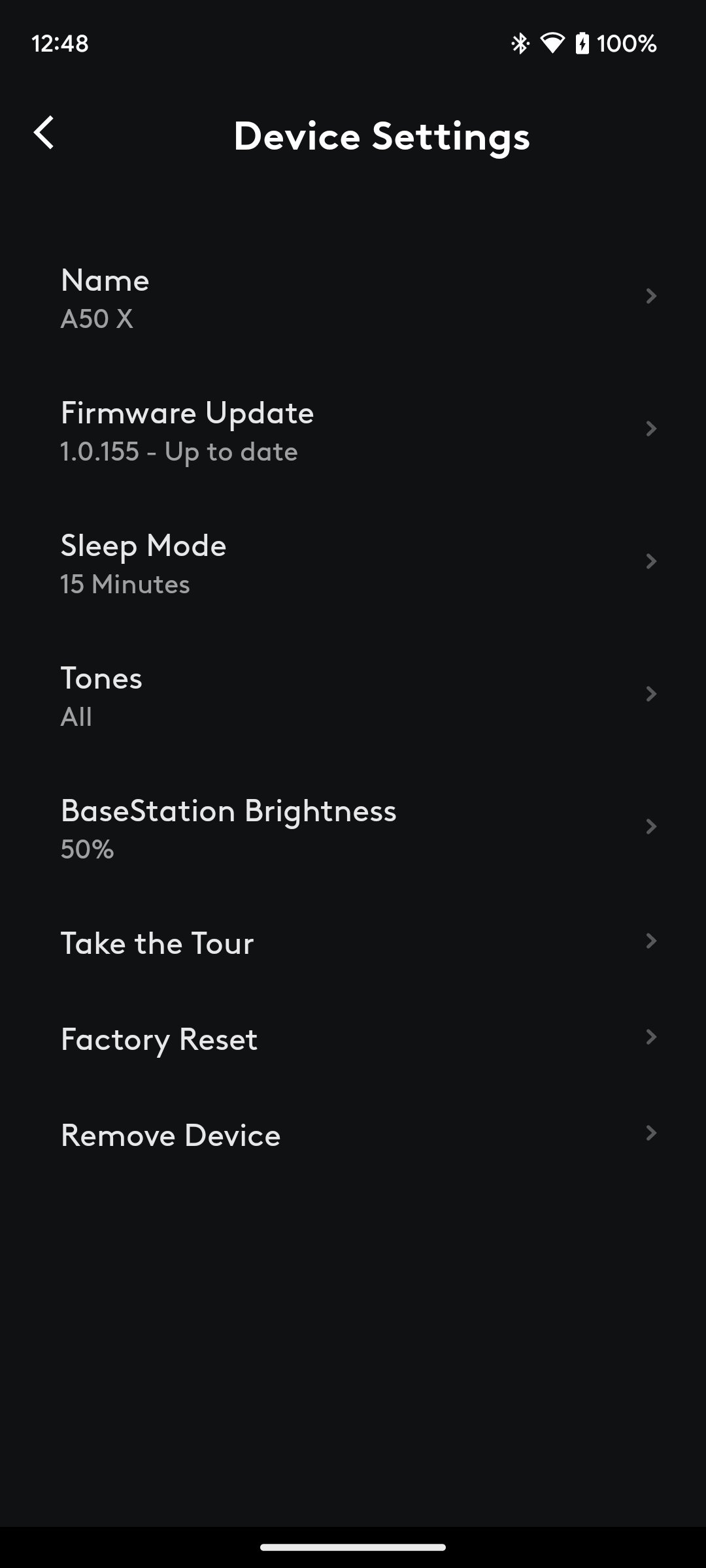
• And More - Get support, adjust product settings, shop for new products, learn about new features, see battery levels, and more. Explore the Logitech G Mobile App to find all of the things you can do with your Logitech G products.
Avance
Etiquetas
EntretenimientoInformación
Desarrollador
Logitech Europe S.A.
La última versión
2.2.18
Última actualización
2026-05-04
Categoría
Comunicaciones
Disponible en
Google Play
Mostrar más
Cómo jugar Logitech G con GameLoop en PC
1. Descargue GameLoop desde el sitio web oficial, luego ejecute el archivo exe para instalar GameLoop.
2. Abra GameLoop y busque "Logitech G", busque Logitech G en los resultados de búsqueda y haga clic en "Instalar".
3. Disfruta jugando Logitech G en GameLoop.
Minimum requirements
OS
Windows 8.1 64-bit or Windows 10 64-bit
GPU
GTX 1050
CPU
i3-8300
Memory
8GB RAM
Storage
1GB available space
Recommended requirements
OS
Windows 8.1 64-bit or Windows 10 64-bit
GPU
GTX 1050
CPU
i3-9320
Memory
16GB RAM
Storage
1GB available space