
Leap Work for Intune para PC
LeapXpert
Descarga Leap Work for Intune en PC con GameLoop Emulator
Leap Work for Intune en PC
Leap Work for Intune, proveniente del desarrollador LeapXpert, se ejecuta en el sistema Android en el pasado.
Ahora, puedes jugar Leap Work for Intune en PC con GameLoop sin problemas.
Descárgalo en la biblioteca de GameLoop o en los resultados de búsqueda. No más mirar la batería o llamadas frustrantes en el momento equivocado nunca más.
Simplemente disfrute de Leap Work for Intune PC en la pantalla grande de forma gratuita!
Leap Work for Intune Introducción
Only download this app if you are a Microsoft Intune customer. Specifically designed for the Microsoft Intune secure mobility platform, this app allows both Leap Work and Microsoft Intune customers to take advantage of Leap Work features in a secure Microsoft Endpoint Manager.
If you are not a Microsoft Intune customer, you can download the main Leap Work Android application from the Play store here https://play.google.com/store/apps/details?id=com.leapxpert.public.manager
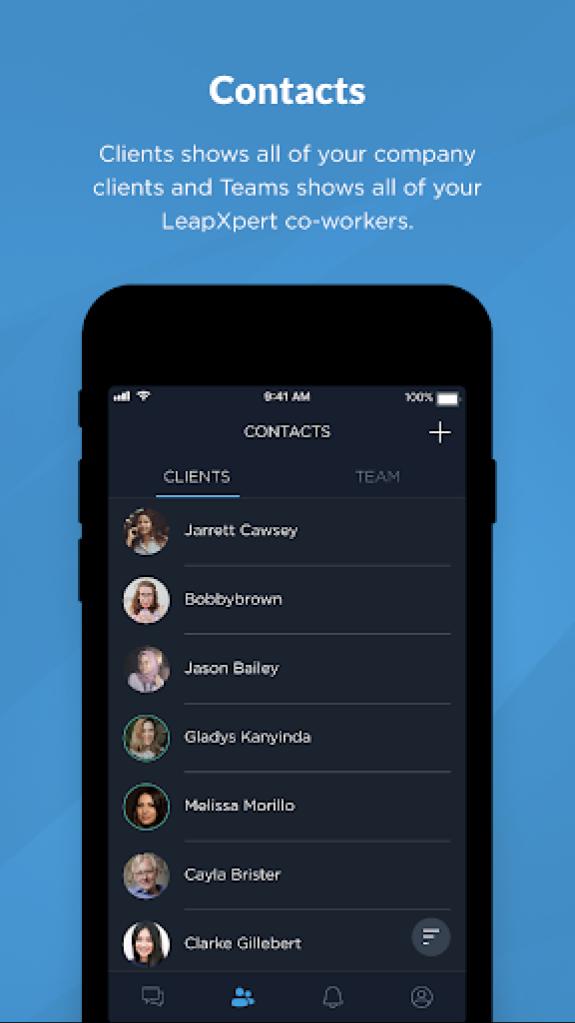
Leap Work is a B2C communication app. Employees can call or send text, voice and file messages to client's messengers of their choice: WhatsApp ™, WeChat ™ , Telegram ™ , Line ™, SMS and others. Leap Work is a part of LeapXpert's Federated Messaging Orchestration Platform (FMOP). FMOP concept allows the promotion of messaging to a formal business communication channel, similar to calling or emailing. Use Leap Work to:
- Reach clients on their messengers
- Own and control all company's communication data
- Gather employees and clients communication on one platform
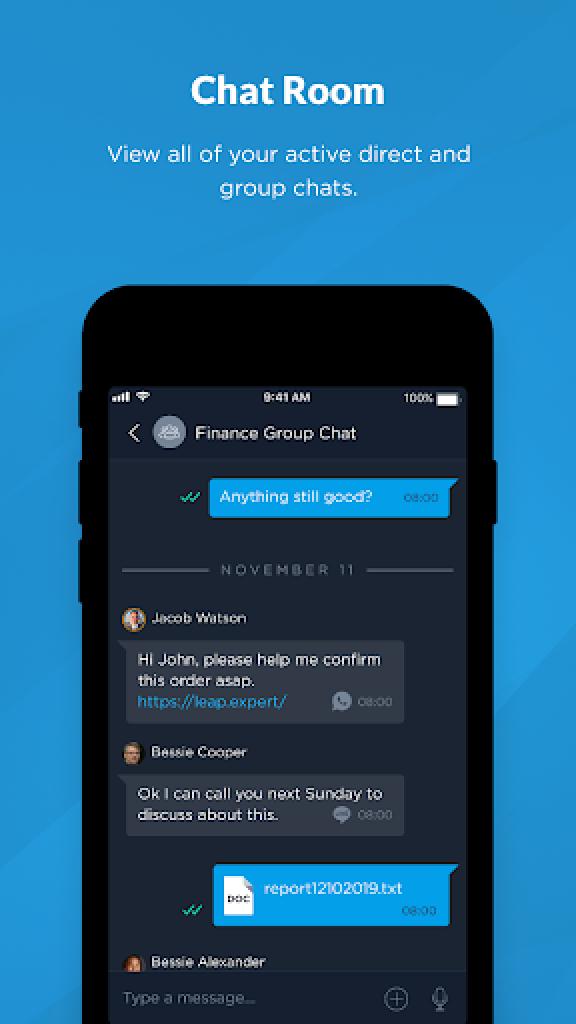
- Allow group chats between employees and clients
- Keep company communication history always available for monitoring and compliance purposes
LeapXpert - Federated Messaging Orchestration
Contact us: info@leap.expert (edited)
Avance
Etiquetas
ComunicacionesInformación
Desarrollador
LeapXpert
La última versión
2.7.1
Última actualización
2025-08-17
Categoría
Comunicaciones
Disponible en
Google Play
Mostrar más
Cómo jugar Leap Work for Intune con GameLoop en PC
1. Descargue GameLoop desde el sitio web oficial, luego ejecute el archivo exe para instalar GameLoop.
2. Abra GameLoop y busque "Leap Work for Intune", busque Leap Work for Intune en los resultados de búsqueda y haga clic en "Instalar".
3. Disfruta jugando Leap Work for Intune en GameLoop.
Minimum requirements
OS
Windows 8.1 64-bit or Windows 10 64-bit
GPU
GTX 1050
CPU
i3-8300
Memory
8GB RAM
Storage
1GB available space
Recommended requirements
OS
Windows 8.1 64-bit or Windows 10 64-bit
GPU
GTX 1050
CPU
i3-9320
Memory
16GB RAM
Storage
1GB available space