
Red Shield VPN para PC
Private Network Labs LLC
Descarga Red Shield VPN en PC con GameLoop Emulator
Red Shield VPN en PC
Red Shield VPN, proveniente del desarrollador Private Network Labs LLC, se ejecuta en el sistema Android en el pasado.
Ahora, puedes jugar Red Shield VPN en PC con GameLoop sin problemas.
Descárgalo en la biblioteca de GameLoop o en los resultados de búsqueda. No más mirar la batería o llamadas frustrantes en el momento equivocado nunca más.
Simplemente disfrute de Red Shield VPN PC en la pantalla grande de forma gratuita!
Red Shield VPN Introducción
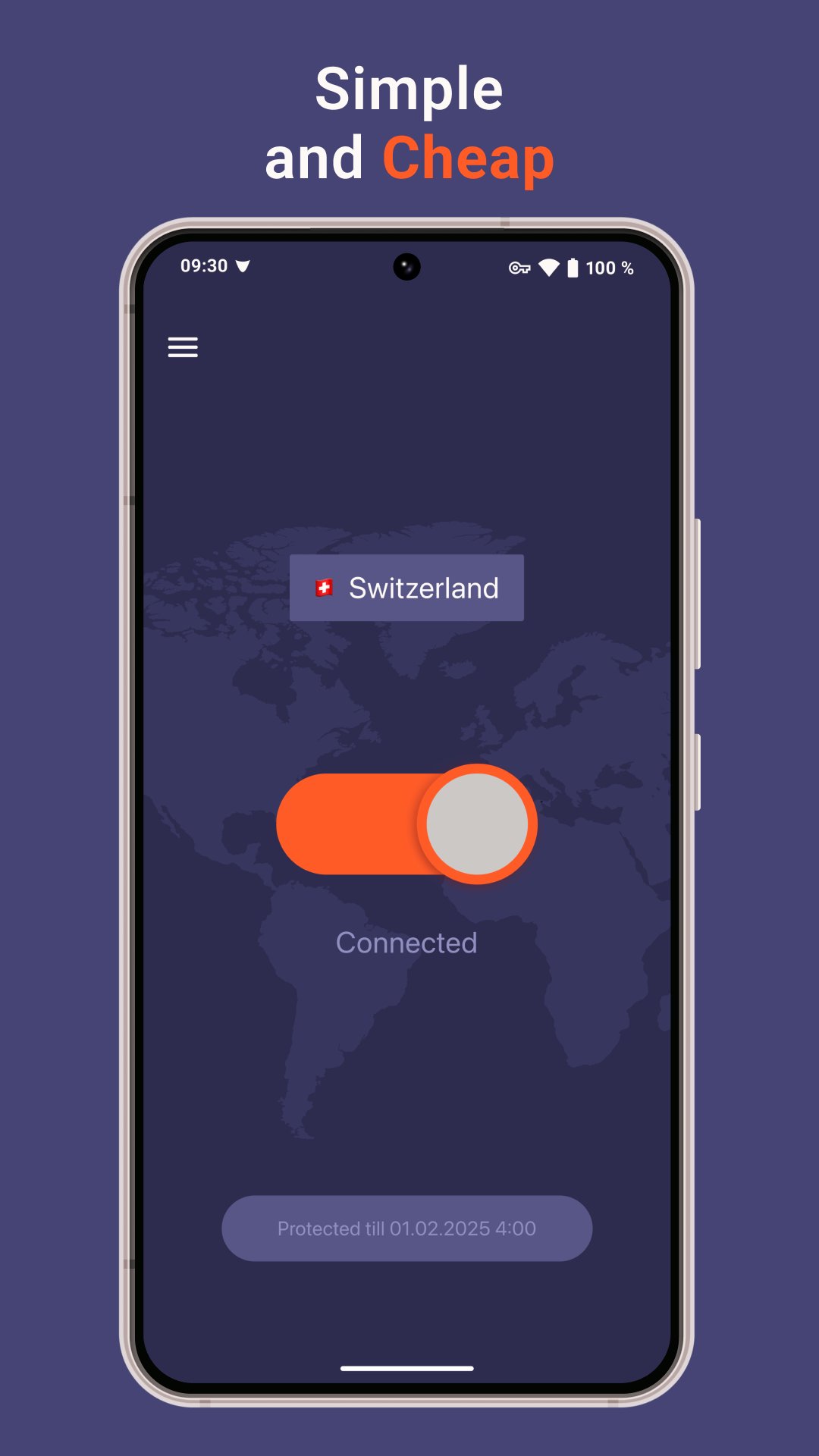
A simple apps available for all platforms will help you:
• Bypass censorship
• Protect your traffic from ISPs and other third parties.
• Use the Internet as if you were in another country
Unlike free services, we do not collect, analyze and sell user data to governments or advertising agencies.
Our business model is based on direct payments from users, from which we pay for traffic and other resources of the service.
We accept payment by any cards and cryptocurrencies.
Avance

Etiquetas
ComunicacionesInformación
Desarrollador
Private Network Labs LLC
La última versión
v4.3.6
Última actualización
2026-07-06
Categoría
Comunicaciones
Disponible en
Google Play
Mostrar más
Cómo jugar Red Shield VPN con GameLoop en PC
1. Descargue GameLoop desde el sitio web oficial, luego ejecute el archivo exe para instalar GameLoop.
2. Abra GameLoop y busque "Red Shield VPN", busque Red Shield VPN en los resultados de búsqueda y haga clic en "Instalar".
3. Disfruta jugando Red Shield VPN en GameLoop.
Minimum requirements
OS
Windows 8.1 64-bit or Windows 10 64-bit
GPU
GTX 1050
CPU
i3-8300
Memory
8GB RAM
Storage
1GB available space
Recommended requirements
OS
Windows 8.1 64-bit or Windows 10 64-bit
GPU
GTX 1050
CPU
i3-9320
Memory
16GB RAM
Storage
1GB available space