
Talking James Squirrel para PC
Kaufcom Games Apps Widgets
Descarga Talking James Squirrel en PC con GameLoop Emulator
Talking James Squirrel en PC
Talking James Squirrel, proveniente del desarrollador Kaufcom Games Apps Widgets, se ejecuta en el sistema Android en el pasado.
Ahora, puedes jugar Talking James Squirrel en PC con GameLoop sin problemas.
Descárgalo en la biblioteca de GameLoop o en los resultados de búsqueda. No más mirar la batería o llamadas frustrantes en el momento equivocado nunca más.
Simplemente disfrute de Talking James Squirrel PC en la pantalla grande de forma gratuita!
Talking James Squirrel Introducción
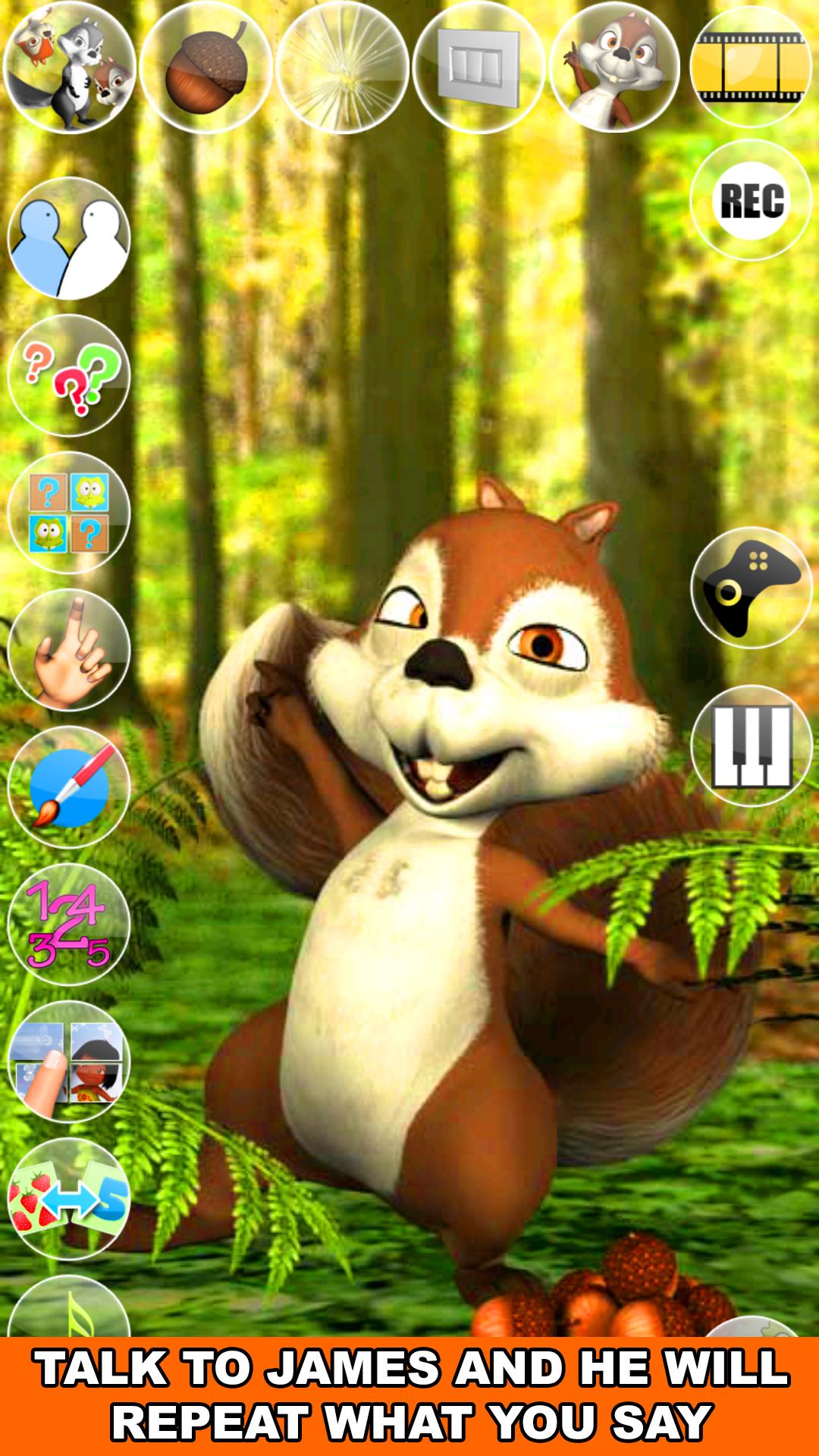
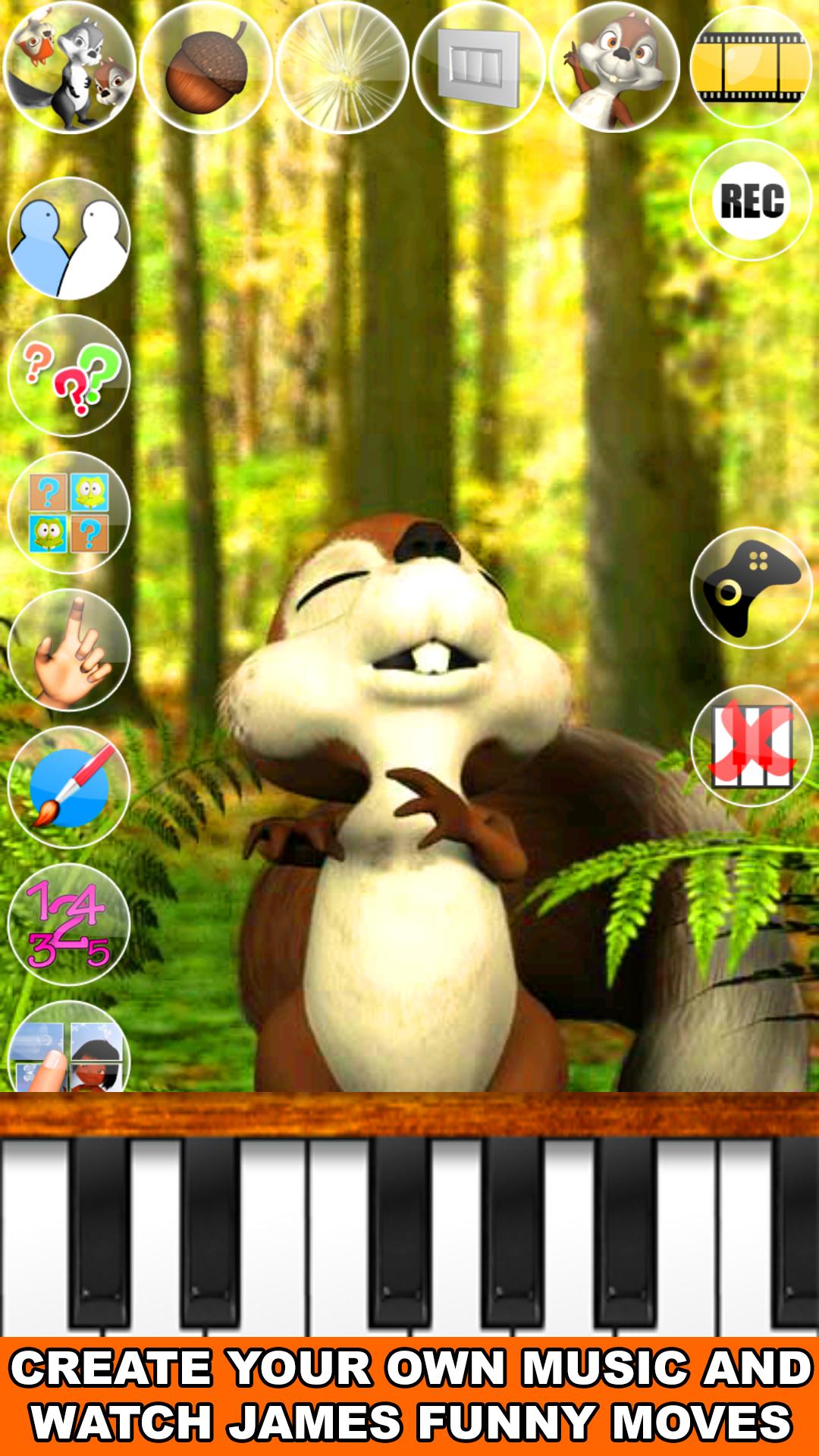
Talk to the talking James Squirrel. He answers with his funny voice and reacts to what you say or your touch. In addition, play with James and his Piano! Play your favorite Song and James will love to sing for you. James has also more than 30 exciting games with many levels to play!
Spend some time with James this cute a little bit crazy squirrel. He will show you some of his Karate moves, his passion for music and singing, his favorite games and much more.
If you like animals games like talking pets then you will love Talking James Squirrel!
Features:
- Talking Animals
- Talking Squirrel
- Squirrel Games
- High quality 3D graphics
- One of the best talking animals app
- Cool voice interaction
- Piano with singing James
- Many different animations
Enjoy hours of fun and laughter with Talking James Squirrel!
Avance
Etiquetas
SimulaciónUn solo jugadorEstilizadoDibujos animadosDesconectadoInformación
Desarrollador
Kaufcom Games Apps Widgets
La última versión
240917
Última actualización
2024-09-17
Categoría
Cómics
Disponible en
Google Play
Mostrar más
Cómo jugar Talking James Squirrel con GameLoop en PC
1. Descargue GameLoop desde el sitio web oficial, luego ejecute el archivo exe para instalar GameLoop.
2. Abra GameLoop y busque "Talking James Squirrel", busque Talking James Squirrel en los resultados de búsqueda y haga clic en "Instalar".
3. Disfruta jugando Talking James Squirrel en GameLoop.
Minimum requirements
OS
Windows 8.1 64-bit or Windows 10 64-bit
GPU
GTX 1050
CPU
i3-8300
Memory
8GB RAM
Storage
1GB available space
Recommended requirements
OS
Windows 8.1 64-bit or Windows 10 64-bit
GPU
GTX 1050
CPU
i3-9320
Memory
16GB RAM
Storage
1GB available space