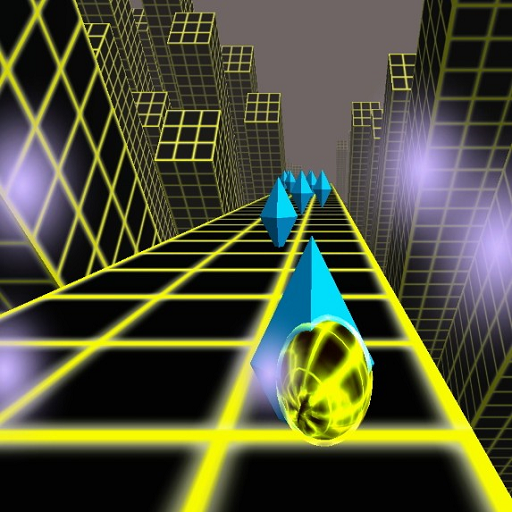
Rolling Ball 3D para PC
Osmatic
Descarga Rolling Ball 3D en PC con GameLoop Emulator
Rolling Ball 3D en PC
Rolling Ball 3D, proveniente del desarrollador Osmatic, se ejecuta en el sistema Android en el pasado.
Ahora, puedes jugar Rolling Ball 3D en PC con GameLoop sin problemas.
Descárgalo en la biblioteca de GameLoop o en los resultados de búsqueda. No más mirar la batería o llamadas frustrantes en el momento equivocado nunca más.
Simplemente disfrute de Rolling Ball 3D PC en la pantalla grande de forma gratuita!
Rolling Ball 3D Introducción
Rolling ball 3D strategic arcade game for all age groups.
ABOUT THE GAME:
★ It has 6 levels and 9 lives(balls).
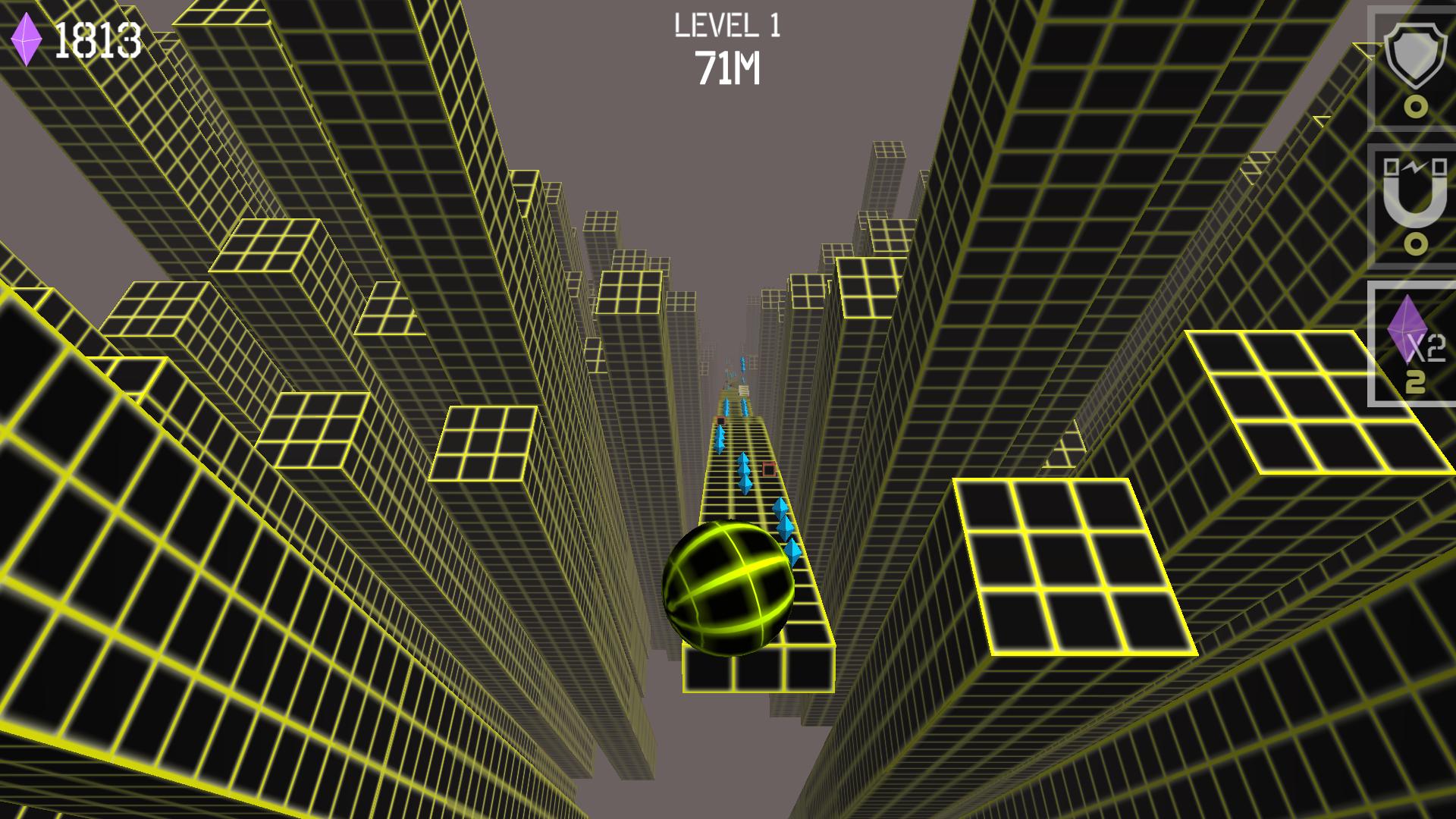
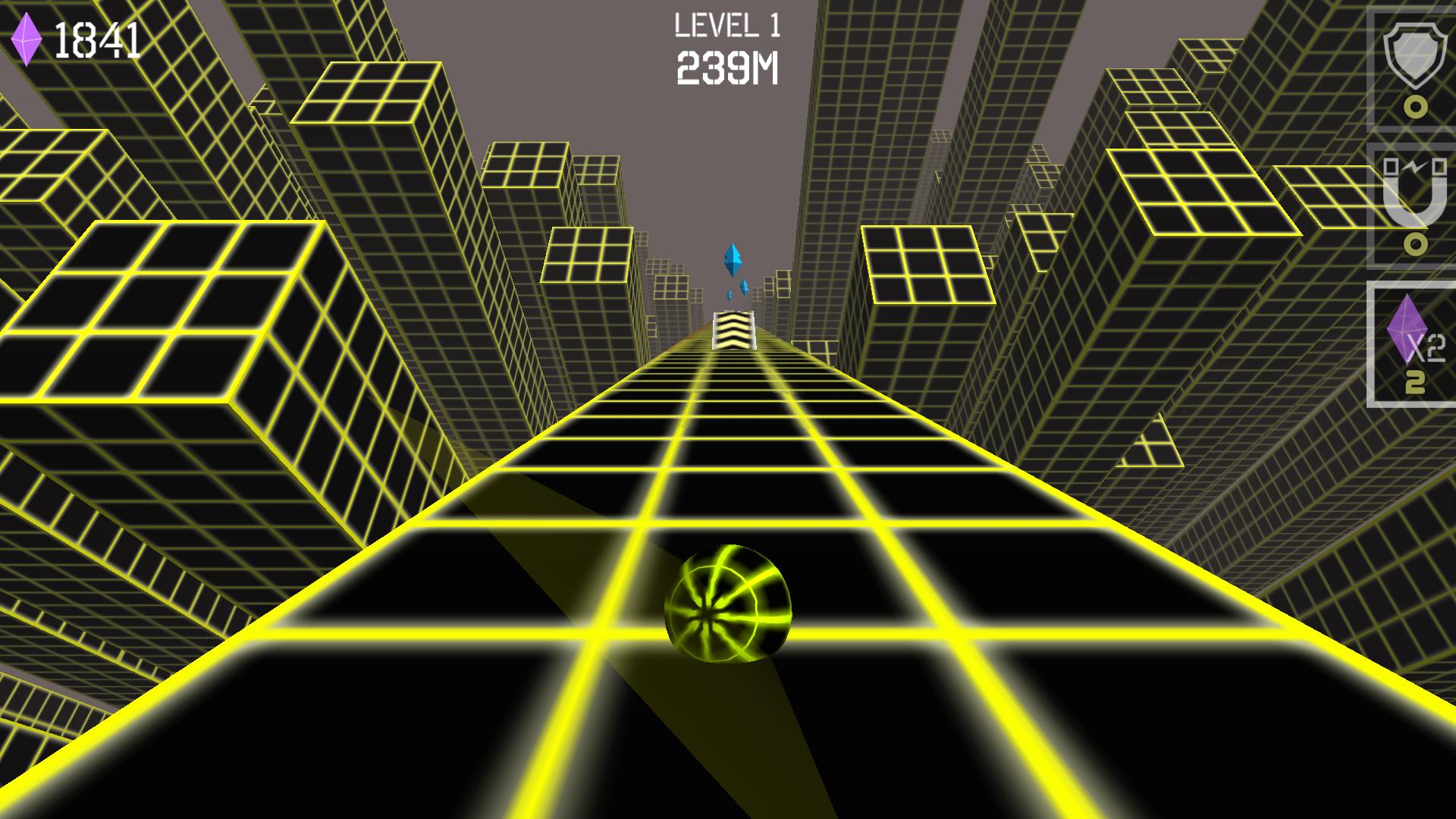
★ Rolling ball 3d is a game where the ball descend right from the sky.
★ Tilt the phone to control the ball, that is how smooth it is to play.
★ Unlock the adventures of Rolling Ball
★ The Rolling Ball is an Action player.
★ Available for tablets also, the bigger is better.
★ Addictive gameplay.
★ Eye catching graphics.
★ Put your skills to the test- roll over all the diamonds to reach higher levels of excitement.
★ Share your high score with your friends.
★ Challenge your friends to beat your score.
★ Get rid of your boredom with this relaxing game.
Avance
Etiquetas
CasualInformación
Desarrollador
Osmatic
La última versión
1.1.2
Última actualización
2021-06-16
Categoría
Casual
Disponible en
Google Play
Mostrar más
Cómo jugar Rolling Ball 3D con GameLoop en PC
1. Descargue GameLoop desde el sitio web oficial, luego ejecute el archivo exe para instalar GameLoop.
2. Abra GameLoop y busque "Rolling Ball 3D", busque Rolling Ball 3D en los resultados de búsqueda y haga clic en "Instalar".
3. Disfruta jugando Rolling Ball 3D en GameLoop.
Minimum requirements
OS
Windows 8.1 64-bit or Windows 10 64-bit
GPU
GTX 1050
CPU
i3-8300
Memory
8GB RAM
Storage
1GB available space
Recommended requirements
OS
Windows 8.1 64-bit or Windows 10 64-bit
GPU
GTX 1050
CPU
i3-9320
Memory
16GB RAM
Storage
1GB available space