
Sussy School Grounds para PC
salma34
Descarga Sussy School Grounds en PC con GameLoop Emulator
Sussy School Grounds en PC
Sussy School Grounds, proveniente del desarrollador salma34, se ejecuta en el sistema Android en el pasado.
Ahora, puedes jugar Sussy School Grounds en PC con GameLoop sin problemas.
Descárgalo en la biblioteca de GameLoop o en los resultados de búsqueda. No más mirar la batería o llamadas frustrantes en el momento equivocado nunca más.
Simplemente disfrute de Sussy School Grounds PC en la pantalla grande de forma gratuita!
Sussy School Grounds Introducción
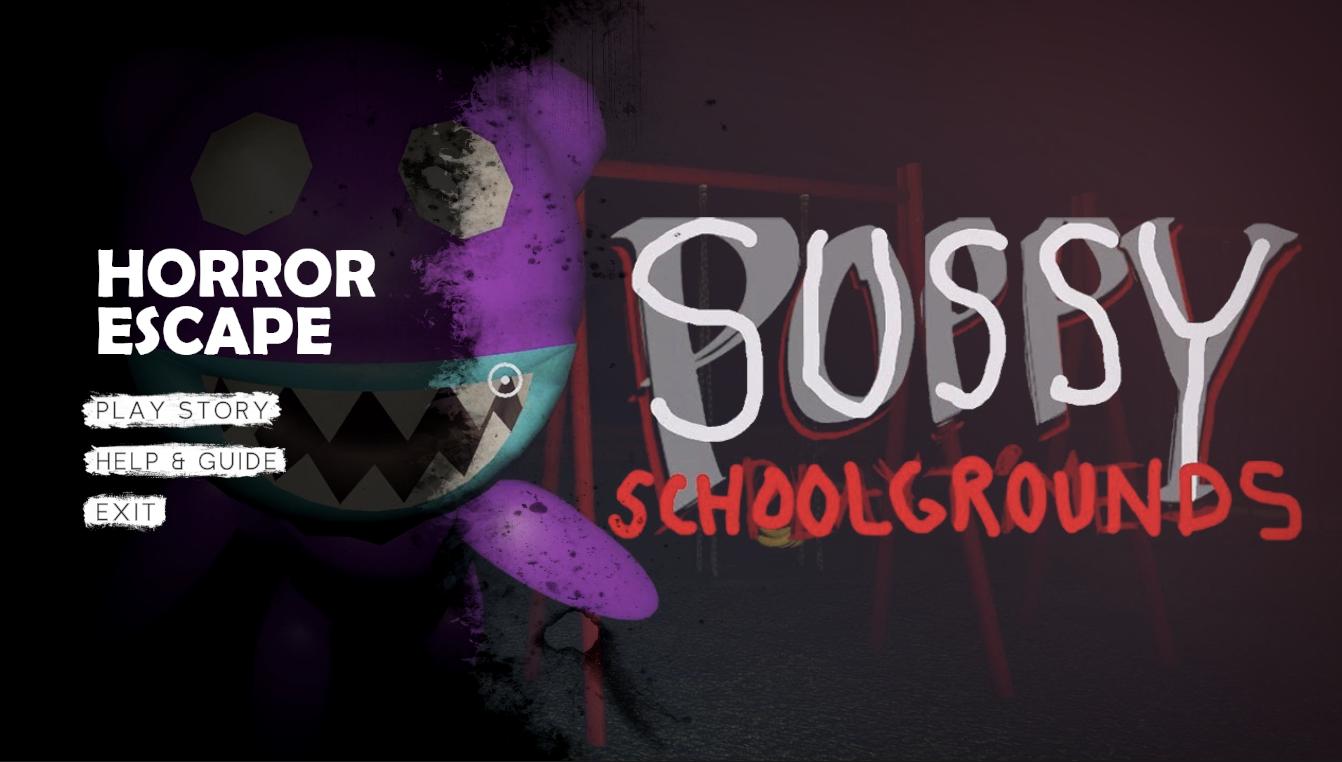
1. Sussy School Grounds: The park where the game takes place is located on the grounds of an abandoned school. The school grounds are overgrown with weeds and vines, and the old school building looms in the distance like a haunted mansion. The rusted metal fences and broken gates suggest that something sinister happened here, and you can't shake the feeling that you're not alone.
2. Sussy Garden: The hidden games in the park lead you to the overgrown and neglected school garden. The garden is filled with wilted flowers, thorny bushes, and twisted trees. The leaves rustle ominously in the wind, and you feel like you're being watched by something lurking in the shadows.
3. Horror Game: "The Beast" is a horror game that will leave you on the edge of your seat. The combination of the eerie setting, the terrifying monster, and the sense of impending danger creates a heart-pounding experience that will make you jump out of your skin.
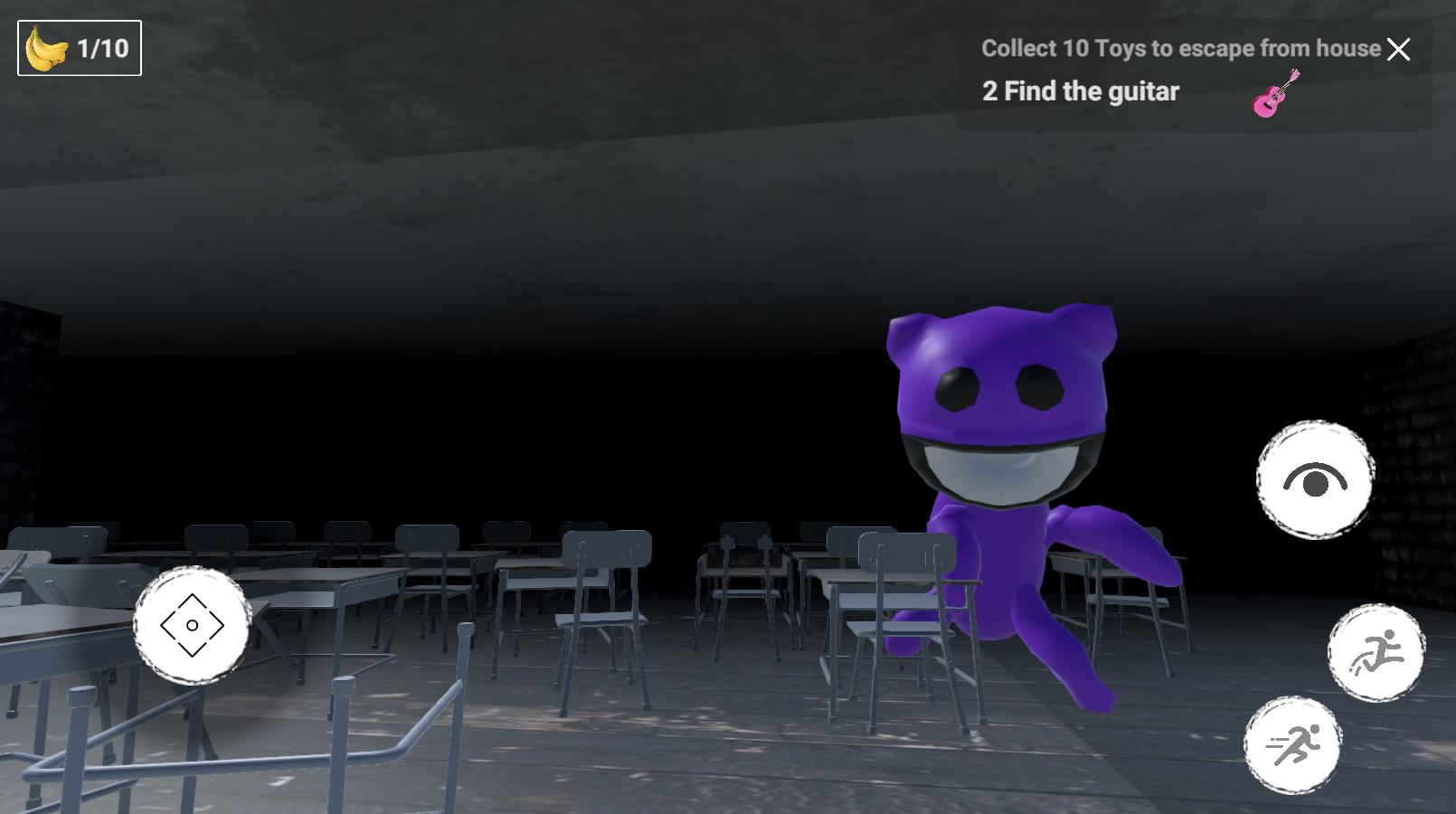
4. School Building: The old school building is a foreboding presence in the game. The windows are boarded up, and the doors are locked tight. You can't help but wonder what secrets the building holds, and what kind of horrors you might encounter inside.
5. Survival: In "The Beast," survival is the name of the game. The stakes are high, and you must use all of your wits and instincts to outsmart the monster and stay alive. As you search for the hidden games, you must constantly be on the lookout for the Beast, and you must be prepared to run, hide, and fight if necessary.
Avance
Etiquetas
CasualInformación
Desarrollador
salma34
La última versión
1.5.2
Última actualización
2023-05-16
Categoría
Casual
Disponible en
Google Play
Mostrar más
Cómo jugar Sussy School Grounds con GameLoop en PC
1. Descargue GameLoop desde el sitio web oficial, luego ejecute el archivo exe para instalar GameLoop.
2. Abra GameLoop y busque "Sussy School Grounds", busque Sussy School Grounds en los resultados de búsqueda y haga clic en "Instalar".
3. Disfruta jugando Sussy School Grounds en GameLoop.
Minimum requirements
OS
Windows 8.1 64-bit or Windows 10 64-bit
GPU
GTX 1050
CPU
i3-8300
Memory
8GB RAM
Storage
1GB available space
Recommended requirements
OS
Windows 8.1 64-bit or Windows 10 64-bit
GPU
GTX 1050
CPU
i3-9320
Memory
16GB RAM
Storage
1GB available space