TGC Mobile App para PC
The TemPositions Group
Descarga TGC Mobile App en PC con GameLoop Emulator
TGC Mobile App en PC
TGC Mobile App, proveniente del desarrollador The TemPositions Group, se ejecuta en el sistema Android en el pasado.
Ahora, puedes jugar TGC Mobile App en PC con GameLoop sin problemas.
Descárgalo en la biblioteca de GameLoop o en los resultados de búsqueda. No más mirar la batería o llamadas frustrantes en el momento equivocado nunca más.
Simplemente disfrute de TGC Mobile App PC en la pantalla grande de forma gratuita!
TGC Mobile App Introducción
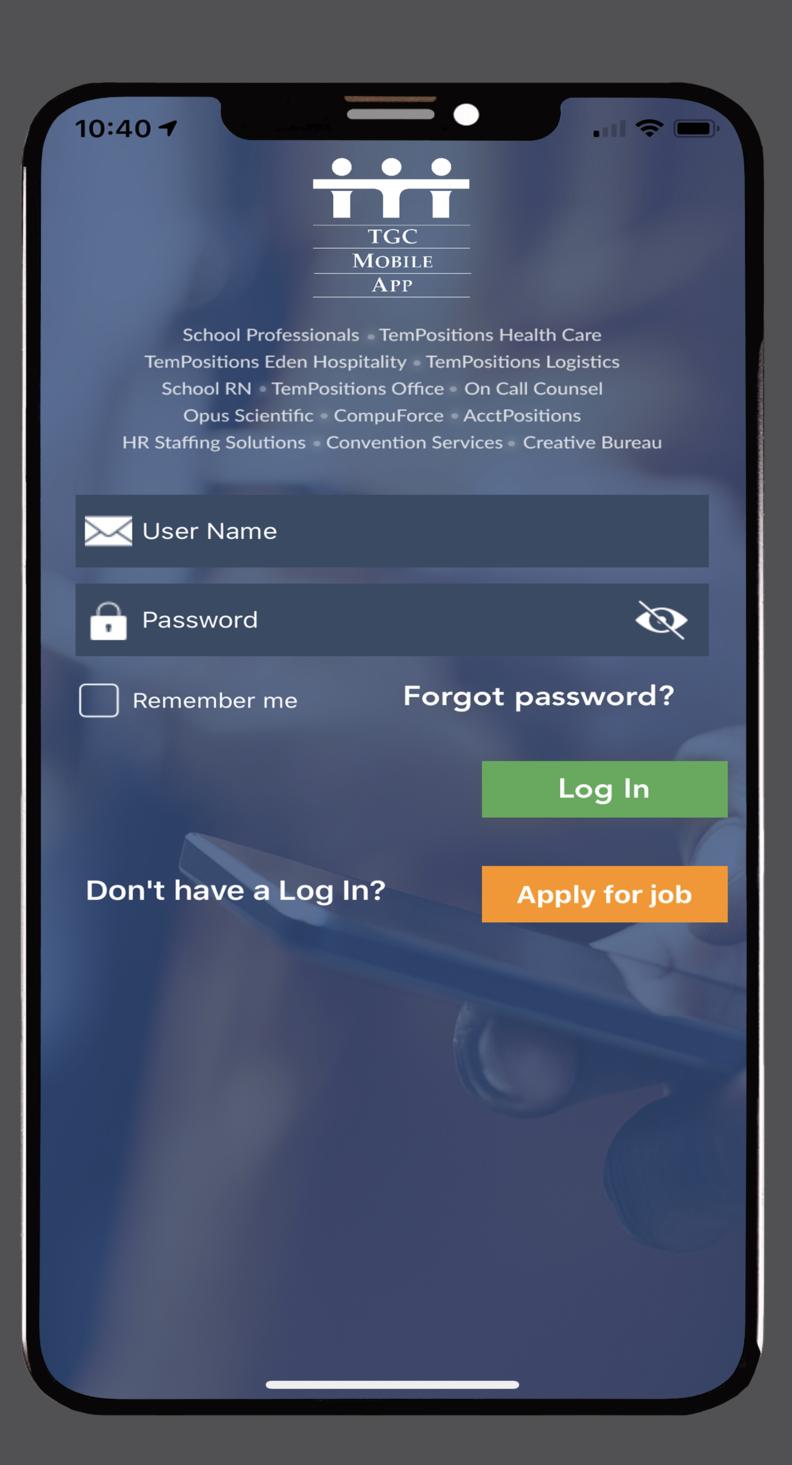
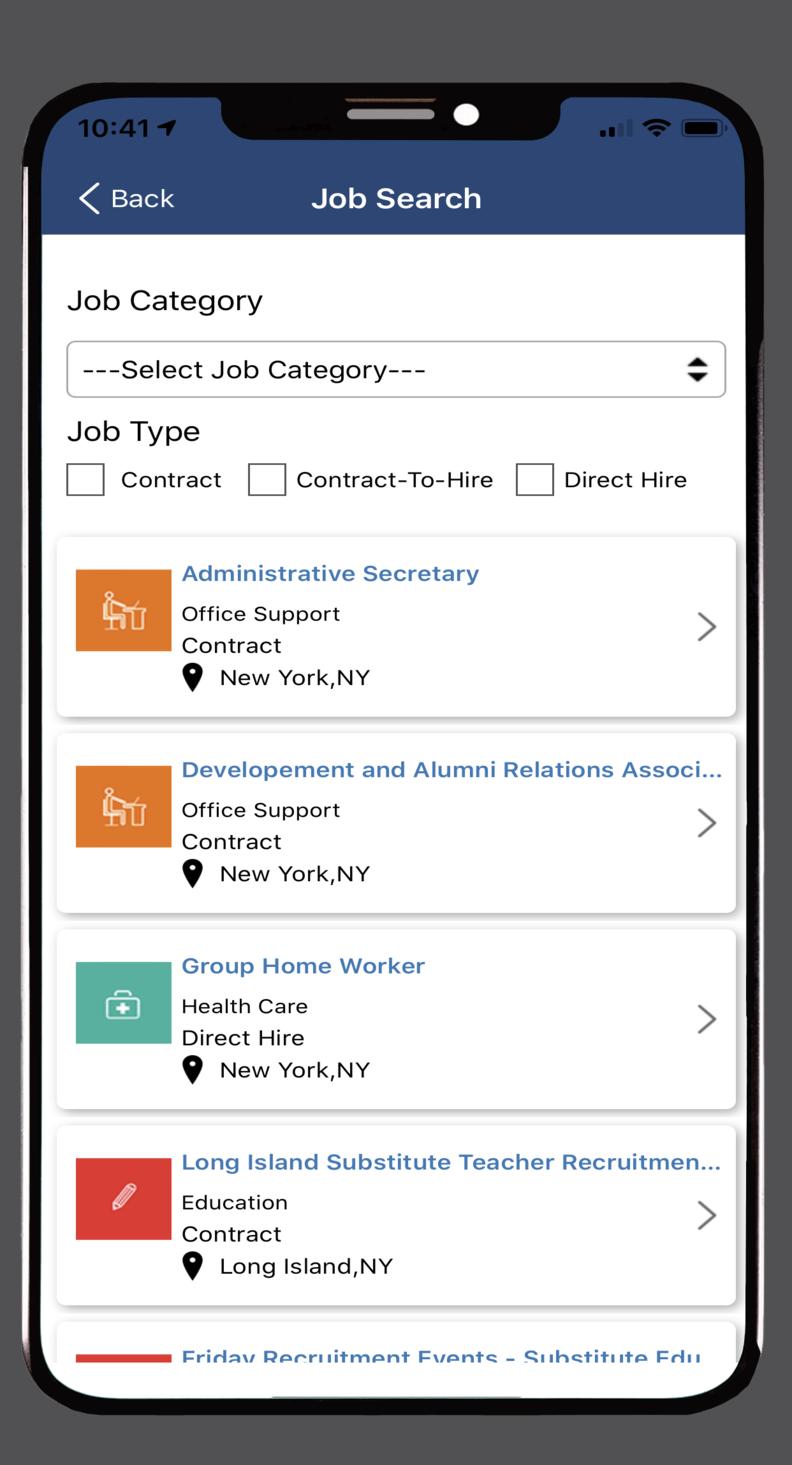
This is the official Employee Mobile App of The TemPositions Group of Companies – consisting of School Professionals, School RN, On Call Counsel, Opus Scientific, CompuForce, AcctPositions, HR Staffing Solutions, Convention Services and The Creative Bureau. This app enables you to stay connected with The TemPositions Group of Companies throughout your job search and while on assignment. Use the app to quickly accept openings or easily submit your timeslip for your current assignment in seconds from your mobile device.
-View your past and present assignments
-Enter your availability to work
-View and accept assignments from your personal job bank
-Enter your timeslips and view previous timeslips
-Upload your picture-Most of our client’s place orders for staff online, so putting a face to a name can really help you stand out from the crowd!
Avance
Etiquetas
EmpresaInformación
Desarrollador
The TemPositions Group
La última versión
1.0.79
Última actualización
2025-04-25
Categoría
Empresa
Disponible en
Google Play
Mostrar más
Cómo jugar TGC Mobile App con GameLoop en PC
1. Descargue GameLoop desde el sitio web oficial, luego ejecute el archivo exe para instalar GameLoop.
2. Abra GameLoop y busque "TGC Mobile App", busque TGC Mobile App en los resultados de búsqueda y haga clic en "Instalar".
3. Disfruta jugando TGC Mobile App en GameLoop.
Minimum requirements
OS
Windows 8.1 64-bit or Windows 10 64-bit
GPU
GTX 1050
CPU
i3-8300
Memory
8GB RAM
Storage
1GB available space
Recommended requirements
OS
Windows 8.1 64-bit or Windows 10 64-bit
GPU
GTX 1050
CPU
i3-9320
Memory
16GB RAM
Storage
1GB available space