
RSHULLO para PC
Unilever Inc
Descarga RSHULLO en PC con GameLoop Emulator
RSHULLO en PC
RSHULLO, proveniente del desarrollador Unilever Inc, se ejecuta en el sistema Android en el pasado.
Ahora, puedes jugar RSHULLO en PC con GameLoop sin problemas.
Descárgalo en la biblioteca de GameLoop o en los resultados de búsqueda. No más mirar la batería o llamadas frustrantes en el momento equivocado nunca más.
Simplemente disfrute de RSHULLO PC en la pantalla grande de forma gratuita!
RSHULLO Introducción
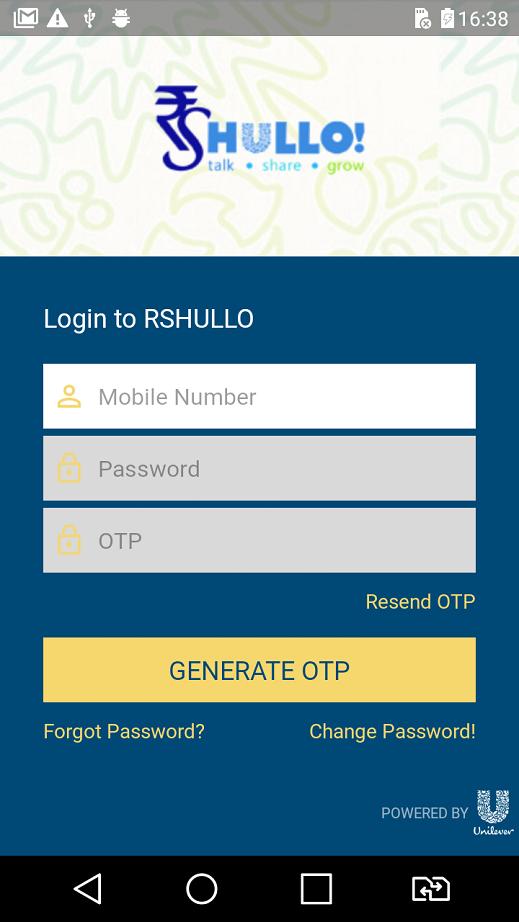
Facing difficulties in managing your business? RS Hullo App is here to make your life easy! You can now manage your entire business with HUL using one simple app!
Following are some of the exciting features of the app:
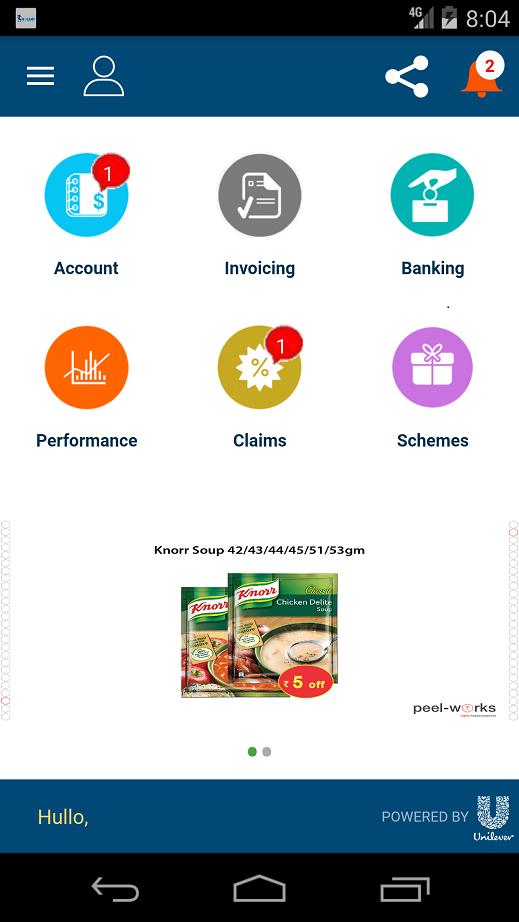
Check Account Balance on-the-go.
View the orders placed, allocated and dispatched to you. Everything under one roof.
Know the payments due to HUL and get notified on failed payments too.
Get immediate notifications about new schemes, payment due, claim acceptance/rejection and more.
Never stay behind. Track your claims and immediately get notified about passed or failed claims.
Get uninterrupted support from the Unilever team – we are just one click away.
Growing your business has never been easier! Get access to all ongoing schemes and product changes conducted by HUL.
Enjoy these features and a lot more on the RS Hullo App built just for your comfort. Download today!
Note: This app is designed exclusively for Redistribution Stockists (RSs) of Unilever.
Avance
Etiquetas
EmpresaInformación
Desarrollador
Unilever Inc
La última versión
2.1.8
Última actualización
2019-10-22
Categoría
Empresa
Disponible en
Google Play
Mostrar más
Cómo jugar RSHULLO con GameLoop en PC
1. Descargue GameLoop desde el sitio web oficial, luego ejecute el archivo exe para instalar GameLoop.
2. Abra GameLoop y busque "RSHULLO", busque RSHULLO en los resultados de búsqueda y haga clic en "Instalar".
3. Disfruta jugando RSHULLO en GameLoop.
Minimum requirements
OS
Windows 8.1 64-bit or Windows 10 64-bit
GPU
GTX 1050
CPU
i3-8300
Memory
8GB RAM
Storage
1GB available space
Recommended requirements
OS
Windows 8.1 64-bit or Windows 10 64-bit
GPU
GTX 1050
CPU
i3-9320
Memory
16GB RAM
Storage
1GB available space