
my Personify para PC
Acuity Brands
Descarga my Personify en PC con GameLoop Emulator
my Personify en PC
my Personify, proveniente del desarrollador Acuity Brands, se ejecuta en el sistema Android en el pasado.
Ahora, puedes jugar my Personify en PC con GameLoop sin problemas.
Descárgalo en la biblioteca de GameLoop o en los resultados de búsqueda. No más mirar la batería o llamadas frustrantes en el momento equivocado nunca más.
Simplemente disfrute de my Personify PC en la pantalla grande de forma gratuita!
my Personify Introducción
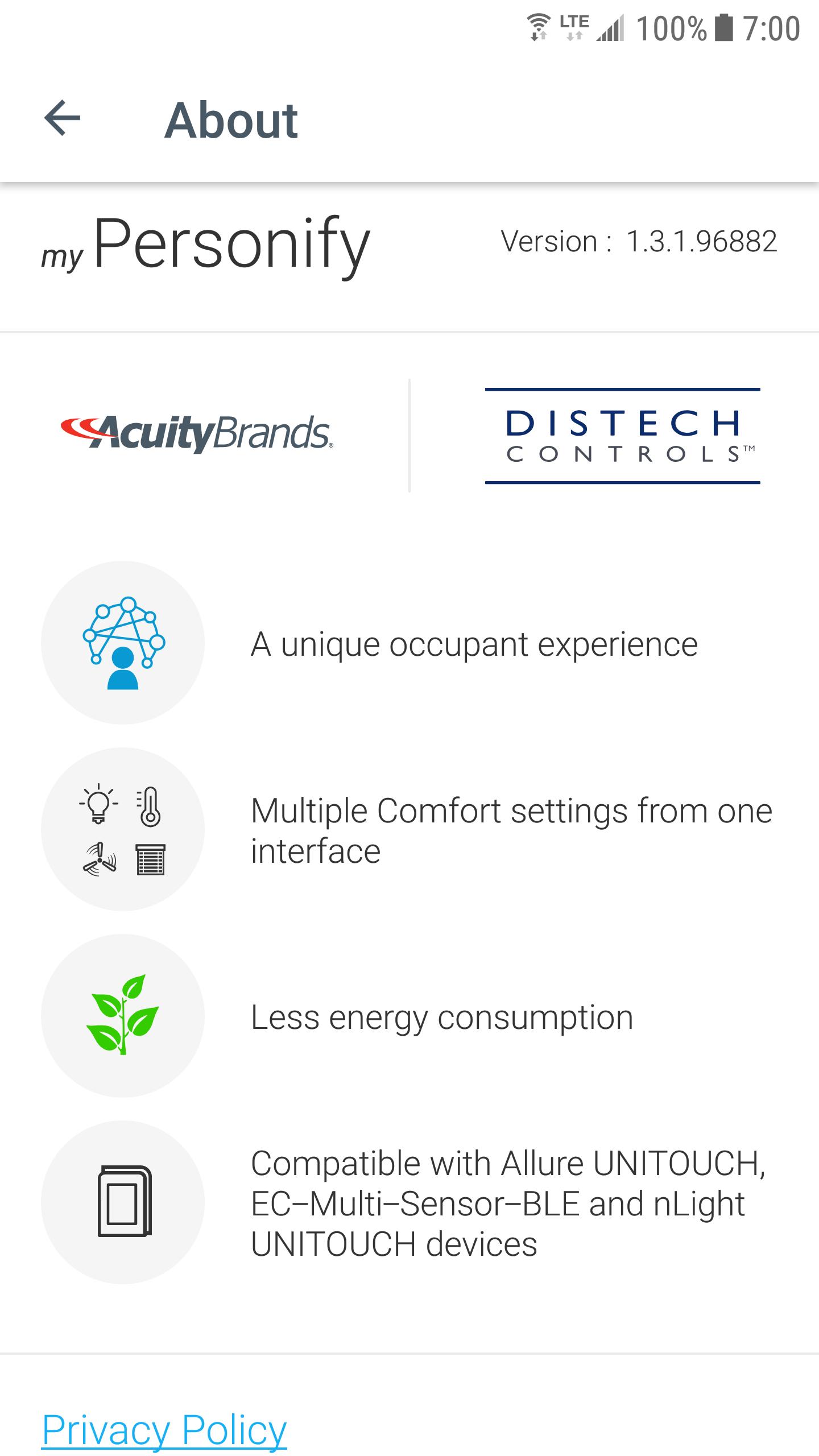
Welcome to my Personify, the app that allows you to easily customize your comfort settings directly from your mobile device when connected to a suitable room device (Allure UNITOUCH, EC-Multi-Sensor-BLE, nLight UNITOUCH) designed by Distech Controls (an Acuity Brands company).
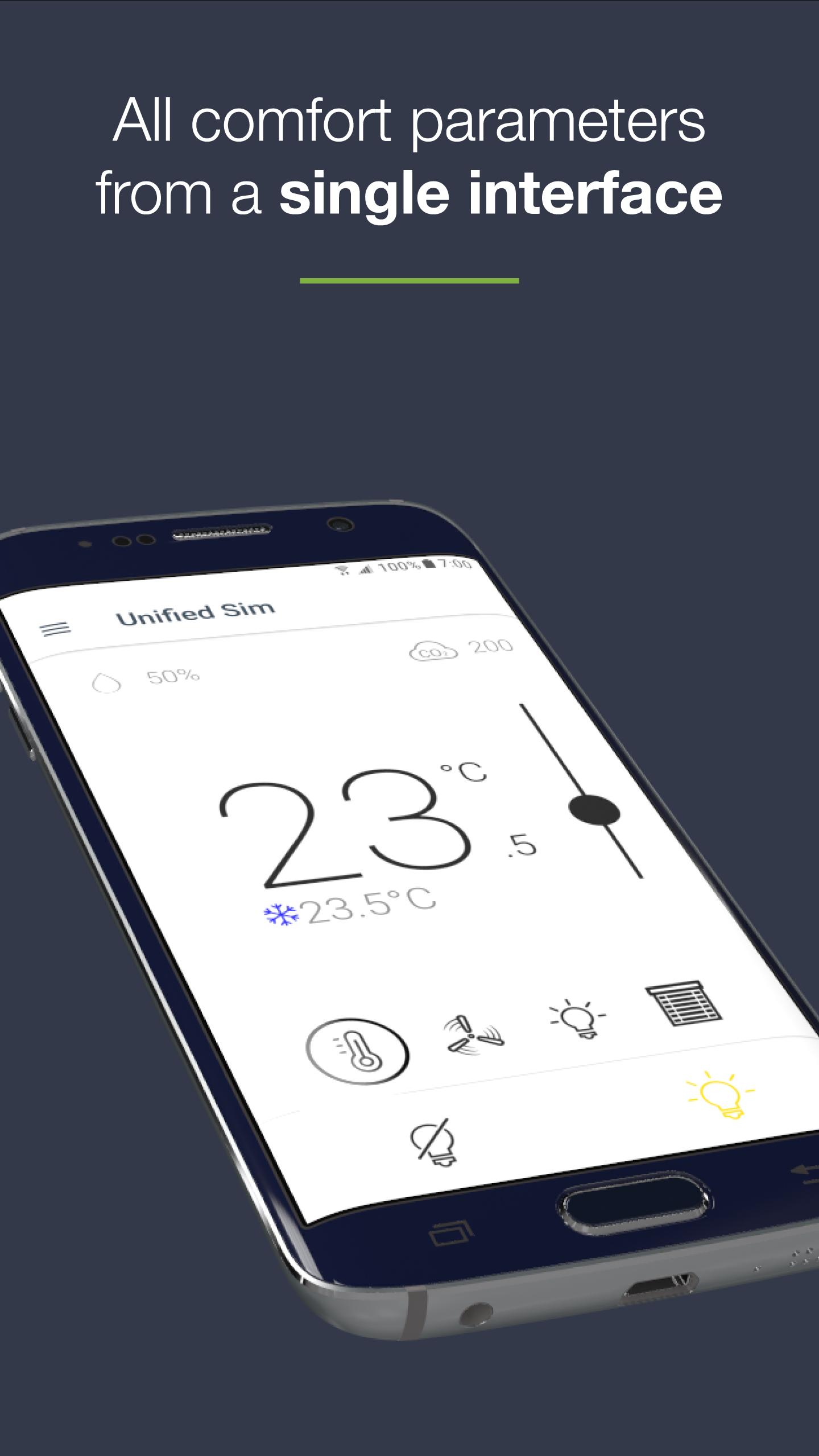
- ALL COMFORT PARAMETERS FROM A SINGLE AND CONVIVIAL INTERFACE
This user-friendly mobile application allows an occupant to intuitively set all room comfort parameters from a single interface:
- Lighting
- Temperature
- Fan speed
- Sunblinds
- INTUITIVE INTERFACE
All control screens have been designed with the occupant in mind, making this app easy to use, regardless of one’s technical skillset.
- PERSONAL PREFERENCES FOR A PERSONALIZED INTERFACE AND COMFORT
The occupant can define their personal preferences (units, favorites devices) in order to personalize their user interface and space comfort settings.
- EASY CONNECTION BETWEEN MOBILE APPLICATION AND ROOM DEVICES
Based on Bluetooth® low energy technology, the mobile device is very easily connected to any BLE-enabled room devices within range (Allure UNITOUCH, EC-Multi-Sensor-BLE, nLight UNITOUCH).
Some favorites devices can also be defined in order to automatically connect to the most frequently used device.
- COMBINING COMFORT AND ENERGY EFFICIENCY
Leveraging several built-in intelligent features (Eco-VueTM leaf, automatic modes...), the occupant can visualize the environmental impact of their behavior while setting comfort parameters.
Avance
Etiquetas
EmpresaInformación
Desarrollador
Acuity Brands
La última versión
1.7.0
Última actualización
2024-12-23
Categoría
Empresa
Disponible en
Google Play
Mostrar más
Cómo jugar my Personify con GameLoop en PC
1. Descargue GameLoop desde el sitio web oficial, luego ejecute el archivo exe para instalar GameLoop.
2. Abra GameLoop y busque "my Personify", busque my Personify en los resultados de búsqueda y haga clic en "Instalar".
3. Disfruta jugando my Personify en GameLoop.
Minimum requirements
OS
Windows 8.1 64-bit or Windows 10 64-bit
GPU
GTX 1050
CPU
i3-8300
Memory
8GB RAM
Storage
1GB available space
Recommended requirements
OS
Windows 8.1 64-bit or Windows 10 64-bit
GPU
GTX 1050
CPU
i3-9320
Memory
16GB RAM
Storage
1GB available space