
VTS Activate para PC
Lane - Smart Workplaces
Descarga VTS Activate en PC con GameLoop Emulator
VTS Activate en PC
VTS Activate, proveniente del desarrollador Lane - Smart Workplaces, se ejecuta en el sistema Android en el pasado.
Ahora, puedes jugar VTS Activate en PC con GameLoop sin problemas.
Descárgalo en la biblioteca de GameLoop o en los resultados de búsqueda. No más mirar la batería o llamadas frustrantes en el momento equivocado nunca más.
Simplemente disfrute de VTS Activate PC en la pantalla grande de forma gratuita!
VTS Activate Introducción
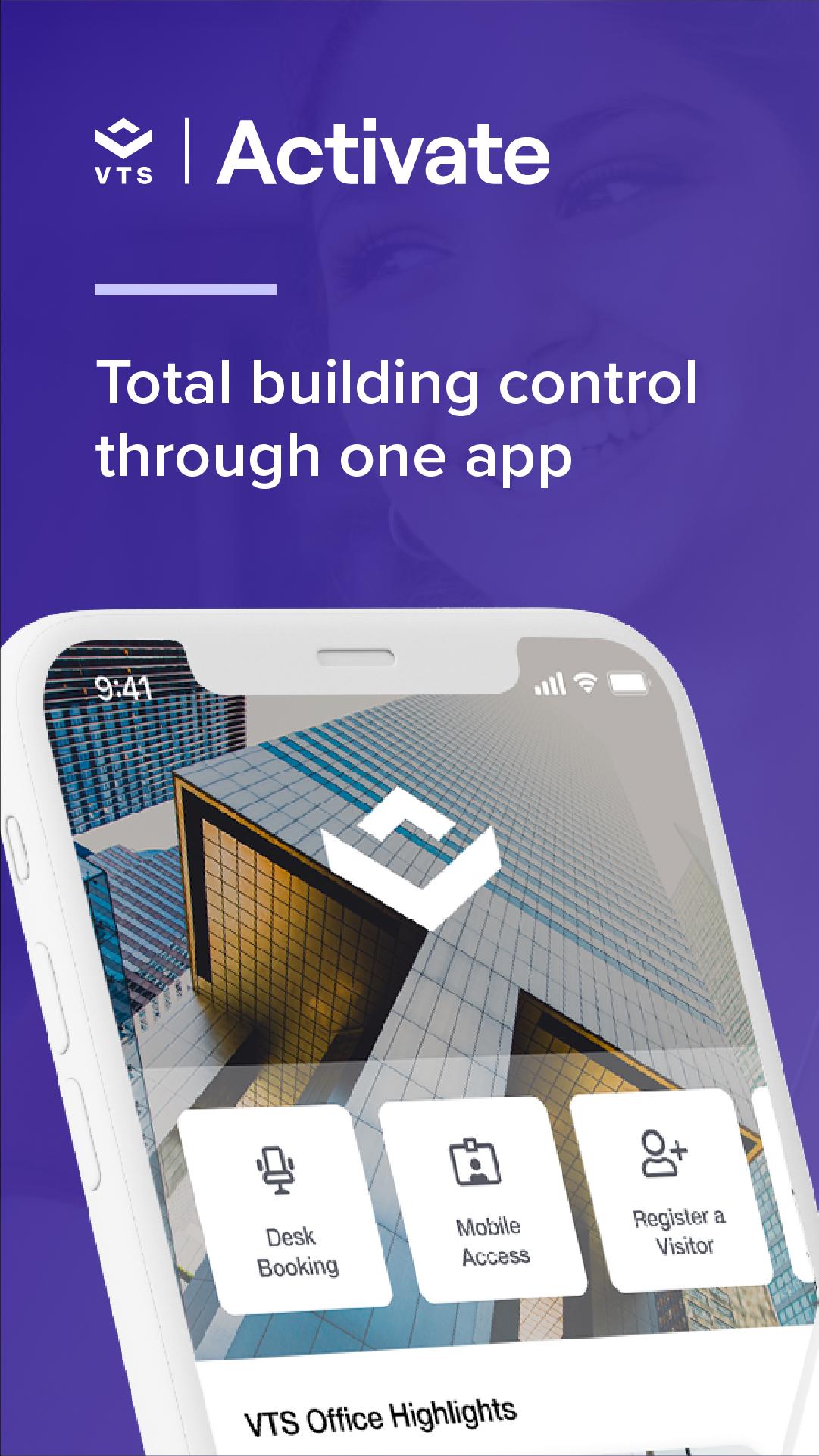
Unlock everything your workplace offers with the VTS Activate app. From building access to booking services, VTS Activate helps you get more out of your workplace. Make the most of available amenities and spaces, and get real-time updates on important updates and exclusive events through one app—VTS Activate.
ACCESS
Open doors to your building, suite, or room with the simple tap of your phone.
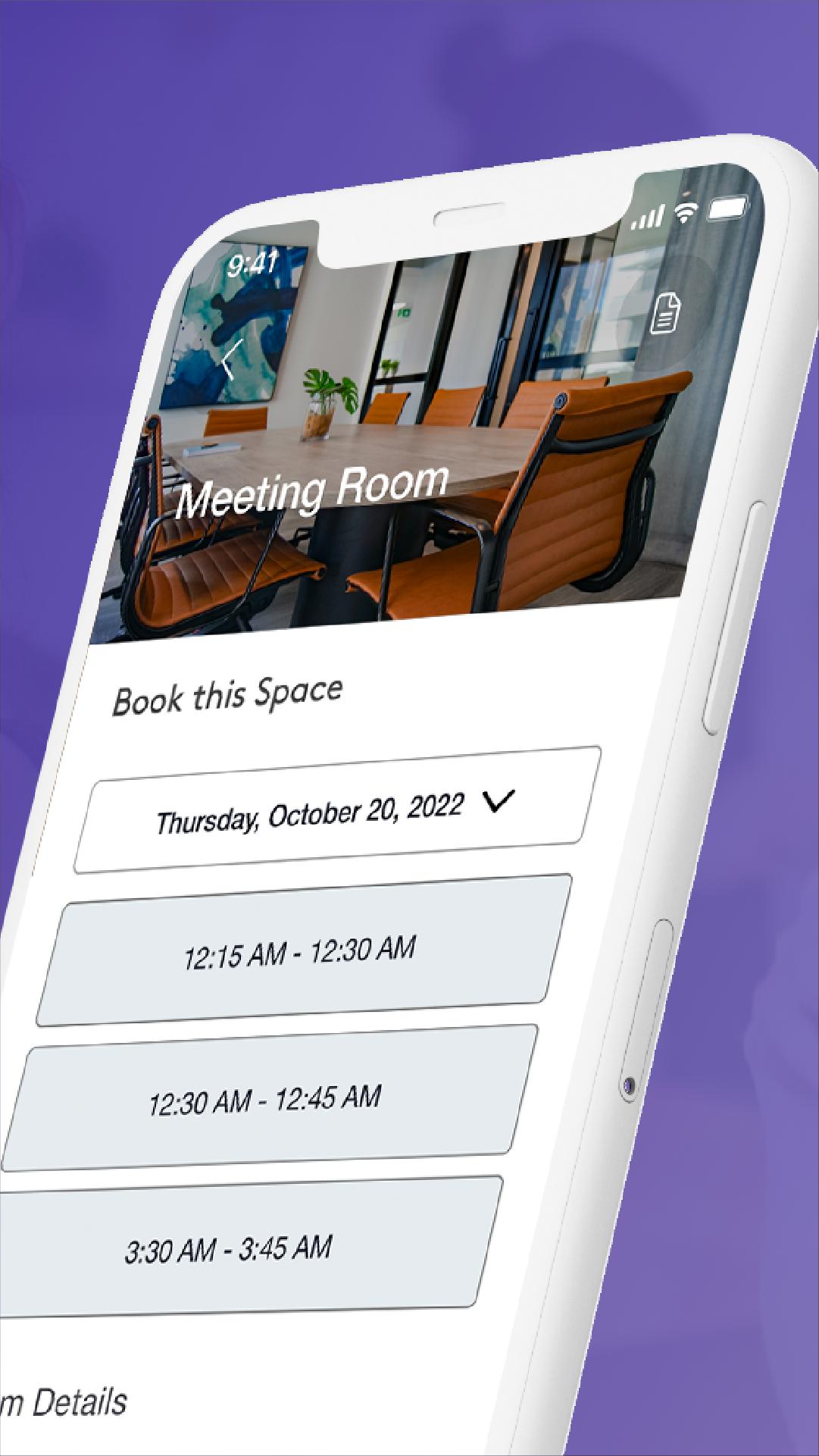
AMENITY RESERVATIONS
Browse and book amenities and shared spaces like meeting rooms, fitness studios, desks, and more.
VISITORS
Give guests a simple check-in experience. Invite them, sign them in, and get notified when they arrive.
INFO, UPDATES, AND ALERTS
Get updates on what’s happening in your workplace including building information, maintenance updates, alerts, and more.
EVENTS, RETAIL, AND PERKS
Elevate your office experience. RSVP to events, easily order and pay for lunch or coffee, and get more from your office, neighborhood, and community.
*Note: Not all features may be available at your location. Contact your property manager to learn more.
Avance
Etiquetas
EmpresaInformación
Desarrollador
Lane - Smart Workplaces
La última versión
5.205.0
Última actualización
2024-11-13
Categoría
Empresa
Disponible en
Google Play
Mostrar más
Cómo jugar VTS Activate con GameLoop en PC
1. Descargue GameLoop desde el sitio web oficial, luego ejecute el archivo exe para instalar GameLoop.
2. Abra GameLoop y busque "VTS Activate", busque VTS Activate en los resultados de búsqueda y haga clic en "Instalar".
3. Disfruta jugando VTS Activate en GameLoop.
Minimum requirements
OS
Windows 8.1 64-bit or Windows 10 64-bit
GPU
GTX 1050
CPU
i3-8300
Memory
8GB RAM
Storage
1GB available space
Recommended requirements
OS
Windows 8.1 64-bit or Windows 10 64-bit
GPU
GTX 1050
CPU
i3-9320
Memory
16GB RAM
Storage
1GB available space