Logo Maker App para PC
Universal Apps Center
Descarga Logo Maker App en PC con GameLoop Emulator
Logo Maker App en PC
Logo Maker App, proveniente del desarrollador Universal Apps Center, se ejecuta en el sistema Android en el pasado.
Ahora, puedes jugar Logo Maker App en PC con GameLoop sin problemas.
Descárgalo en la biblioteca de GameLoop o en los resultados de búsqueda. No más mirar la batería o llamadas frustrantes en el momento equivocado nunca más.
Simplemente disfrute de Logo Maker App PC en la pantalla grande de forma gratuita!
Logo Maker App Introducción
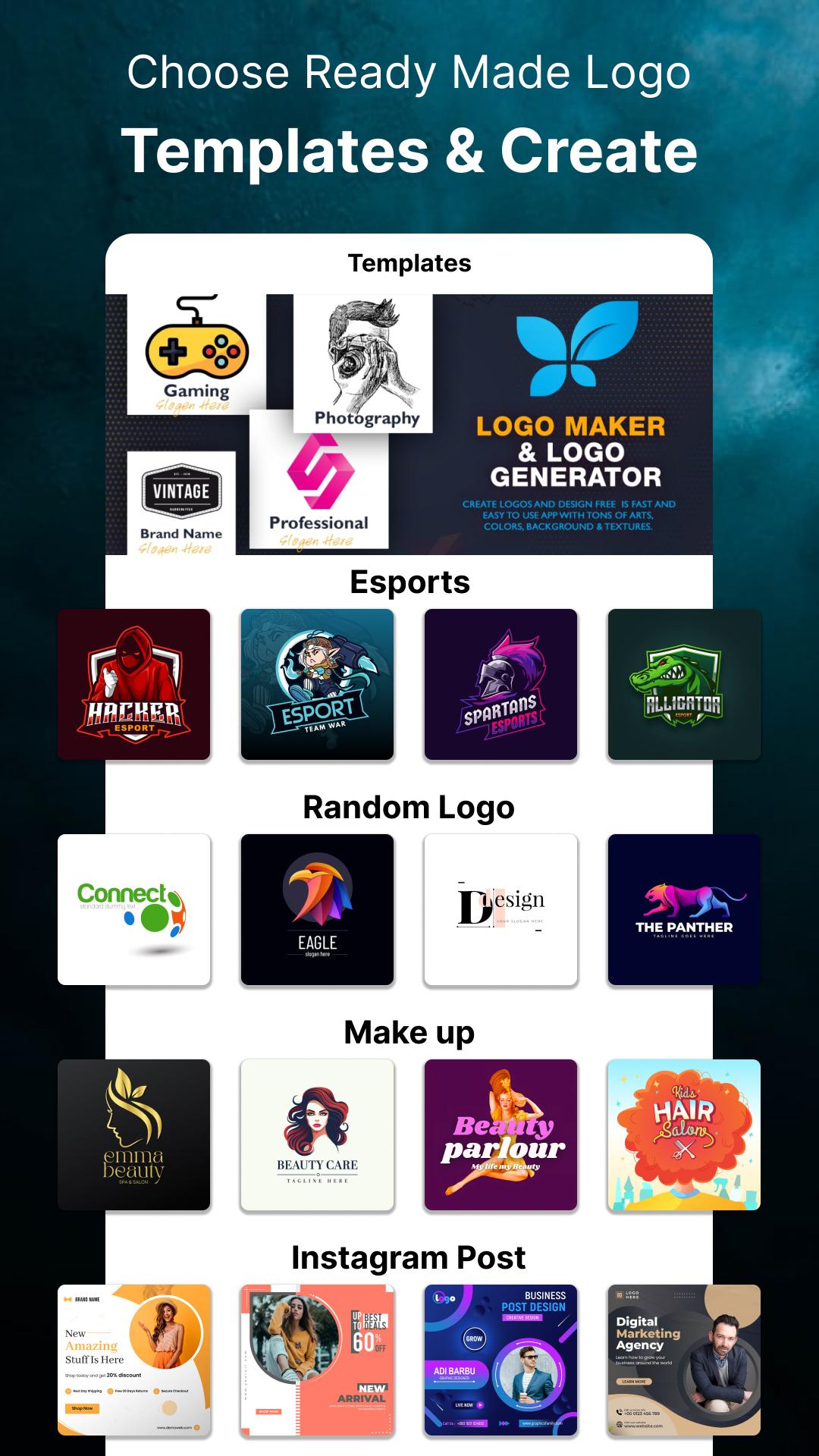
Are you finding the best logo maker? If you want to design a unique logo or have wish to take logo ideas then use this logo maker pro. Logo designer will design your business logos using logo templates, text logo shapes and 100+ logo elements.
Logo maker app in one stop solution to generate your brands logos because this logo maker is free for everyone. Logo maker free will ease you to access logo elements, logo shapes, Avatar, icons, text logos, arts and clip arts online.
Logos are important part for a brand identity, and if you are the owner of your business and don't know designing skills and really want a Logo creator so that you can design your unique logos in your Phone then use this logo generator because it covers 100+ categories of different business logos.
Can you import backgrounds from your gallery?
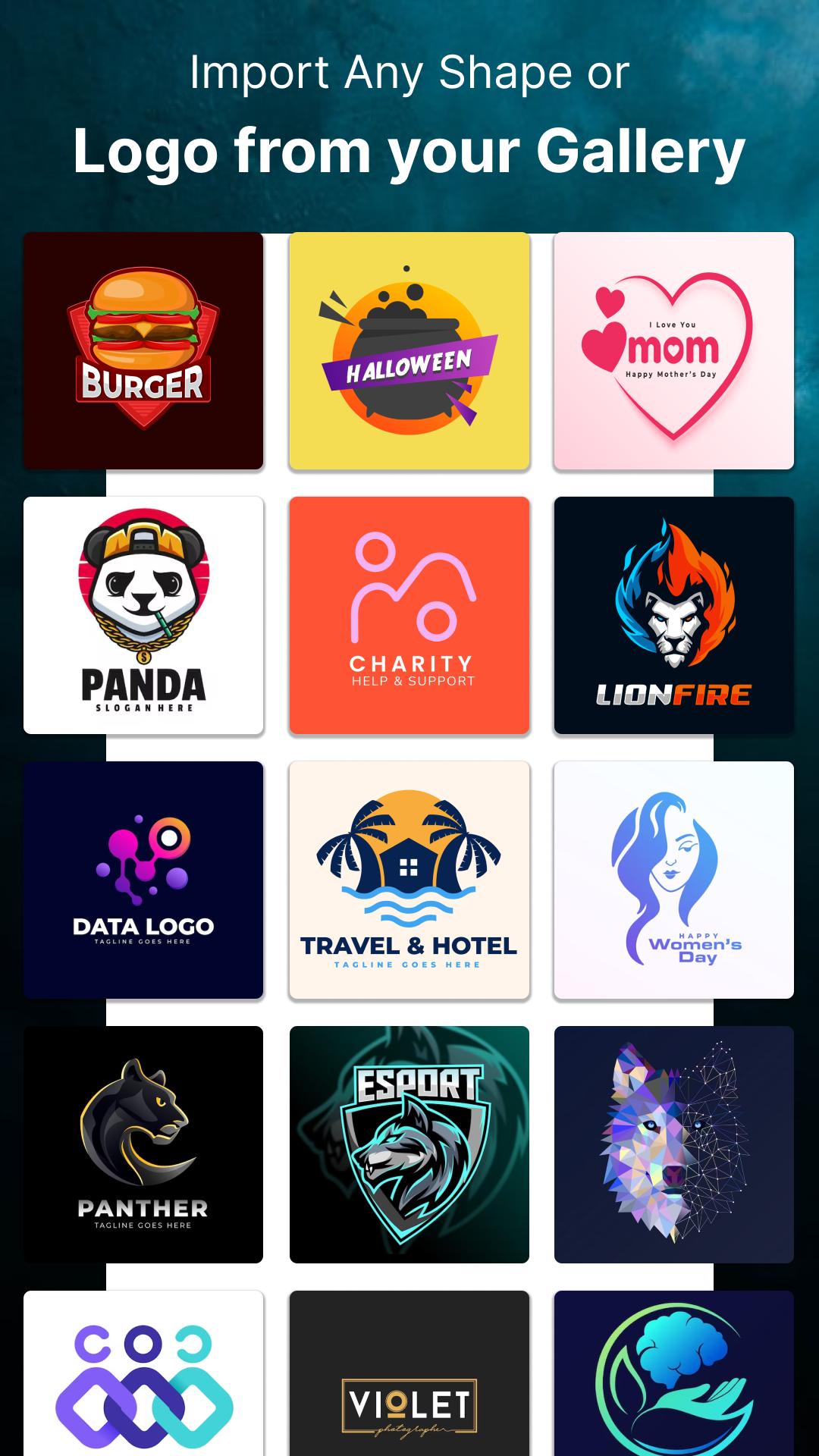
Using this logo maker you can import backgrounds, icons, logos, shapes from your phone's gallery and use them in logo maker.
How to make a logo?
First of all find your business category, explore different logos and ideas of your business Logos, now select any logo template, customize it by drag and drop. Edit text, change text color, change background, use the slogan of your business. Your logo is ready.
Why use a Logo maker app?
Logo designer and creator has high converting graphics, professional logo templates, customizable business logos and you can create logos as many as you need.
What logo maker offers you?
You can have plenty of logo making templates, text arts, shapes, stickers, slogans and you never need to use complex designing software because this is specially made to ease your logo maker work.
Its a Digital logo maker for your social media page, brands, company and for your website logo making. Resize texts, Color change, Hue, flip, Undo/Redo, auto save, re-edit for work later options are available.
By using this amazing and stunning logo maker you can generate a high quality resolution logo up to 1024pX1024p.
Online logo maker have these business categories:
*Photography
*E-sport
*Fashion
*Abstract
*Watercolor
*Business
*Real estate and more
This logo creator is totally a layered base to design a logo, you can lock any element layer in this free logo maker app. Set behind, front option for any object, so many stylish fonts to make your logo effective and different.
Now you can design and create modern artistic logos like a professional designer in your phone either for your business or personal use.
Where can you use a generated logo?
Once you have generated your logo using this logo creator, then you can use the PNG of the logo on your Document, Letterhead, Website, social media pages or anywhere you want to use.
Features:
1. 1000+ backgrounds
2. 1000+ shapes, arts, icons
3. Undo/Redo option
4. Layered based work with multi-layer
5. Save to your phone
6. Share on social media
7. Re-edit work option for later work
8. Crop, hue, fonts change, flip, rotate
9. Business modern logos ideas and templates
10. Easy to use and handle
11. Free for everyone
12. import image or icon from your phone gallery
Making a logo is now easier & instant with this easy logo maker. Enjoy the superb features of the logo maker and make your day.
Avance
Etiquetas
EmpresaArt-&Información
Desarrollador
Universal Apps Center
La última versión
2.3
Última actualización
2023-08-04
Categoría
Empresa
Disponible en
Google Play
Mostrar más
Cómo jugar Logo Maker App con GameLoop en PC
1. Descargue GameLoop desde el sitio web oficial, luego ejecute el archivo exe para instalar GameLoop.
2. Abra GameLoop y busque "Logo Maker App", busque Logo Maker App en los resultados de búsqueda y haga clic en "Instalar".
3. Disfruta jugando Logo Maker App en GameLoop.
Minimum requirements
OS
Windows 8.1 64-bit or Windows 10 64-bit
GPU
GTX 1050
CPU
i3-8300
Memory
8GB RAM
Storage
1GB available space
Recommended requirements
OS
Windows 8.1 64-bit or Windows 10 64-bit
GPU
GTX 1050
CPU
i3-9320
Memory
16GB RAM
Storage
1GB available space