Image to PDF Converter , Maker para PC
Lutech Ltd
Descarga Image to PDF Converter , Maker en PC con GameLoop Emulator
Image to PDF Converter , Maker en PC
Image to PDF Converter , Maker, proveniente del desarrollador Lutech Ltd, se ejecuta en el sistema Android en el pasado.
Ahora, puedes jugar Image to PDF Converter , Maker en PC con GameLoop sin problemas.
Descárgalo en la biblioteca de GameLoop o en los resultados de búsqueda. No más mirar la batería o llamadas frustrantes en el momento equivocado nunca más.
Simplemente disfrute de Image to PDF Converter , Maker PC en la pantalla grande de forma gratuita!
Image to PDF Converter , Maker Introducción
PDF Reader & PDF Viewer & Image to PDF Converter App is an office application with fast speed, fully functional. Helping you read all documents, quickly share, annotate pdf and move through your workflow reliably and efficiently. The security of pdf files is very high.
PDF Viewer & PDF Reader
✔ Quick display: PDF Reader fast helps you just enter the keywords and the results will be displayed automatically. Speed the loading and display of PDF files quickly even with large PDF files.
✔ Display mode: Choose single page, full screen reading mode or desired number of pages to view PDF. Use Tabs to quickly work across multiple documents.
✔ PDF orientation: Vertical and horizontal views, resize pdfs zoom in and zoom out pages provide the most convenient experience for you with document viewer.
✔ Quick page moving: Go to the desired page directly, fast page navigation return.
✔ Bookmarks: Bookmark specific pages for future reference.
✔ Theme color: PDF Viewer online help save battery and comfortable reading with edit pdfs in low light environments with dark mode or light mode.
PDF Converter & Scanner
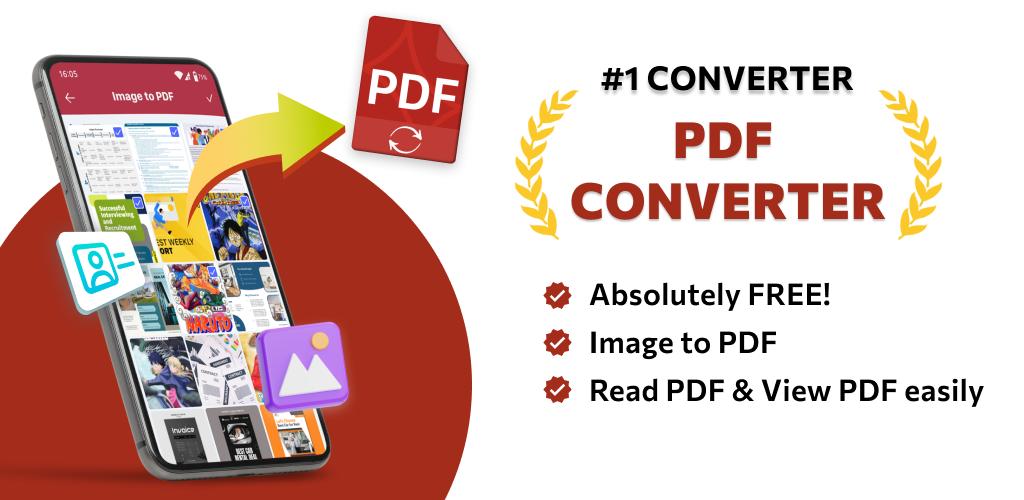
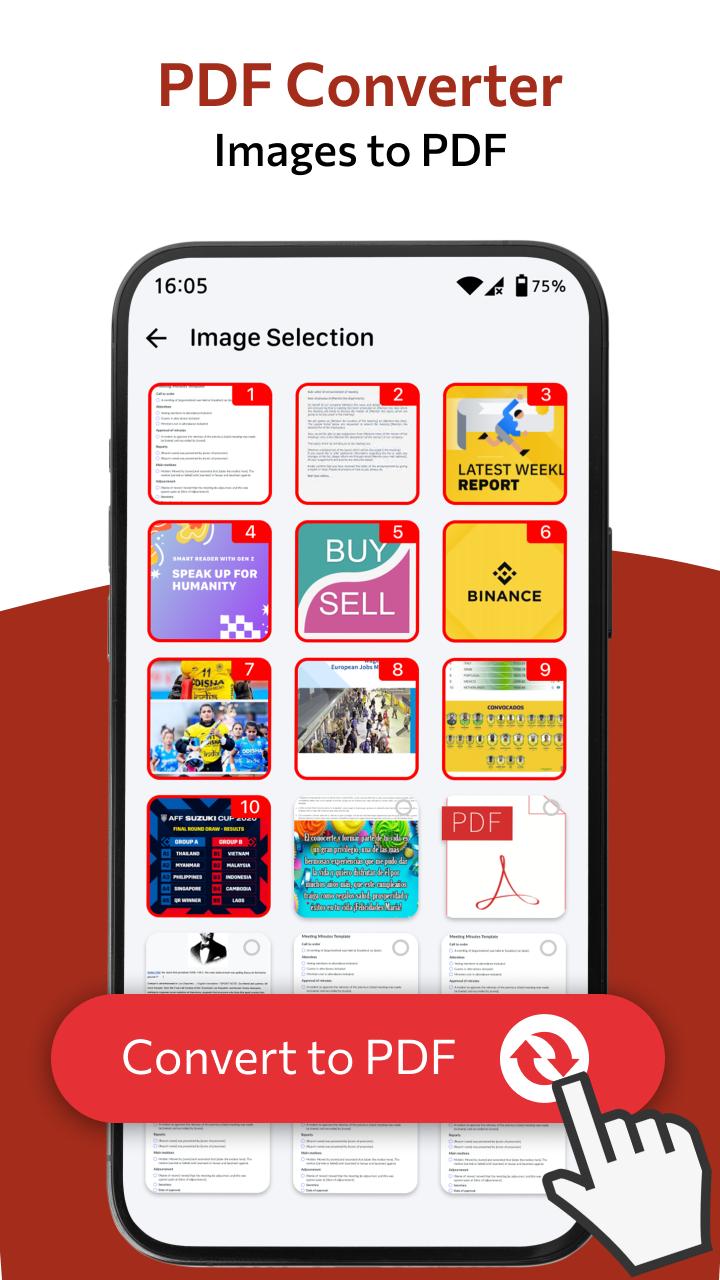
✔ Image to PDF: Import images or scan paper files with your camera and convert them to PDFs - notes, receipts, invoices, forms, business cards, certificates, whiteboards, ID cards, etc., all supported.
✔ PDF to JPG: Simple and easy to convert your PDF to images and share converted or edited, annotated images.
✔ PDF Creator: PDF Reader & PDF Viewer pro uses the most advanced technology available today to speed the loading and scan of PDF files quickly from multiple images (PNG, JPG, TIFF, GIF).
PDF Reader & PDF Viewer & Image to PDF Converter App for Android is a simple & lightweight book reader application for reading eBook. Experience PDF creator anytime with this app to easily work with even the most complex documents. Just download PDF free expert app and read all.
Contact us: teammarketing@lutech.ltd. Hope that you will enjoy this PDF Reader & PDF Viewer App.
Avance
Etiquetas
EmpresaInformación
Desarrollador
Lutech Ltd
La última versión
49.0
Última actualización
2023-06-07
Categoría
Empresa
Disponible en
Google Play
Mostrar más
Cómo jugar Image to PDF Converter , Maker con GameLoop en PC
1. Descargue GameLoop desde el sitio web oficial, luego ejecute el archivo exe para instalar GameLoop.
2. Abra GameLoop y busque "Image to PDF Converter , Maker", busque Image to PDF Converter , Maker en los resultados de búsqueda y haga clic en "Instalar".
3. Disfruta jugando Image to PDF Converter , Maker en GameLoop.
Minimum requirements
OS
Windows 8.1 64-bit or Windows 10 64-bit
GPU
GTX 1050
CPU
i3-8300
Memory
8GB RAM
Storage
1GB available space
Recommended requirements
OS
Windows 8.1 64-bit or Windows 10 64-bit
GPU
GTX 1050
CPU
i3-9320
Memory
16GB RAM
Storage
1GB available space