TV Cast - Cast for Chromecast para PC
Generation z apps
Descarga TV Cast - Cast for Chromecast en PC con GameLoop Emulator
TV Cast - Cast for Chromecast en PC
TV Cast - Cast for Chromecast, proveniente del desarrollador Generation z apps, se ejecuta en el sistema Android en el pasado.
Ahora, puedes jugar TV Cast - Cast for Chromecast en PC con GameLoop sin problemas.
Descárgalo en la biblioteca de GameLoop o en los resultados de búsqueda. No más mirar la batería o llamadas frustrantes en el momento equivocado nunca más.
Simplemente disfrute de TV Cast - Cast for Chromecast PC en la pantalla grande de forma gratuita!
TV Cast - Cast for Chromecast Introducción
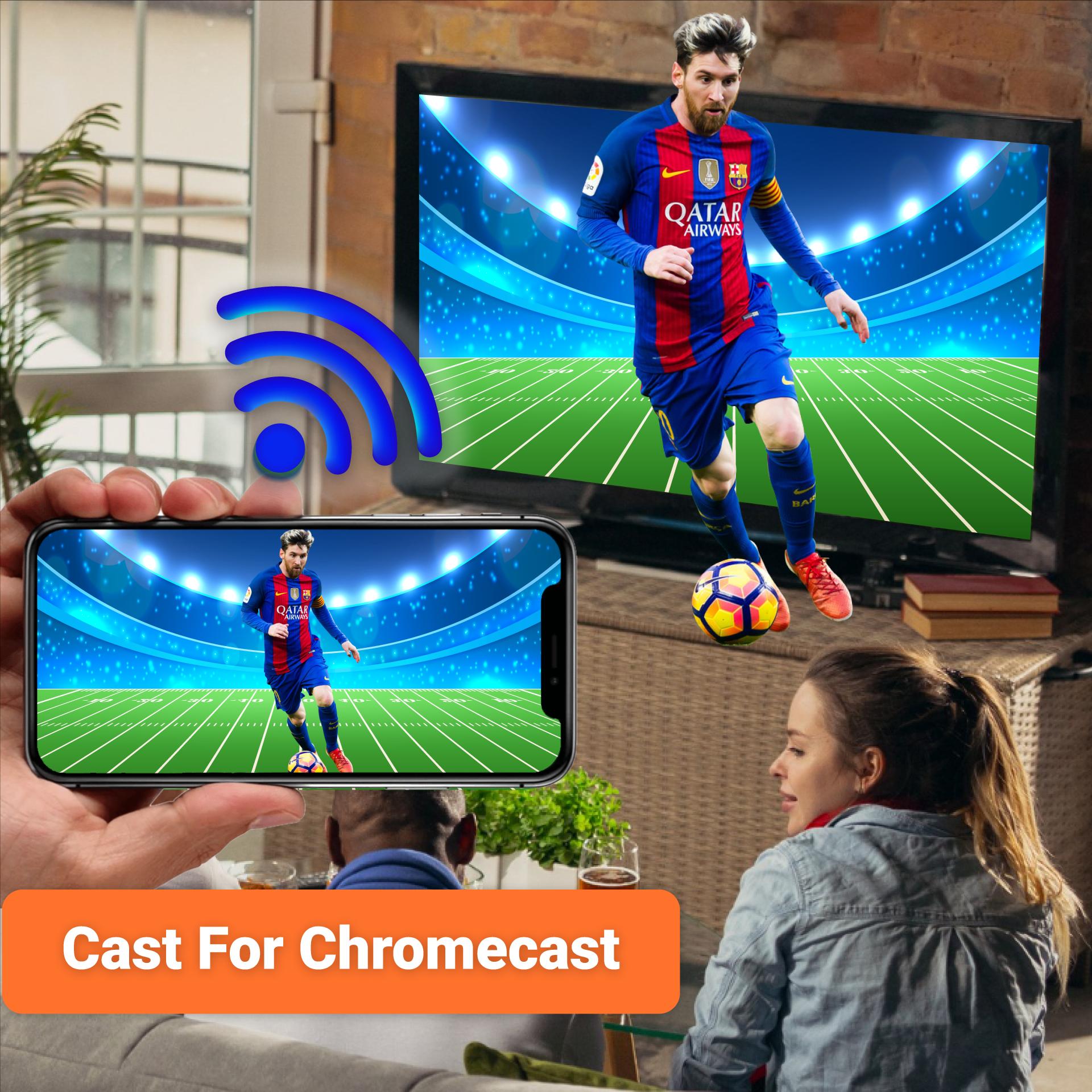
Cast to TV & Chromecast for smart TV enables you to screen mirroring your TV screen to Roku. Cast for Chromecast allows casting photos and videos to TV. Cast TV is a Chromecast app that converts TV screen to live screencast, Roku TV and smart TV. Cast to TV & Roku TV has amazing features to Smart cast your TV screen easily with screen mirroring to live screencast.
Cast to TV & Chromecast for Roku TV helps you to share screen to Roku, Fire VT, Xbox, Samsung and LG TV. Cast Web Browser to smart TV and watch your favorite TV shows, live streams on the big screen TV. Screen mirroring allow you to mirror screen of your phone to smart TV using Roku.
Key features of Cast to TV for Chromecast :
• Cast phone to phone for screen sharing.
• Cast your videos and photos on Roku TV.
• Chromecast your TV screen to smart TV with Roku.
• Smart cast app for screen mirroring and phone casting.
• Support multiple media like videos, audios, pdfs and E-books.
• Screen mirroring app for cast to TV, live streaming, and phone screening.
• Cast to Roku for live stream of sports and music with remote control access.
• Cast web browser to TV and watch your favorite TV shows on live screencast.
• Cast to TV let you cast to Chromecast, Fire TV, Samsung, Xbox, Xbox one and LG TV.
Cast to Roku:
Screen Mirror your TV screen to Roku and watch videos in HD quality. Enable the Roku and enjoy your favorite TV shows, live streams and videos on big screen. Cast phone to TV using casting devices like Roku stick, Roku box into Smart TV, Samsung and LG TV.
Screen Mirroring:
Smart cast app for Cast to TV and screen sharing. Screen mirroring allows you to mirror your phone screen to Smart TV. Chromecast your phone screen and play games on big screen in HD quality with web video caster. Cast app to stream web videos, online movies and livestreams.
Cast Phone to Phone:
Chromecast phone to phone cast app is all in one screen mirroring and screen casting app. Access Remote camera from another phone using free screen share. Connect phone to TV and cast the mobile game or any app on big TV screen.
Miracast for Android to TV:
Mirror screen your android devices using Miracast. Project videos, photos from your android device wirelessly to your Smart TV. Screen mirroring to browse the web, Netflix, movies and music on big screen TV.
Cast for Chromecast & TV Cast:
Cast TV app for screen sharing, Miracast and Smart cast. Screencast your TV into smart TV like Chromecast, Samsung, Firebox, Roku, Xbox and LG TV. Easy remote access to TV. Screen Mirroring for webcast browser to TV and enjoy live streaming of TV shows, sports and videos.
Control Smart TV from phone:
Cast and control Smart TV with your smartphone. Cast to TV for remote control access to adjust volume, videos and TV programs with android cast. Connect your casting device to you TV and use your smartphone as a remote to cast videos, photos, and apps to your TV.
How to start Screen Mirroring?
• Connect your devices i.e. Smart TV and Smartphone to same WIFI network.
• Launch and connect Miracast app to Smart TV.
• Tap on the cast button to get it started.
• Screen mirroring is enabled now.
Cast to TV supported devices:
Cast to TV lets you cast to:
Chromecast, Roku TV, Samsung smart view, LG TV, Panasonic TV, Smart TV, Vizio, Sony TV, Toshiba, Philips, Hisense, JVC, RCA, Hitachi, TCL TV ,Fire stick TV, and DNLA receivers.
Thank you for downloading TV Cast for Chromecast. For suggestions and feedback about Cast for Chromecast TV Cast, contact us at developer@generationztech.com.
Avance

Etiquetas
EmpresaHerramientasInformación
Desarrollador
Generation z apps
La última versión
1.5.1
Última actualización
2024-11-26
Categoría
Empresa
Disponible en
Google Play
Mostrar más
Cómo jugar TV Cast - Cast for Chromecast con GameLoop en PC
1. Descargue GameLoop desde el sitio web oficial, luego ejecute el archivo exe para instalar GameLoop.
2. Abra GameLoop y busque "TV Cast - Cast for Chromecast", busque TV Cast - Cast for Chromecast en los resultados de búsqueda y haga clic en "Instalar".
3. Disfruta jugando TV Cast - Cast for Chromecast en GameLoop.
Minimum requirements
OS
Windows 8.1 64-bit or Windows 10 64-bit
GPU
GTX 1050
CPU
i3-8300
Memory
8GB RAM
Storage
1GB available space
Recommended requirements
OS
Windows 8.1 64-bit or Windows 10 64-bit
GPU
GTX 1050
CPU
i3-9320
Memory
16GB RAM
Storage
1GB available space