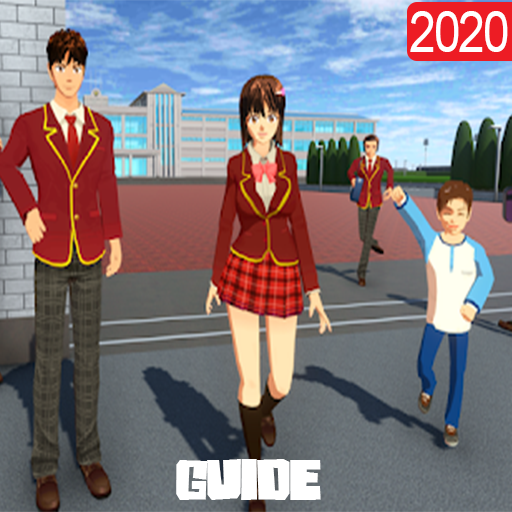
Tips SAKURA School Simulator 2020 para PC
Jeniduva
Descarga Tips SAKURA School Simulator 2020 en PC con GameLoop Emulator
Tips SAKURA School Simulator 2020 en PC
Tips SAKURA School Simulator 2020, proveniente del desarrollador Jeniduva, se ejecuta en el sistema Android en el pasado.
Ahora, puedes jugar Tips SAKURA School Simulator 2020 en PC con GameLoop sin problemas.
Descárgalo en la biblioteca de GameLoop o en los resultados de búsqueda. No más mirar la batería o llamadas frustrantes en el momento equivocado nunca más.
Simplemente disfrute de Tips SAKURA School Simulator 2020 PC en la pantalla grande de forma gratuita!
Tips SAKURA School Simulator 2020 Introducción
Tips SAKURA School Simulator 2020
This tips SAKURA School help you to understand how you can use your app by carful ways and give you how to play or wacth something you want to do , we tell you the best way to play this game and guide you through every one of the missions to assist you with passing every one of the levels in high school simulator
OUTSTANDING FEATURES
Absolutely remarkable light baked Graphics combined with Realtime Light and Shadows
Play at DAYLIGHT or at NIGHT just equipped with your Flashlight
Hundreds of Quests and Dialogue Options in High school simulator
this beautiful App will help you to know everything about the most famous School Sakura Senpai Simulator, you will find many tricks and walkthroughs, however, in this guide you will discover how to complete all School senpai Simulator Game missions and help in the most easiest way .
This is not an official Sakura School Simulator app, not associated or affiliated with developers of any app or any of their partners. This application follows the "fair use" guidelines by US law, if you feel there is a direct copyright or trademark violation that does not follow within the "fair use" guidelines, please contact us directly.
Avance


Información
Desarrollador
Jeniduva
La última versión
1.0
Última actualización
2020-06-04
Categoría
Books-reference
Disponible en
Google Play
Mostrar más
Cómo jugar Tips SAKURA School Simulator 2020 con GameLoop en PC
1. Descargue GameLoop desde el sitio web oficial, luego ejecute el archivo exe para instalar GameLoop.
2. Abra GameLoop y busque "Tips SAKURA School Simulator 2020", busque Tips SAKURA School Simulator 2020 en los resultados de búsqueda y haga clic en "Instalar".
3. Disfruta jugando Tips SAKURA School Simulator 2020 en GameLoop.
Minimum requirements
OS
Windows 8.1 64-bit or Windows 10 64-bit
GPU
GTX 1050
CPU
i3-8300
Memory
8GB RAM
Storage
1GB available space
Recommended requirements
OS
Windows 8.1 64-bit or Windows 10 64-bit
GPU
GTX 1050
CPU
i3-9320
Memory
16GB RAM
Storage
1GB available space