DjVu Reader & Viewer para PC
Android Tools (ru)
Descarga DjVu Reader & Viewer en PC con GameLoop Emulator
DjVu Reader & Viewer en PC
DjVu Reader & Viewer, proveniente del desarrollador Android Tools (ru), se ejecuta en el sistema Android en el pasado.
Ahora, puedes jugar DjVu Reader & Viewer en PC con GameLoop sin problemas.
Descárgalo en la biblioteca de GameLoop o en los resultados de búsqueda. No más mirar la batería o llamadas frustrantes en el momento equivocado nunca más.
Simplemente disfrute de DjVu Reader & Viewer PC en la pantalla grande de forma gratuita!
DjVu Reader & Viewer Introducción
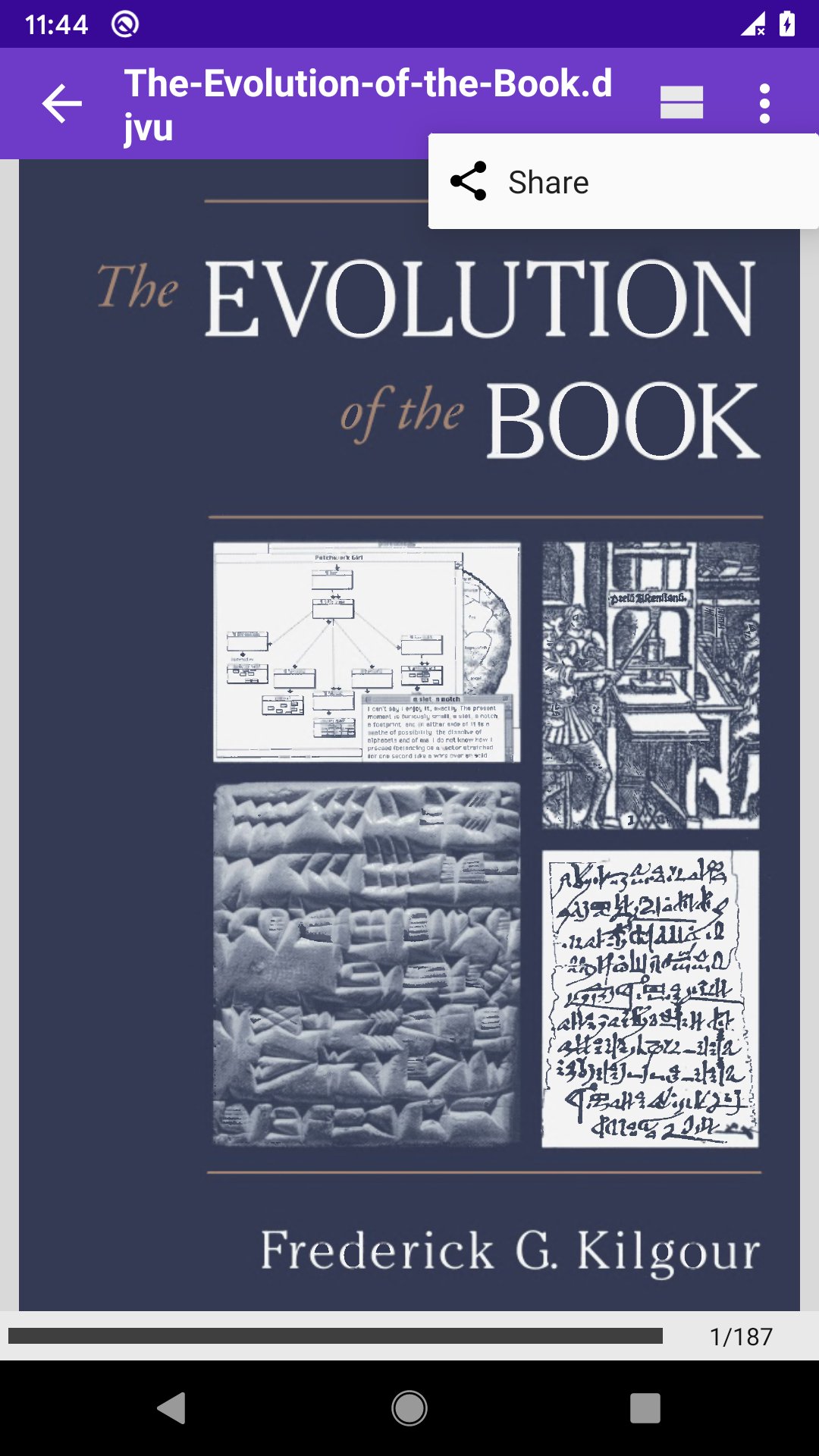
DjVu Reader & Viewer 📖 is the fastest and most convenient reader of DjVu files and documents for Android 📱 Download it absolutely for free and read anywhere — even without internet ❗
DjVu is a popular compression format for scanned documents: books, scientific papers, historical manuscripts, diagrams and handwritten texts. Unlike PDF, DjVu preserves the finest details of paper texture and ink — the format of choice for researchers, historians and book lovers 🏛️
DjVu Reader & Viewer opens even large DjVu archives quickly and smoothly, with no long loading. Just open the file and start reading 🚀
💡 Key Features:
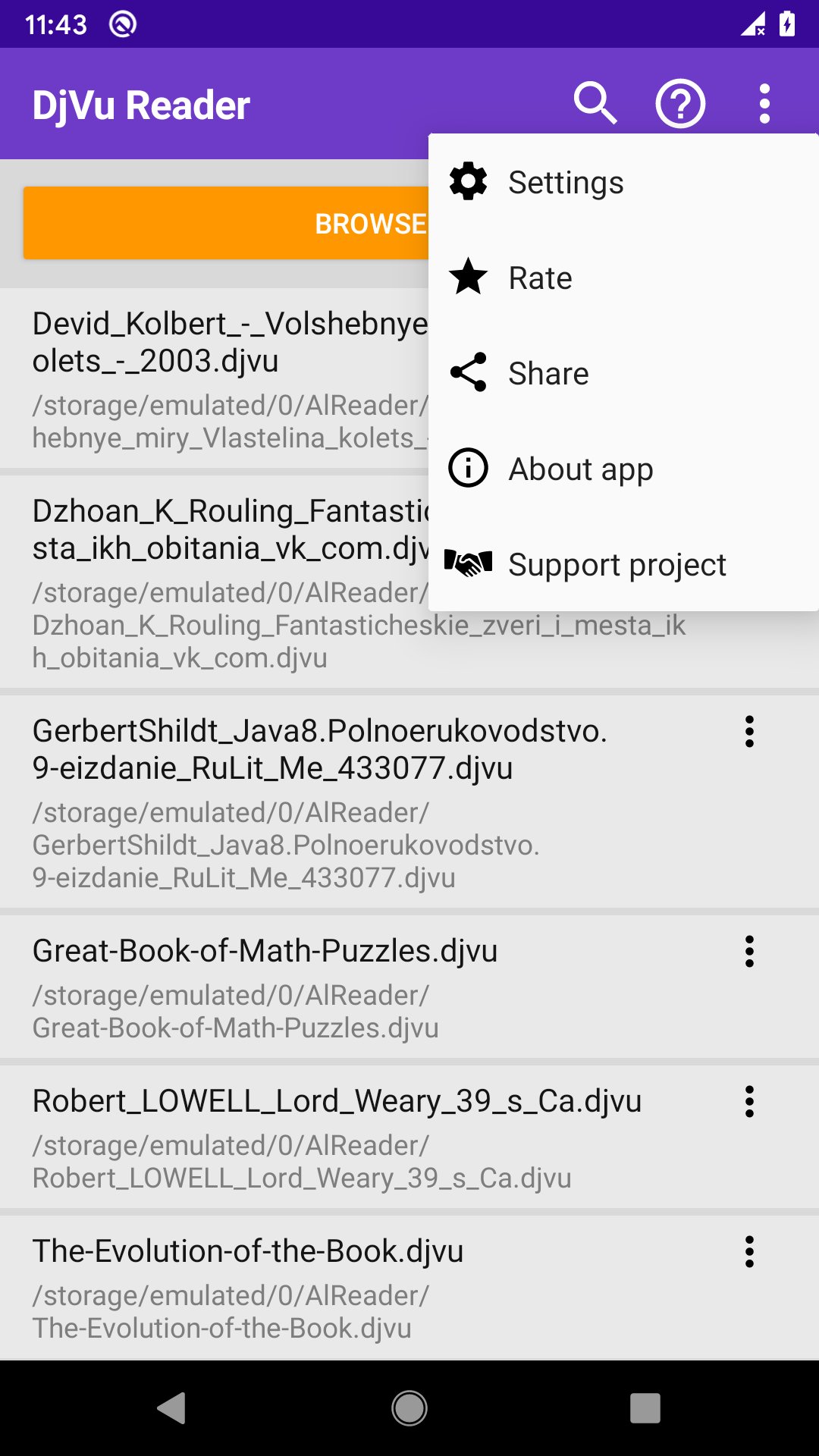
📂 Automatic search for all DjVu files with custom folder scanning;
🔍 Full-text search inside documents with history and result navigation;
🔖 Bookmarks with custom names — never lose your place;
📝 Select text, create quotes, add notes, copy and share;
📄 Convert DjVu to PDF or extract pages as PNG with progress tracking;
🏷️ DjVu metadata editor — edit title, author and date and save them into the file;
🧩 Home-screen widget with a list of your DjVu files — open a book right from your desktop;
🌙 Day and Night reading modes plus manual brightness control;
🗂️ Table of Contents with navigation by sections;
📰 Two-page view in landscape for a natural book experience;
↕️ Horizontal and vertical scroll, pinch-to-zoom and drag-to-pan;
🔊 Turn pages with the volume buttons — read one-handed;
🖥️ Immersive mode hides the status and navigation bars;
📌 Resume the last book automatically on startup;
☀️ Adjust brightness by swiping along the left edge;
🖼️ Page previews in the file list, sorting and skip-cover option;
⭐ Favorites, recent files, reading progress saved automatically.
🔓 Pro Version:
👑 No ads — clean, distraction-free reading;
🔖 Unlimited bookmarks, quotes and notes;
🗂️ Table of Contents with full navigation;
⭐ Favorites for quick access;
☁️ Cloud storage support (Google Drive, OneDrive and others);
🔓 Try Pro free for 1 week — no commitment.
DjVu Reader is an ideal tool for students, academics and everyone who works with scanned books and archival documents 📚
Avance
Etiquetas
Books-&Información
Desarrollador
Android Tools (ru)
La última versión
1.0.149
Última actualización
2026-07-23
Categoría
Books-reference
Disponible en
Google Play
Mostrar más
Cómo jugar DjVu Reader & Viewer con GameLoop en PC
1. Descargue GameLoop desde el sitio web oficial, luego ejecute el archivo exe para instalar GameLoop.
2. Abra GameLoop y busque "DjVu Reader & Viewer", busque DjVu Reader & Viewer en los resultados de búsqueda y haga clic en "Instalar".
3. Disfruta jugando DjVu Reader & Viewer en GameLoop.
Minimum requirements
OS
Windows 8.1 64-bit or Windows 10 64-bit
GPU
GTX 1050
CPU
i3-8300
Memory
8GB RAM
Storage
1GB available space
Recommended requirements
OS
Windows 8.1 64-bit or Windows 10 64-bit
GPU
GTX 1050
CPU
i3-9320
Memory
16GB RAM
Storage
1GB available space