
Total Chess Endgames 1600-2400 para PC
Chess King
Descarga Total Chess Endgames 1600-2400 en PC con GameLoop Emulator
Total Chess Endgames 1600-2400 en PC
Total Chess Endgames 1600-2400, proveniente del desarrollador Chess King, se ejecuta en el sistema Android en el pasado.
Ahora, puedes jugar Total Chess Endgames 1600-2400 en PC con GameLoop sin problemas.
Descárgalo en la biblioteca de GameLoop o en los resultados de búsqueda. No más mirar la batería o llamadas frustrantes en el momento equivocado nunca más.
Simplemente disfrute de Total Chess Endgames 1600-2400 PC en la pantalla grande de forma gratuita!
Total Chess Endgames 1600-2400 Introducción
Total Chess Endings course composed by GM Alexander Panchenko. It's aim is to teach a student the intricacies of the endgame through a theoretical section, which includes over 600 games/lectures, each of them illustrating theoretical and practical endgame methods, and training section, with more than 2400 endgame exercises, classified according to 500 endgame themes. The material written by IM ICCF Alexander Alpert.
This course is in the series Chess King Learn (https://learn.chessking.com/), which is an unprecedented chess teaching method. In the series are included courses in tactics, strategy, openings, middlegame, and endgame, split by levels from beginners to experienced players, and even professional players.
With the help of this course, you can improve your chess knowledge, learn new tactical tricks and combinations, and consolidate the acquired knowledge into practice.
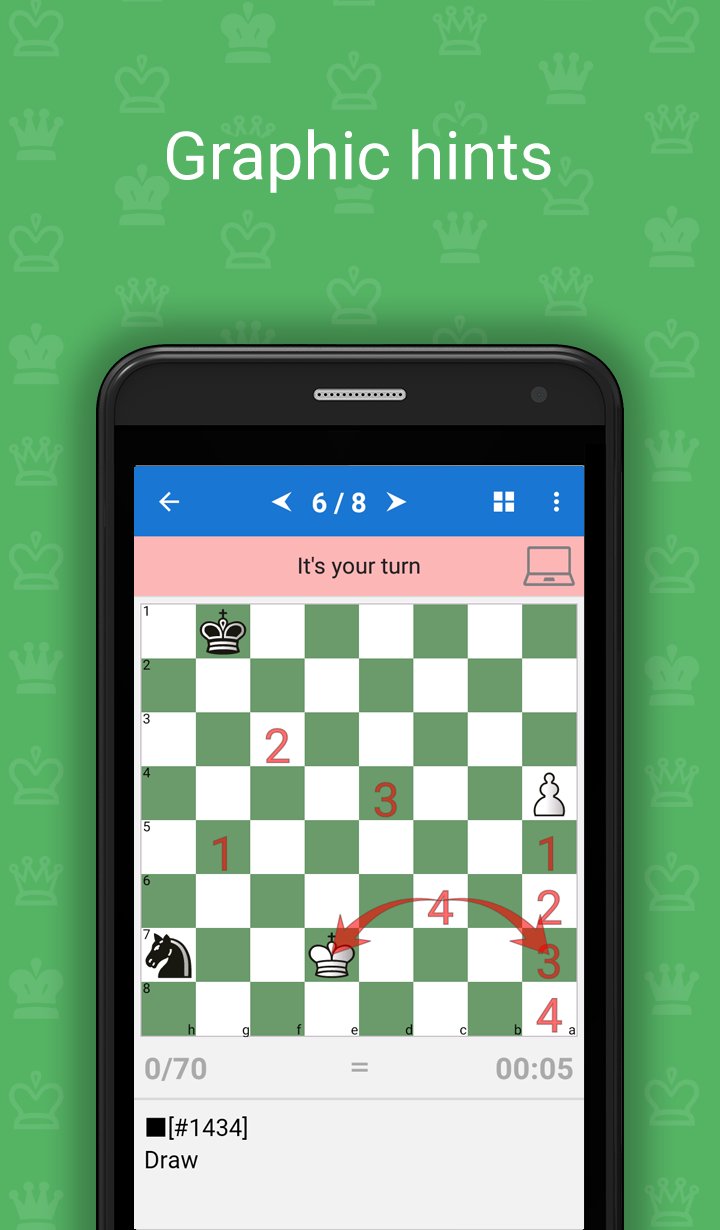
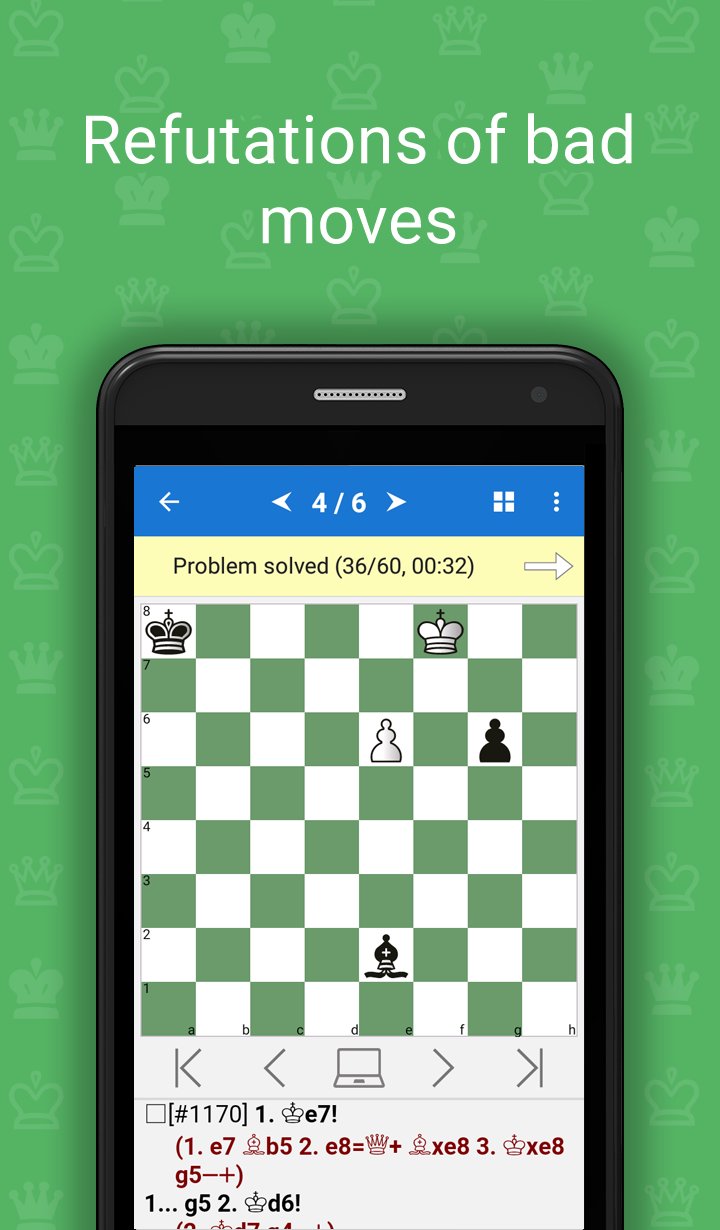
The program acts as a coach who gives tasks to solve and helps to solve them if you get stuck. It will give you hints, explanations and show you even striking refutation of the mistakes you might make.
The program also contains a theoretical section, which explains the methods of the game in a certain stage of the game, based on actual examples. The theory is presented in an interactive way, which means you can not only read the text of the lessons, but also to make moves on the board and work out unclear moves on the board.
Advantages of the program:
♔ High quality examples, all double-checked for correctness
♔ You need to enter all key moves, required by the teacher
♔ Different levels of complexity of the tasks
♔ Various goals, which need to be reached in the problems
♔ The program gives hint if an error is made
♔ For typical mistaken moves, the refutation is shown
♔ You can play out any position of the tasks against the computer
♔ Interactive theoretical lessons
♔ Structured table of contents
♔ The program monitors the change in the rating (ELO) of the player during the learning process
♔ Test mode with flexible settings
♔ Possibility to bookmark favorite exercises
♔ The application is adapted to the bigger screen of a tablet
♔ The application does not require an internet connection
♔ You can link the app to a free Chess King account and solve one course from several devices on Android, iOS and Web at the same time
The course includes a free part, in which you can test the program. Lessons offered in the free version are fully functional. They allow you to test the application in real world conditions before releasing the following topics:
1.1. King and pawn against king
1.2. King and two pawns against king
1.3. Pawn against pawn
1.4. Two pawns against one
1.5. Two pawns against two
1.6. Three pawns against two or three pawns
1.7. Endings with several pawns (material advantage)
1.8. Endings with several pawns (positional advantage)
1.9. Transition to the pawn endgame
2.1. Rook against pawn
2.2. Rook against two pawns
2.3. Rook against three or more pawns
2.4. Rook and pawns against pawns
2.5. Rook and pawn against rook
2.6. Rook and two pawns against rook
2.7. Rook and three pawns against rook
2.8. Rook and pawn against rook and pawn
3. Bishop endings
4. Knight endings
5. Rook against bishop endings
6. Bishop against knight endings
7. Rook against knight endings
8. Queen against pawns
9. Queen endings
10. Queen against rook endings
11. Queen against knight endings
12. Queen against bishop endings
13. Pawn endings
15. Bishops of opposite color
16. Opposite colored bishops with rooks or queens on the board
17. Bishops of the same color
18. Bishop against knight
19. Bishop pair in the endgame
20. Extra exchange
21. Rook versus pawns
22. Rook endings
23. Endings with four rooks
24. Queen endgames
25. Queen against two rooks
26. Multi-piece endings
Avance
Etiquetas
CasualUn solo jugadorDesconectadoInformación
Desarrollador
Chess King
La última versión
5.7.5
Última actualización
2026-05-22
Categoría
Juegos de mesa
Disponible en
Google Play
Mostrar más
Cómo jugar Total Chess Endgames 1600-2400 con GameLoop en PC
1. Descargue GameLoop desde el sitio web oficial, luego ejecute el archivo exe para instalar GameLoop.
2. Abra GameLoop y busque "Total Chess Endgames 1600-2400", busque Total Chess Endgames 1600-2400 en los resultados de búsqueda y haga clic en "Instalar".
3. Disfruta jugando Total Chess Endgames 1600-2400 en GameLoop.
Minimum requirements
OS
Windows 8.1 64-bit or Windows 10 64-bit
GPU
GTX 1050
CPU
i3-8300
Memory
8GB RAM
Storage
1GB available space
Recommended requirements
OS
Windows 8.1 64-bit or Windows 10 64-bit
GPU
GTX 1050
CPU
i3-9320
Memory
16GB RAM
Storage
1GB available space