
Photo Video Editor With Transitions para PC
Apps Impulses
Descarga Photo Video Editor With Transitions en PC con GameLoop Emulator
Photo Video Editor With Transitions en PC
Photo Video Editor With Transitions, proveniente del desarrollador Apps Impulses, se ejecuta en el sistema Android en el pasado.
Ahora, puedes jugar Photo Video Editor With Transitions en PC con GameLoop sin problemas.
Descárgalo en la biblioteca de GameLoop o en los resultados de búsqueda. No más mirar la batería o llamadas frustrantes en el momento equivocado nunca más.
Simplemente disfrute de Photo Video Editor With Transitions PC en la pantalla grande de forma gratuita!
Photo Video Editor With Transitions Introducción
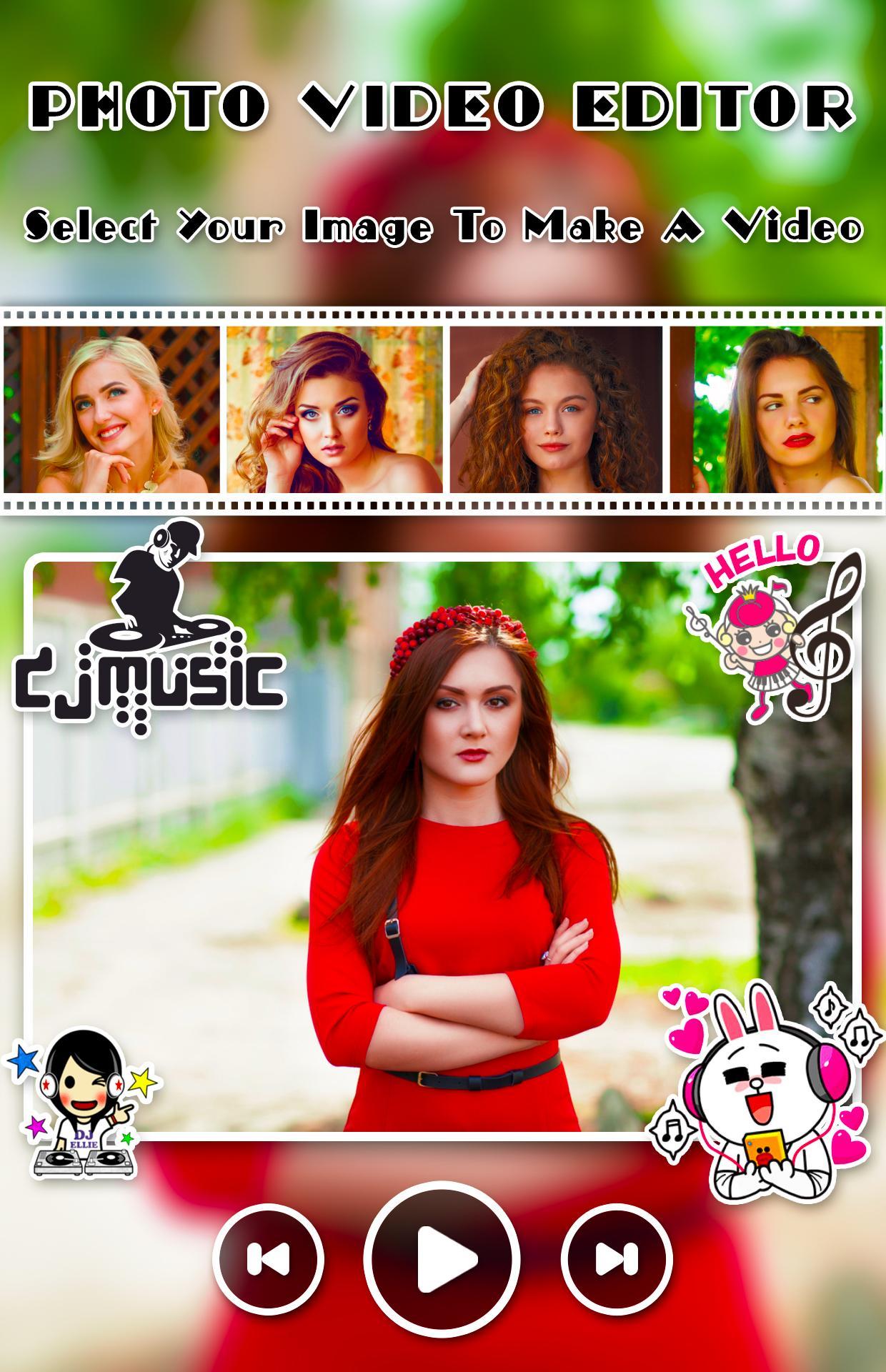
Creating and editing video from images, music and share amazing music video story
Create amazing movie with your photos, music and amazing animation effects. Photo Video Editor With Transitionsprovide nice animation effect, predefined sounds to give better effect.
Photo Video Editor With Transitions app helps you to make videos with you and your loved one photos with adding a song and convert them into a beautiful video. Create your own greetings with beautiful and lovely themes that are available in this app to integrate it with multiple photos and share it with your loved ones.
Photo Video Editor With Transitions is one of the power full video maker application. Everything you need to make an awesome video
Application Freatures
- Add music to video and pictures, adjust the volume of music
- GIF maker from picture and video
- Text on video editor: write on video and edit font & color with text to video maker function.
- Add subtitle to video easily in slideshow with music maker app
- Add sticker in video sticker editor function and draw on video
- Crop and trim video, merge videos together editor
- Video cut and join and add music to video
- Zoom, video rotation, copy, rewind
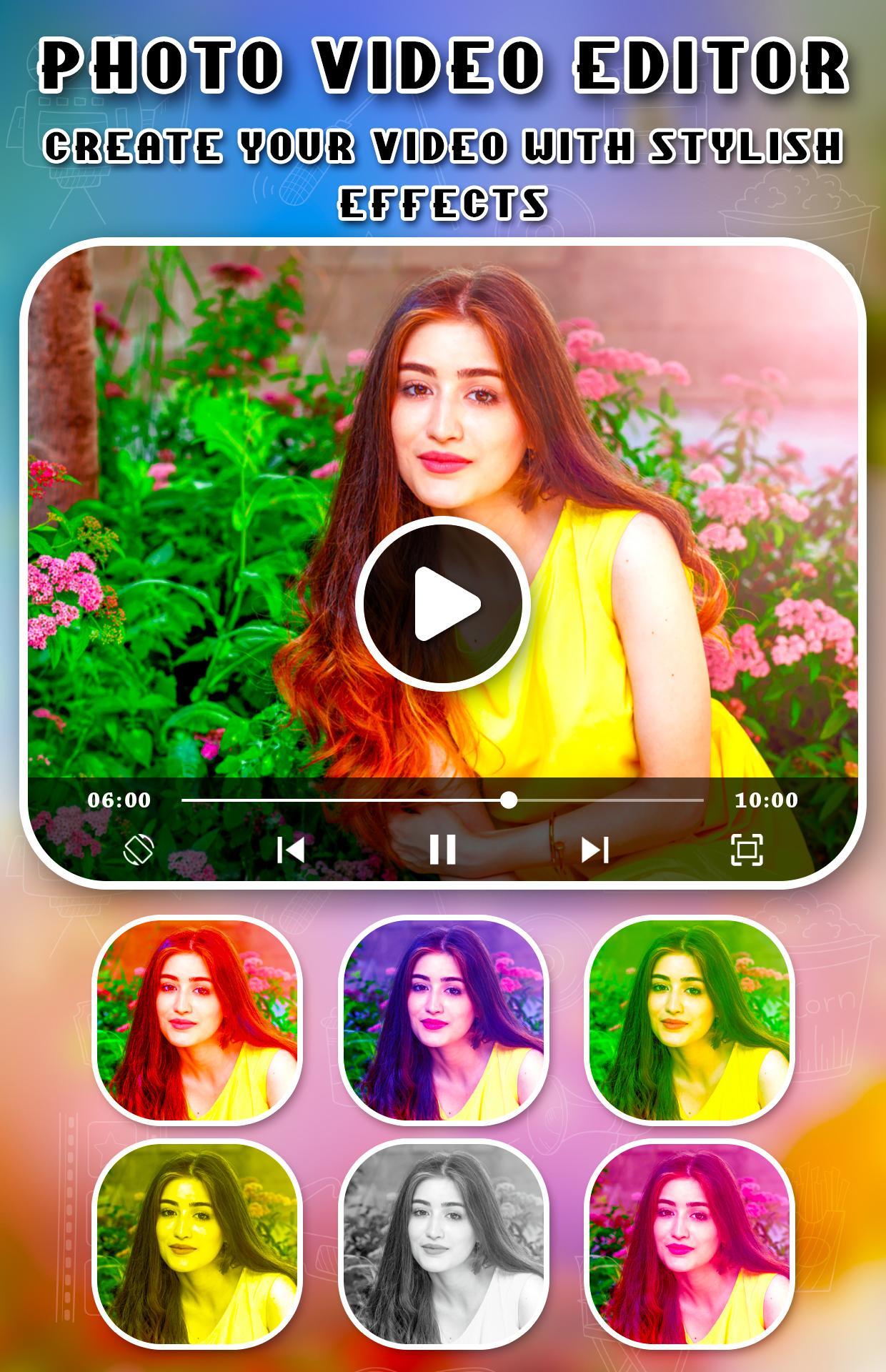
- Over 30 different video filters for you
- Add your voice to video or mute voice
- Over 20 video transition effects
- Add lightning or foam effect to video
Avance
Información
Desarrollador
Apps Impulses
La última versión
1.1
Última actualización
2019-07-20
Categoría
Belleza
Disponible en
Google Play
Mostrar más
Cómo jugar Photo Video Editor With Transitions con GameLoop en PC
1. Descargue GameLoop desde el sitio web oficial, luego ejecute el archivo exe para instalar GameLoop.
2. Abra GameLoop y busque "Photo Video Editor With Transitions", busque Photo Video Editor With Transitions en los resultados de búsqueda y haga clic en "Instalar".
3. Disfruta jugando Photo Video Editor With Transitions en GameLoop.
Minimum requirements
OS
Windows 8.1 64-bit or Windows 10 64-bit
GPU
GTX 1050
CPU
i3-8300
Memory
8GB RAM
Storage
1GB available space
Recommended requirements
OS
Windows 8.1 64-bit or Windows 10 64-bit
GPU
GTX 1050
CPU
i3-9320
Memory
16GB RAM
Storage
1GB available space