
Car History Check: VIN Decoder para PC
carVertical OÜ
Descarga Car History Check: VIN Decoder en PC con GameLoop Emulator
Car History Check: VIN Decoder en PC
Car History Check: VIN Decoder, proveniente del desarrollador carVertical OÜ, se ejecuta en el sistema Android en el pasado.
Ahora, puedes jugar Car History Check: VIN Decoder en PC con GameLoop sin problemas.
Descárgalo en la biblioteca de GameLoop o en los resultados de búsqueda. No más mirar la batería o llamadas frustrantes en el momento equivocado nunca más.
Simplemente disfrute de Car History Check: VIN Decoder PC en la pantalla grande de forma gratuita!
Car History Check: VIN Decoder Introducción
Looking for a used vehicle? Want to know the full history of your own car?
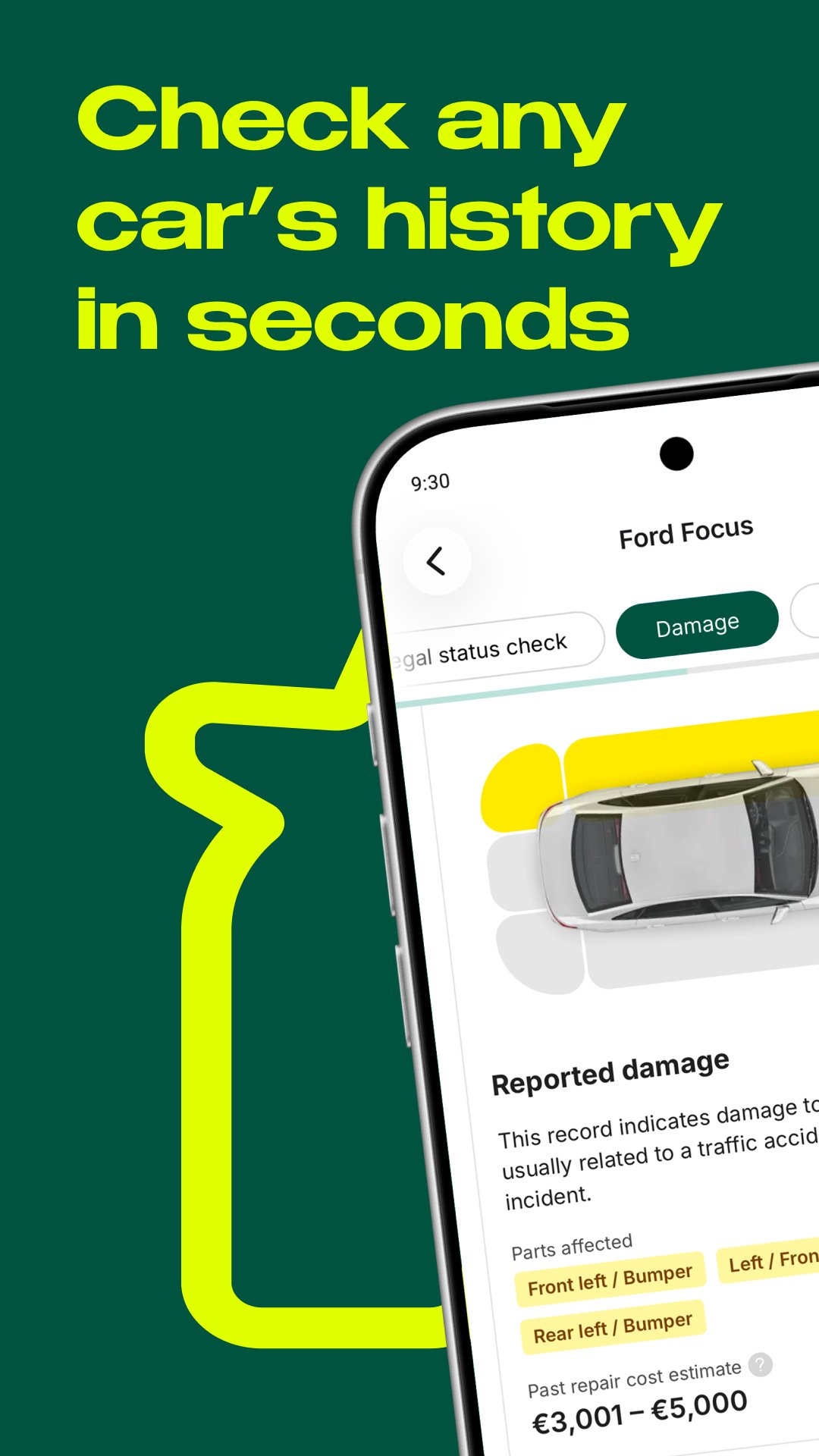
Car History Check is a VIN decoder and vehicle history report app that helps reveal key vehicle details before you buy. Use it to check available records for mileage rollbacks, hidden damage, theft records, historical photos, service history, auction history, salvage status, equipment details and other important vehicle information.
WHAT IS A VIN?
VIN means vehicle identification number. It is a unique 17-character code used to identify a specific car, truck, bus, trailer or other vehicle. From production to service, ownership changes, accidents and scrapyard records, important vehicle life events can be connected to the VIN.
WHAT IS A VIN DECODER?
A VIN decoder, also known as a car history check, VIN lookup or vehicle history check, helps decode the VIN number and collect available records from vehicle databases. This can include manufacturing data, model details, original equipment, mileage records, accident history, theft records, damage history and more.
WHY CHECK VEHICLE HISTORY?
A VIN number check helps compare a vehicle's condition across different dates. This can reveal discrepancies caused by accidents, part replacement, tuning, faults, mileage fraud or a seller hiding important facts.
Car History Check can help you learn more than a seller may want to tell you. Use the report to make a more confident buying decision or negotiate the price with more confidence.
YOU CAN USE CAR HISTORY CHECK TO:
• Check key vehicle facts, including production year, engine size, power and transmission type
• Review original equipment and vehicle details
• Look for hidden damage, odometer fraud and theft records
• Learn about available service history and model issues
• View historical vehicle photos when available
Never buy a used vehicle without checking its history. Download Car History Check and run a VIN lookup before your next purchase.
Avance

Etiquetas
Auto-&Información
Desarrollador
carVertical OÜ
La última versión
8.2.0
Última actualización
2026-07-29
Categoría
Auto-vehicles
Disponible en
Google Play
Mostrar más
Cómo jugar Car History Check: VIN Decoder con GameLoop en PC
1. Descargue GameLoop desde el sitio web oficial, luego ejecute el archivo exe para instalar GameLoop.
2. Abra GameLoop y busque "Car History Check: VIN Decoder", busque Car History Check: VIN Decoder en los resultados de búsqueda y haga clic en "Instalar".
3. Disfruta jugando Car History Check: VIN Decoder en GameLoop.
Minimum requirements
OS
Windows 8.1 64-bit or Windows 10 64-bit
GPU
GTX 1050
CPU
i3-8300
Memory
8GB RAM
Storage
1GB available space
Recommended requirements
OS
Windows 8.1 64-bit or Windows 10 64-bit
GPU
GTX 1050
CPU
i3-9320
Memory
16GB RAM
Storage
1GB available space