C'ENTRO CAR SHARING para PC
Targa Telematics
Descarga C'ENTRO CAR SHARING en PC con GameLoop Emulator
C'ENTRO CAR SHARING en PC
C'ENTRO CAR SHARING, proveniente del desarrollador Targa Telematics, se ejecuta en el sistema Android en el pasado.
Ahora, puedes jugar C'ENTRO CAR SHARING en PC con GameLoop sin problemas.
Descárgalo en la biblioteca de GameLoop o en los resultados de búsqueda. No más mirar la batería o llamadas frustrantes en el momento equivocado nunca más.
Simplemente disfrute de C'ENTRO CAR SHARING PC en la pantalla grande de forma gratuita!
C'ENTRO CAR SHARING Introducción
C'ENTRO CAR SHARING:
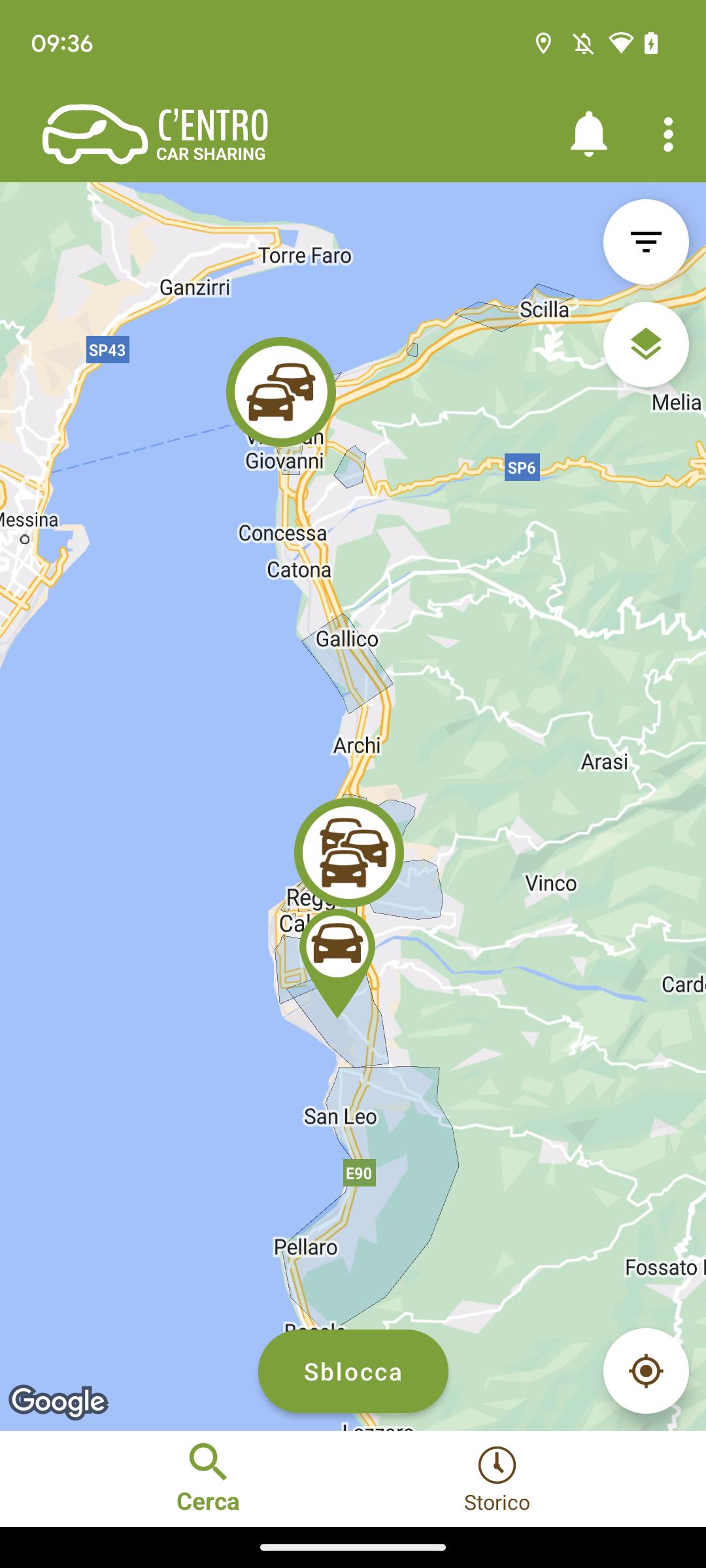
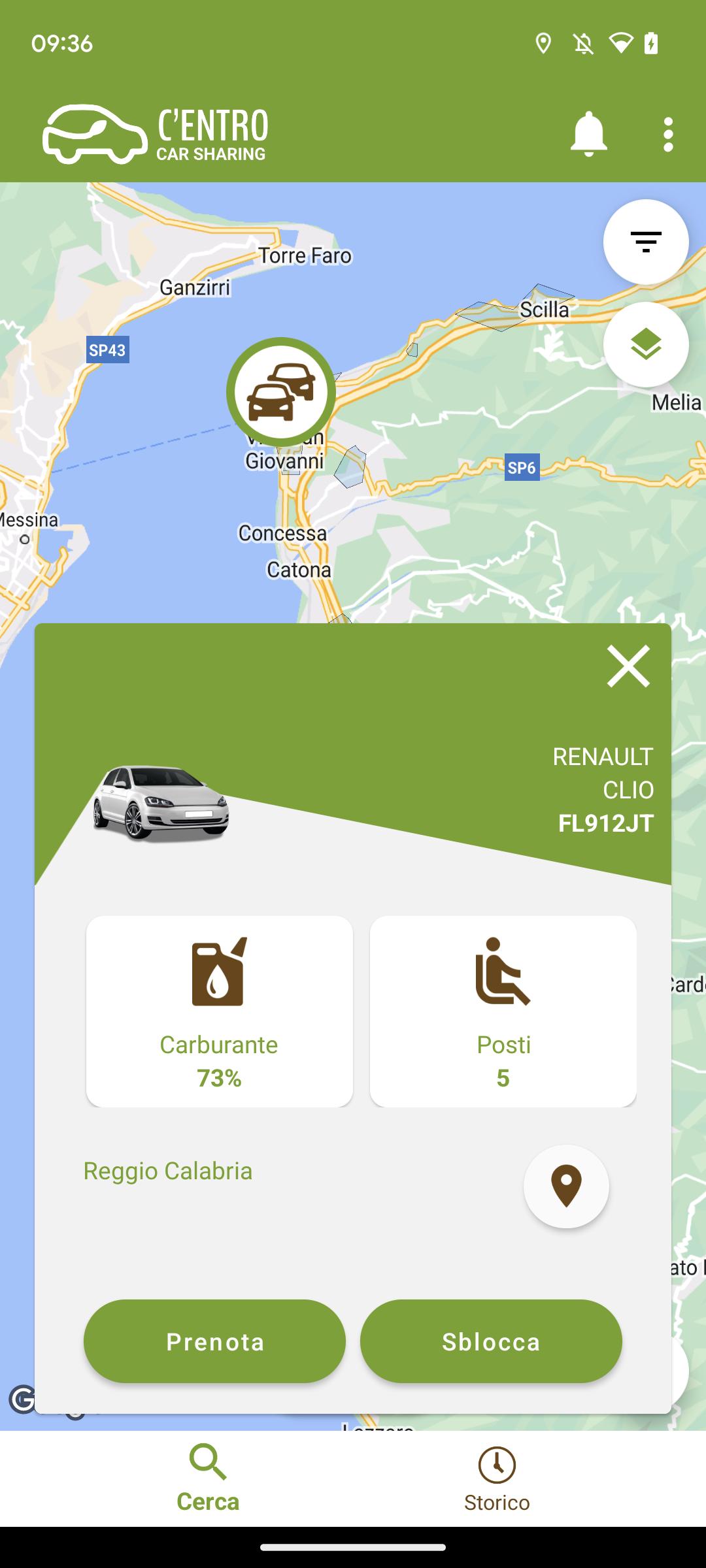
the Car Sharing service of the Metropolitan City of Reggio Calabria. How does it work? First of all REGISTER on the website or directly from the C'ENTRO CAR SHARING APP, entering the requested information: personal data, driving license information and payment method. Done! And then? 1 BOOK
Log in to the app via web or mobile with your credentials and
book your vehicle. 2 COLLECT THE VEHICLE
Approach the car and open it with your app
3 LEAVE
Now that the car is open you can take the keys from the dashboard, check the condition of the car and if everything is in order start your rental. 4 COMPLETE THE RENTAL
To end the rental park the vehicle, insert the keys in the compartment where you found them and get out of the car. Check that you have closed the windows and that the vehicle is in the same condition as when you picked it up. Start the closing procedure with your app to close the vehicle and end your rental.
Based on the provisions of Legislative Decree 76/2020, we have published the accessibility statement of this app on the following web page: https://centro.targatelematics.com/?t=pages&p=a11y-android
Avance
Etiquetas
Auto-&Información
Desarrollador
Targa Telematics
La última versión
7.8.23
Última actualización
2025-10-22
Categoría
Auto-vehicles
Disponible en
Google Play
Mostrar más
Cómo jugar C'ENTRO CAR SHARING con GameLoop en PC
1. Descargue GameLoop desde el sitio web oficial, luego ejecute el archivo exe para instalar GameLoop.
2. Abra GameLoop y busque "C'ENTRO CAR SHARING", busque C'ENTRO CAR SHARING en los resultados de búsqueda y haga clic en "Instalar".
3. Disfruta jugando C'ENTRO CAR SHARING en GameLoop.
Minimum requirements
OS
Windows 8.1 64-bit or Windows 10 64-bit
GPU
GTX 1050
CPU
i3-8300
Memory
8GB RAM
Storage
1GB available space
Recommended requirements
OS
Windows 8.1 64-bit or Windows 10 64-bit
GPU
GTX 1050
CPU
i3-9320
Memory
16GB RAM
Storage
1GB available space