
Diggy para PC
Sauzana Games
Descarga Diggy en PC con GameLoop Emulator
Diggy en PC
Diggy, proveniente del desarrollador Sauzana Games, se ejecuta en el sistema Android en el pasado.
Ahora, puedes jugar Diggy en PC con GameLoop sin problemas.
Descárgalo en la biblioteca de GameLoop o en los resultados de búsqueda. No más mirar la batería o llamadas frustrantes en el momento equivocado nunca más.
Simplemente disfrute de Diggy PC en la pantalla grande de forma gratuita!
Diggy Introducción
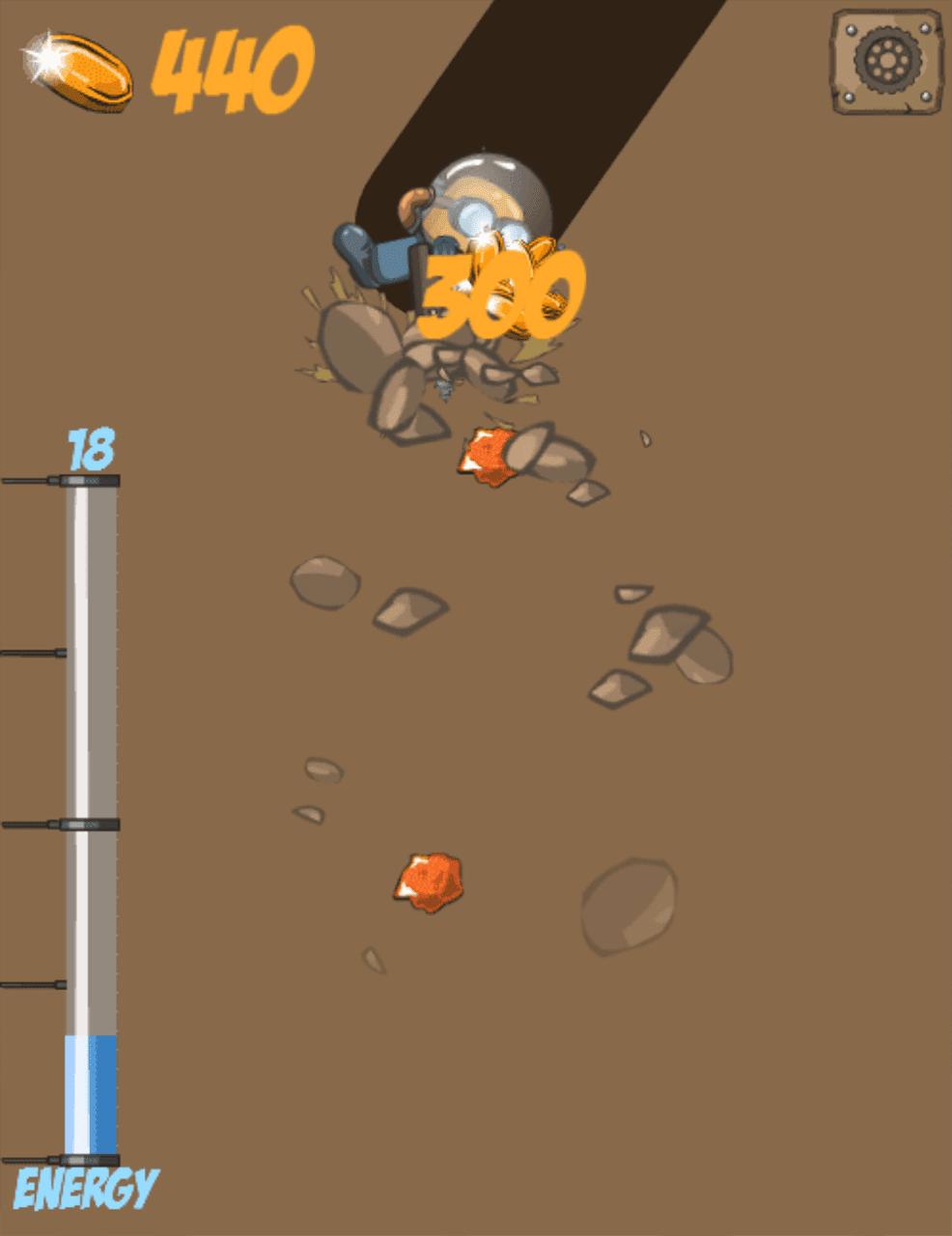
Diggy is back! Dig all the way to the center of the moon. Collect treasure and upgrade your mining equipment to help you along the way.
Go on a digging quest and make it to the center of planet Earth! Buy upgrades to dig quicker and more efficiently. Good luck! Diggy is a fun digging game in which you need to dig as deep as possible and find many hidden treasures. To dig, you need to shoot the drill, but it consumes energy. You can also use radar to find the nearby valuables. Try to get as many treasures as you can before the energy runs out. Some layers of soil are harder than others and require more shoots. After the energy runs out, the day is over, and you have the chance to buy various upgrades to dig longer in the next day. Repeat and go as deep as possible!
Avance

Etiquetas
AventuraInformación
Desarrollador
Sauzana Games
La última versión
1.0.0
Última actualización
2022-06-16
Categoría
Aventura
Disponible en
Google Play
Mostrar más
Cómo jugar Diggy con GameLoop en PC
1. Descargue GameLoop desde el sitio web oficial, luego ejecute el archivo exe para instalar GameLoop.
2. Abra GameLoop y busque "Diggy", busque Diggy en los resultados de búsqueda y haga clic en "Instalar".
3. Disfruta jugando Diggy en GameLoop.
Minimum requirements
OS
Windows 8.1 64-bit or Windows 10 64-bit
GPU
GTX 1050
CPU
i3-8300
Memory
8GB RAM
Storage
1GB available space
Recommended requirements
OS
Windows 8.1 64-bit or Windows 10 64-bit
GPU
GTX 1050
CPU
i3-9320
Memory
16GB RAM
Storage
1GB available space